Thread Border Router Placement 2026: Make Matter Devices Reliable
Plan Thread border router placement for Matter smart homes with coverage checks, Wi-Fi coexistence, backups, commissioning, and troubleshooting.
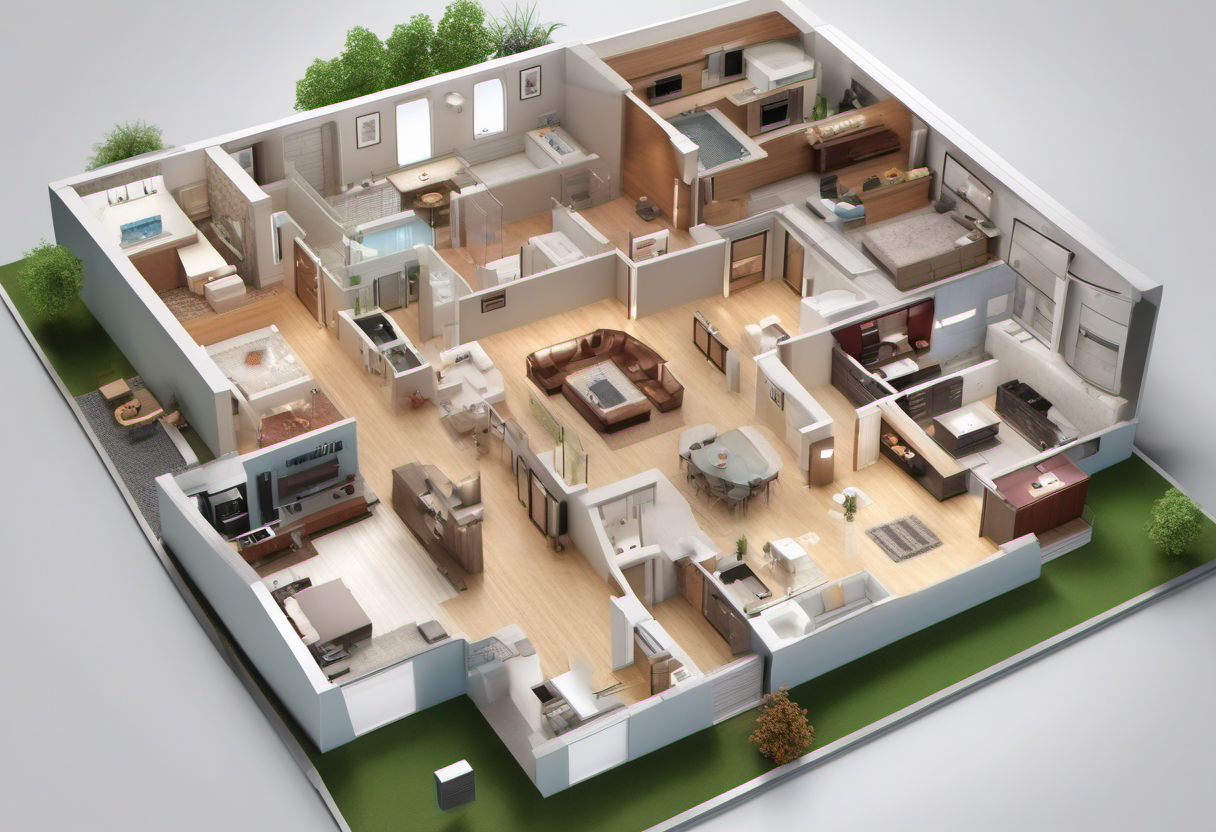
Thread can make Matter smart homes feel calmer, but only when the network is planned like a low-power mesh rather than treated as another app feature. A Thread border router is the bridge between battery-friendly Thread accessories and the home network used by phones, hubs, and cloud services. If that bridge is poorly placed, unplugged, isolated on the wrong network, or dependent on one overloaded device, locks miss commands, sensors report late, and automations look random.
Start with the jobs Thread should actually do
Thread is not a replacement for every smart-home connection. It is strongest for low-power devices that send small messages: contact sensors, motion sensors, leak sensors, buttons, blinds, locks, thermostats, and small controllers. It is not the right transport for security cameras, whole-home audio, video displays, or anything that needs high bandwidth. Before buying more hubs, list the devices that need low-power reliability and the rooms where missed messages would matter.
Draw a quick map of the house. Mark the internet router, wired access points, existing smart speakers or hubs that advertise Thread border router support, locks, exterior doors, bedrooms, utility rooms, and any sensors that protect water, smoke, or security routines. Then mark the obstacles: masonry, metal appliances, mirrors, electrical panels, elevator cores, foil-backed insulation, thick tile, and large aquariums. Thread mesh devices can relay messages, but sleepy battery sensors usually cannot. A central border router helps, yet the path between devices matters more than the brand name on the box.
For a first installation, define success in practical terms. A door sensor should update within a few seconds from the place where the door is used. A lock should respond without someone opening a second app. A leak sensor should alert even if the phone is asleep. A button should trigger the intended scene without requiring the main Wi-Fi router to be restarted. Those tests are more useful than simply seeing “connected” in a setup screen.
Place border routers where radio, power, and people agree
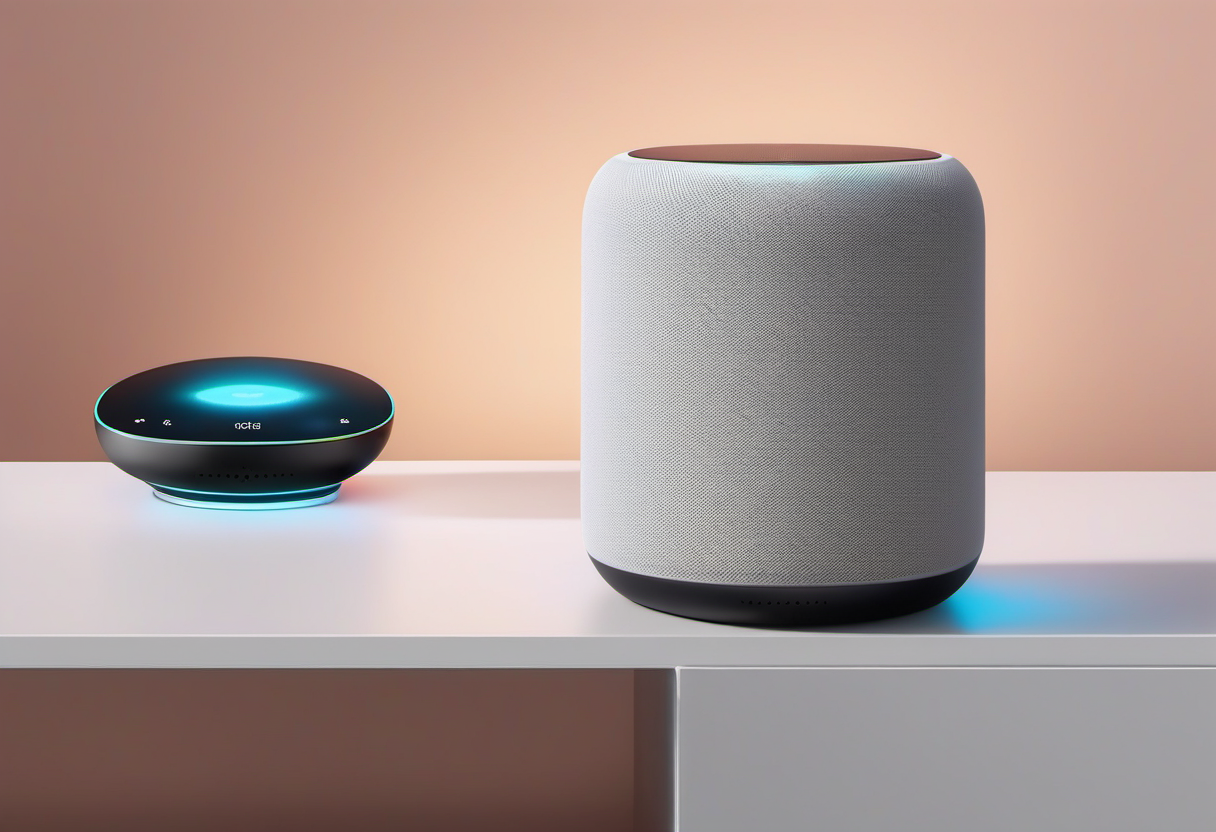
The best border-router location is rarely inside a network closet. Thread uses the 2.4 GHz neighborhood, so it dislikes the same things that weaken Wi-Fi and Zigbee: metal, dense walls, low corners, and electronics stacked behind televisions. Put the first border router in the lived-in center of the device cluster, elevated, powered continuously, and away from large metal surfaces. A smart speaker on a console, a hub near the kitchen-family-room boundary, or an access point with Thread support can be better than a hidden box at the far end of the house.
Power stability matters. A border router that is unplugged for cleaning or moved for guests can break routines in a way that looks like accessory failure. Avoid outlets controlled by wall switches. Avoid power strips that are routinely reset. If the device is also a speaker or display, make sure household members know it is part of the infrastructure, not just a gadget. Put a small note in the home maintenance log naming the border routers and their normal locations.
Do not crowd the device. Keep it a few inches away from Wi-Fi routers, USB 3 hubs, cordless phone bases, baby monitors, and dense entertainment cabinets. If the border router is built into a Wi-Fi access point, placement may already be good for coverage, but it still needs testing with the actual Thread accessories. A strong Wi-Fi map does not prove that a lock beside a metal door or a basement leak sensor has a healthy Thread route.
Use more than one border router only when it solves a measured gap
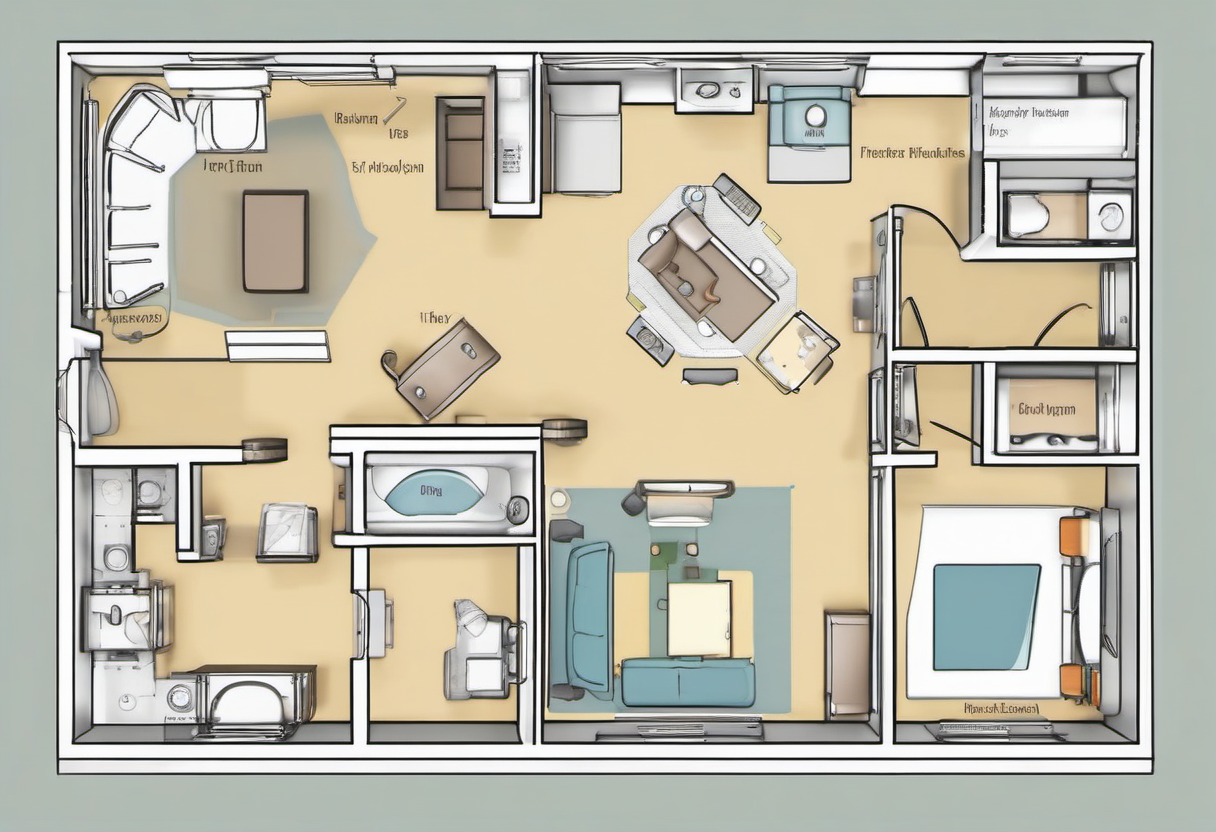
Multiple border routers can improve resilience, but they are not magic repeaters. Add a second one when the home has multiple floors, a detached office, long hallway geometry, exterior doors at opposite ends, or sensors blocked by heavy construction. In a small apartment, moving one device three meters may outperform buying another hub. In a larger home, two or three steady border routers can prevent a single unplugged speaker from taking the whole Thread fabric down.
Keep the fabric simple. Matter controllers and Thread border routers from different ecosystems can coexist, but each platform may expose status differently. Document which app commissioned each accessory, which controller owns the automation, and which devices are border routers rather than ordinary endpoints. If you use Home Assistant, SmartThings, Apple Home, Google Home, or another controller, avoid making the same critical automation in three places. Duplicate automations are hard to troubleshoot because a device may appear to “recover” when only one platform has changed state.
A good second border router sits between the weak accessory cluster and the rest of the mesh. For example, place one near the entry and one near the bedroom hallway if locks and sensors are split. For a basement utility room, a border router at the stair landing may work better than one next to the water heater. The goal is not maximum device count; it is fewer weak hops and fewer single points of failure.
Commission devices in the place they will live
Many Matter setup failures come from pairing devices on a desk, then moving them to a radio-poor location. For battery sensors, commission them near their final room after the border router is already placed. For locks, thermostats, and in-wall devices, confirm the electrical and mechanical installation first, then add the accessory. If the setup app suggests an update, perform it before relying on automations. Firmware updates can improve Thread behavior, but they can also take long enough that a device looks stuck.
Name devices by location and response: “front door lock,” “laundry leak sensor,” “hall motion night light.” Avoid names like “Thread sensor 4.” If an alert arrives while you are away, the name should tell a neighbor or family member where to look. Put rooms into the platform consistently; mismatched room names make voice control and automation reviews messy.
After commissioning, run a five-minute acceptance test. Trigger the sensor or switch, watch the app update, wait, trigger again, and then test from another controller or household phone. For a lock, test from inside the home, outside the door, and after the phone has been locked for a while. For a leak sensor, use a damp cloth rather than flooding the floor. If the device fails only after being moved to its real location, you have a placement problem, not necessarily a product defect.
Troubleshoot by changing one variable at a time
When a Thread accessory becomes unreliable, resist the urge to reset everything. First, check the simple failures: border router powered, internet router stable, phone on the expected home, platform outage, accessory battery level, and recent firmware changes. Then test distance and obstruction. Move the accessory temporarily closer to the border router or move a plug-in Thread device between them if the product supports routing. If reliability improves, placement is the culprit.
Next, look for 2.4 GHz congestion and interference. Thread shares spectrum with many household devices. You do not need to become a radio engineer, but you should avoid placing all radios in one stack. If the home has many 2.4 GHz Wi-Fi networks nearby, keep Thread hubs away from the most crowded access point and avoid USB drives or hubs sitting next to the border router. Apartment buildings can change during the day as neighbors return home, so test at the time when failures actually occur.
Keep resets as the last step. Factory resetting a Matter accessory can remove it from automations, rooms, scenes, and other controllers. Before resetting, screenshot device details, automations, room assignment, and firmware version. If a reset is required, recommission the device in its final location and retest before rebuilding every automation.
Build redundancy into critical routines
A smart lock or leak sensor should not rely on one cloud path, one phone, and one hidden speaker. For security and safety routines, add plain-language fallback steps. The front door should still have a physical key or approved backup entry method. A water alert should include a household response plan and manual shutoff instructions. A thermostat or heat-pump routine should not make the home unsafe if an automation fails. Thread improves local reliability, but it does not remove the need for human-readable recovery.
For critical automations, choose local-first behavior where the platform supports it. A motion sensor controlling a hallway light should work even if the internet is down. A lock state should remain visible to household members who need it. A vacation routine should be tested before travel, not on the day you leave. If your smart home uses Home Assistant, keep backups and export the automation logic so a failed controller does not erase the reasoning behind the setup.
Review the system after every device addition. New Thread accessories can change routes, and new Wi-Fi equipment can change the radio environment. The review does not need to be elaborate: check the border router locations, battery levels, firmware updates, and the most important automations. If everything works, write down the date. If something fails, change one thing and record the result.
Buying checklist before adding another hub
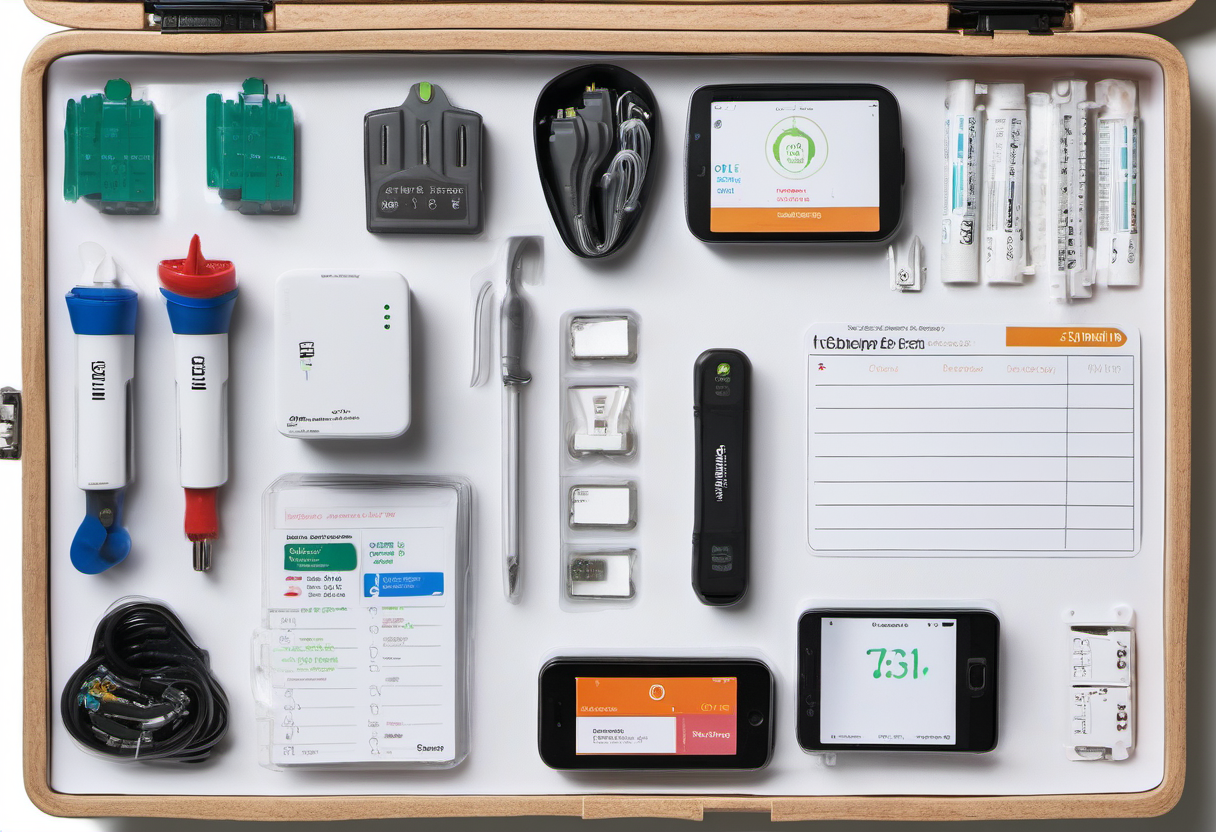
Before spending money, answer four questions. Which device is unreliable? Where is it located? What happens when it is moved closer to the border router? What happens when the border router is moved into a clearer, higher, more central position? If you cannot answer those, another hub may only hide the real issue.
Buy a new border router when it fills a real gap: a second floor, a detached workspace, a lock cluster far from the living room, or a platform requirement you already use. Prefer devices that will stay plugged in, receive updates, and fit naturally into the room. Avoid buying a speaker or display only because it has Thread if nobody wants it in the location where the mesh needs help.
A reliable Matter-over-Thread home feels boring in the best way. Sensors report, locks respond, automations run, and nobody thinks about the border router. That boring result comes from deliberate placement, simple documentation, careful commissioning, and periodic tests. Treat Thread as infrastructure, and the smart home becomes easier to trust.