Smart Home Hubs 2026 — SmartThings vs Hubitat vs Home Assistant Yellow
Cloud-dependent vs local-control hubs compared across SmartThings Station, Hubitat Elevation, and Home Assistant Yellow on automation latency, ecosystem reach, and Matter/Thread support.
The smart home hub decision used to be about which radio protocols you needed — Zigbee versus Z-Wave versus brand-specific cloud. Matter has simplified that conversation but not eliminated the need for a hub. The new question is one of philosophy: cloud-dependent platforms that are easy to start with versus local-first platforms that survive vendor decisions but require more technical investment.
This article compares the three hubs that anchor most household smart-home installations: Samsung SmartThings Station (cloud-dependent, easy), Hubitat Elevation (local-first, friendly), and Home Assistant Yellow (local-first, deeply customizable). Each represents a different point on the convenience-versus-control trade-off.
- When you actually need a separate hub versus an ecosystem controller
- Cloud-dependent vs local-first hub philosophies
- Matter, Zigbee, Z-Wave, and Thread radio support by hub
- Long-term platform stability and exit-cost considerations
- Top picks by technical comfort and household size
When you need a separate hub
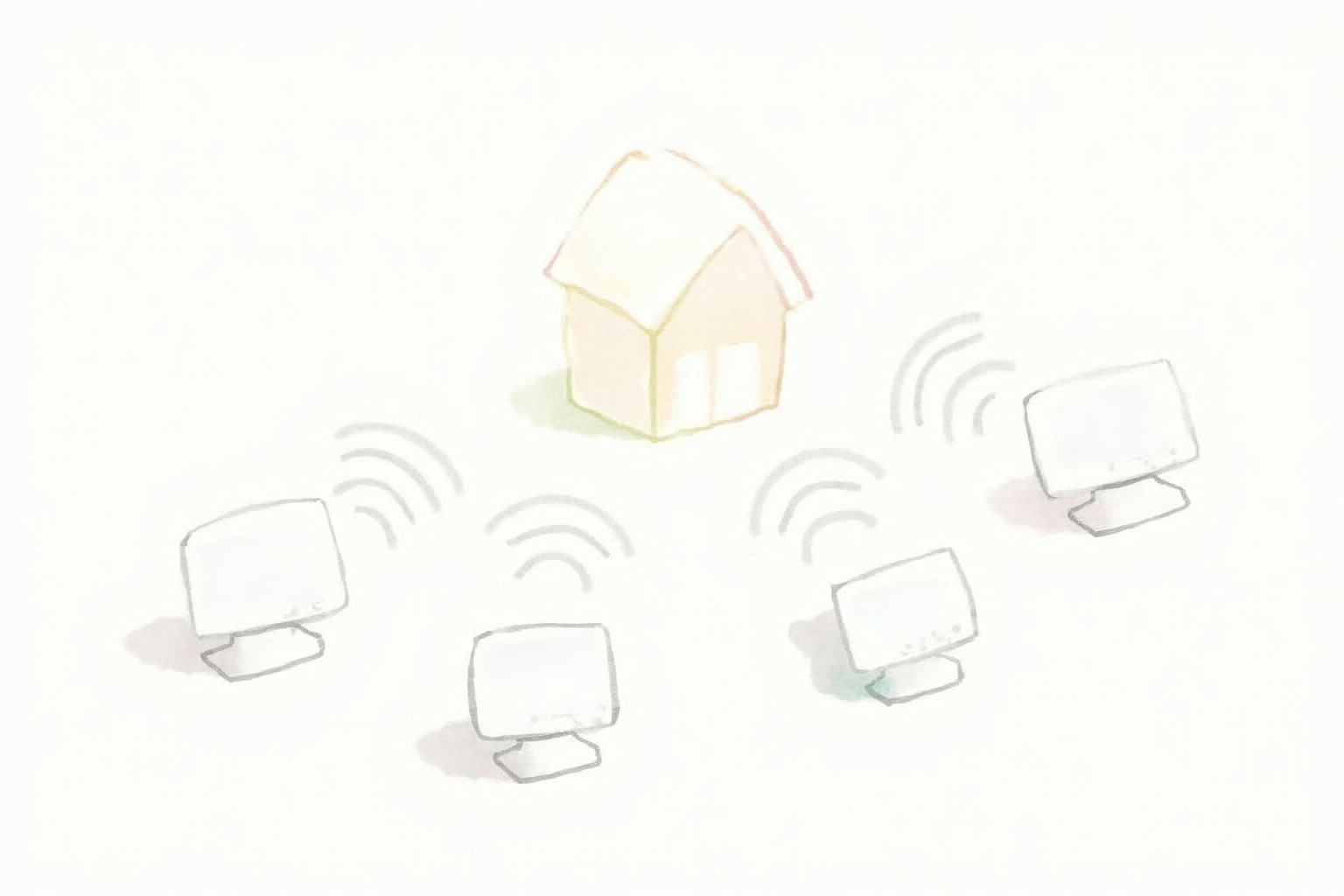
For households with a manageable number of smart devices and a single ecosystem, the ecosystem’s own controller usually suffices:
- 5-10 Matter-certified devices and one ecosystem (Apple Home, Google Home, Alexa, or SmartThings as a software-only controller) → no separate hub needed
- 5-10 WiFi-only smart plugs and a few WiFi-only bulbs, all in one ecosystem → no hub
- Mixed brands with all-cloud control → the ecosystem app handles bridging
A separate hub becomes valuable when:
- The device count rises to 20+ and the ecosystem’s automation engine becomes a bottleneck
- The smart-home stack includes Zigbee or Z-Wave devices (most ecosystem controllers do not include these radios)
- Automations need to run reliably when internet is down
- Cross-ecosystem control matters (some devices in Apple Home, some in Alexa, some in Google)
- Family members use different primary ecosystems
For most users at the 20+ device mark, the hub conversation shifts from “do I need one” to “which one matches my philosophy and skill level.”
Cloud-dependent vs local-first
The fundamental architectural split among smart hubs:
Cloud-dependent (SmartThings, traditional Wink, original Hue) — Hub processes some logic locally but most automations route through the manufacturer’s cloud. Benefits: easy setup, polished apps, accessible from anywhere without VPN. Trade-offs: internet outage breaks automations, the manufacturer’s cloud decisions can break or remove features, exit cost is high (devices may stop working if the cloud is deprecated).
Local-first (Hubitat, Home Assistant) — Hub processes all logic on-device. Optional cloud access requires manual setup. Benefits: automations run during internet outages, no vendor-decision risk, full data sovereignty, faster local-network response. Trade-offs: more technical setup, mobile app remote access requires extra configuration, the hub becomes a critical piece of household infrastructure to maintain.
Samsung SmartThings has moved partially toward local control in recent years — many automations now run locally on the SmartThings Station hardware. This is a meaningful improvement but still not full local independence. Hubitat and Home Assistant are fully local with optional cloud access.
Radio protocol support

Major radio protocols in modern smart homes:
- WiFi — most consumer smart plugs and bulbs. Handled by your router; doesn’t require a hub.
- Zigbee — low-power mesh protocol for many older Hue, Sengled, and Ikea Trådfri bulbs and sensors. Requires a Zigbee coordinator (built into many hubs).
- Z-Wave — competing low-power mesh protocol. More common in U.S. and U.K. for sensors and locks (older Kwikset and Yale models).
- Matter — the modern cross-ecosystem standard. Requires a Matter controller (any major hub now supports Matter as of 2024-2025).
- Thread — the radio underlying many Matter-over-Thread devices. Requires a Thread border router.
Protocol support by hub:
| Hub | Zigbee | Z-Wave | Matter | Thread BR |
|---|---|---|---|---|
| Samsung SmartThings Station | ✅ | ❌ | ✅ | ✅ |
| Hubitat Elevation C-8 | ✅ | ✅ | ✅ | ✅ |
| Home Assistant Yellow | ✅ (via add-on) | ✅ (via add-on) | ✅ | ✅ |
Hubitat Elevation C-8 and Home Assistant Yellow are the only hubs covering all four protocols natively. SmartThings Station does Zigbee and Matter/Thread but no Z-Wave — a meaningful limitation if you have older Z-Wave smart locks or sensors.
Long-term platform stability

This is the underrated dimension of hub choice. A smart-home setup is multi-year infrastructure. The hub’s continued viability matters as much as its current feature set.
SmartThings has changed platform multiple times since launch. Samsung has discontinued original SmartThings hub models, deprecated developer APIs, and shifted users to new app architectures. Each transition broke some installations. The current SmartThings Station is stable, but the historical pattern suggests another transition is possible.
Hubitat Elevation is sold by a small private company. The company has been stable for years and has a strong, vocal user community on its forums. Risk: if the company shuts down, hubs continue to work (fully local), but new device integrations would stop. Mitigation: Hubitat publishes its core specifications and has community-maintained drivers.
Home Assistant is open-source, backed by the Nabu Casa company and a large global community. Even if Nabu Casa shut down, Home Assistant continues to be maintained by the community. This is the strongest long-term outlook of the three.
For a 5-10 year smart-home plan, Home Assistant’s open-source backing is the most resilient choice. For a 2-5 year plan with low technical investment, SmartThings is easier; Hubitat is the middle ground.
Top picks by household technical comfort
Samsung SmartThings Station
Price · $80-100 — easiest hub for non-technical users
+ Pros
- · Polished mobile app — easy for family members to use
- · Built-in Thread border router and 15W wireless phone charger
- · Strong integration with Samsung TVs, appliances, and SmartThings ecosystem
− Cons
- · No Z-Wave support (Zigbee only)
- · Some automations still require cloud connectivity
- · Platform transition risk based on SmartThings history
Price, availability, and ratings can change; verify details on the retailer page before buying.
Hubitat Elevation C-8 Pro
Price · $150-200 — middle-ground local-first hub
+ Pros
- · Full Zigbee, Z-Wave, Matter, and Thread border router support
- · Local-first — automations run during internet outages
- · Friendlier interface than Home Assistant for non-developers
− Cons
- · Smaller community than Home Assistant means fewer pre-built integrations
- · Less customization depth than Home Assistant for power users
Price, availability, and ratings can change; verify details on the retailer page before buying.
Home Assistant Yellow (with optional CM4)
Price · $150-300 (depending on CM4 included) — deepest customization pick
+ Pros
- · Open-source — strongest long-term platform resilience
- · Vast community library of integrations and automations
- · Fully local — full data sovereignty and offline operation
− Cons
- · Steepest learning curve — YAML configuration for advanced features
- · Mobile app remote access requires setup (Nabu Casa subscription or manual VPN)
Price, availability, and ratings can change; verify details on the retailer page before buying.
The pragmatic recommendation
For most households expanding from a few devices to a serious smart-home setup, the SmartThings Station is the easiest entry point. Its Thread border router doubles as smart-home expansion infrastructure, the app is polished, and family members find it usable without training.
For households with technical comfort and an interest in long-term independence from any single vendor, Home Assistant Yellow is the strongest choice. Plan for the learning curve: dedicate a weekend to setup and accept that automation refinement happens over weeks of small adjustments. The reward is a smart home that survives company decisions and that you fully understand.
Hubitat Elevation is the right choice when you want local-first benefits without the Home Assistant learning curve. It is particularly strong for households running a mix of Z-Wave smart locks and Zigbee sensors that need to coordinate. The smaller community can be a limitation; check that the specific devices you own have Hubitat drivers before committing.
A common advanced pattern: run Home Assistant as the master automation brain and add a friendly user-facing controller for family members. The combination gets the resilience of local-first with the day-to-day usability of a polished ecosystem app. This is the configuration most experienced smart-home enthusiasts converge on after a few years of iteration.
Hub choice is reversible but expensive in time. Each migration involves re-pairing devices, rebuilding automations, and retraining family habits. Choose with the long-term household direction in mind, not just this year’s smart-home shopping list.