Home Assistant Backup Plan 2026: Keep Smart Homes Working Offline
Build a resilient Home Assistant backup plan for 2026 with local control, network notes, snapshots, Zigbee backups, UPS sizing, and recovery drills.
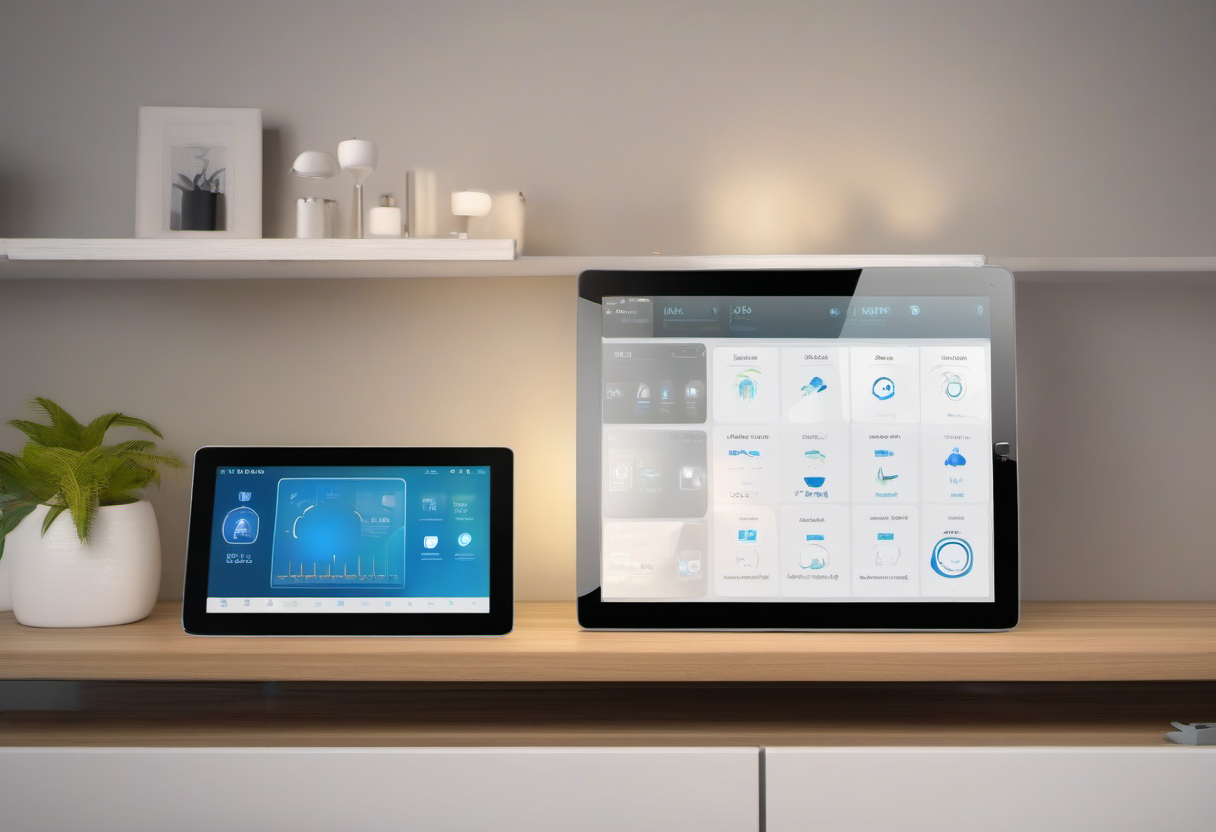
Smart homes fail in boring ways before they fail in dramatic ways. A router gets replaced and automations lose fixed IP addresses. A microSD card wears out. A Zigbee coordinator is moved to a different USB port. A firmware update breaks an integration the night before vacation. The devices are still on the wall, but the house no longer behaves like a system.
A good Home Assistant backup plan is not just a file named backup. It is a recovery design for the whole stack: hub hardware, storage, network, radios, automations, credentials, and the handful of routines that actually matter when the internet is down. The goal is practical resilience. Lights should still turn on. Leak alerts should still trigger locally. Thermostat schedules should not disappear. You should be able to restore the home without rediscovering every lesson from the original build.
Start with a Critical Automation List
Before touching backup settings, decide which automations are critical. Most homes have dozens of nice-to-have routines and only a few that must recover first. Critical automations usually include leak shutoff or alerts, smoke and CO notification bridges, exterior lighting, entry lighting, thermostat freeze protection, garage alerts, security presence routines, and vacation schedules.
Write these down in plain language. Include the trigger, the action, and the devices involved. A useful line looks like this: if the laundry leak sensor reports wet, send local notification, turn on utility-room lights, and close the water valve. That sentence tells you which sensor, light, valve, notification path, and hub must survive recovery.
This list prevents backup theater. If a restored system shows a beautiful dashboard but the water valve entity changed names, the backup did not protect the important function. Critical automations deserve separate testing after every major update.
Put the Hub on Reliable Hardware
The best backup is less valuable if the primary device fails often. Home Assistant can run on many platforms, but reliability improves when the hub uses stable power, wired ethernet, and durable storage. A Raspberry Pi with an old microSD card can work for experiments. A small SSD, Home Assistant Yellow, mini PC, or well-maintained virtual machine is better for a home that depends on automations.
Use ethernet whenever possible. Wi-Fi adds roaming, interference, password-change, and access-point reboot variables to the brain of the house. If the hub must sit away from the router because of Zigbee range, use a longer USB extension for the radio rather than moving the server onto weak Wi-Fi. Keep the radio away from USB 3 interference and the router’s 2.4 GHz antenna cluster.
Power matters too. A small UPS for the modem, router, switch, and Home Assistant host can keep local automations alive during short outages. It also prevents database corruption from sudden power loss. Size the UPS for the network core, not every smart device in the house.
Design the Network So a Restore Finds Devices Again
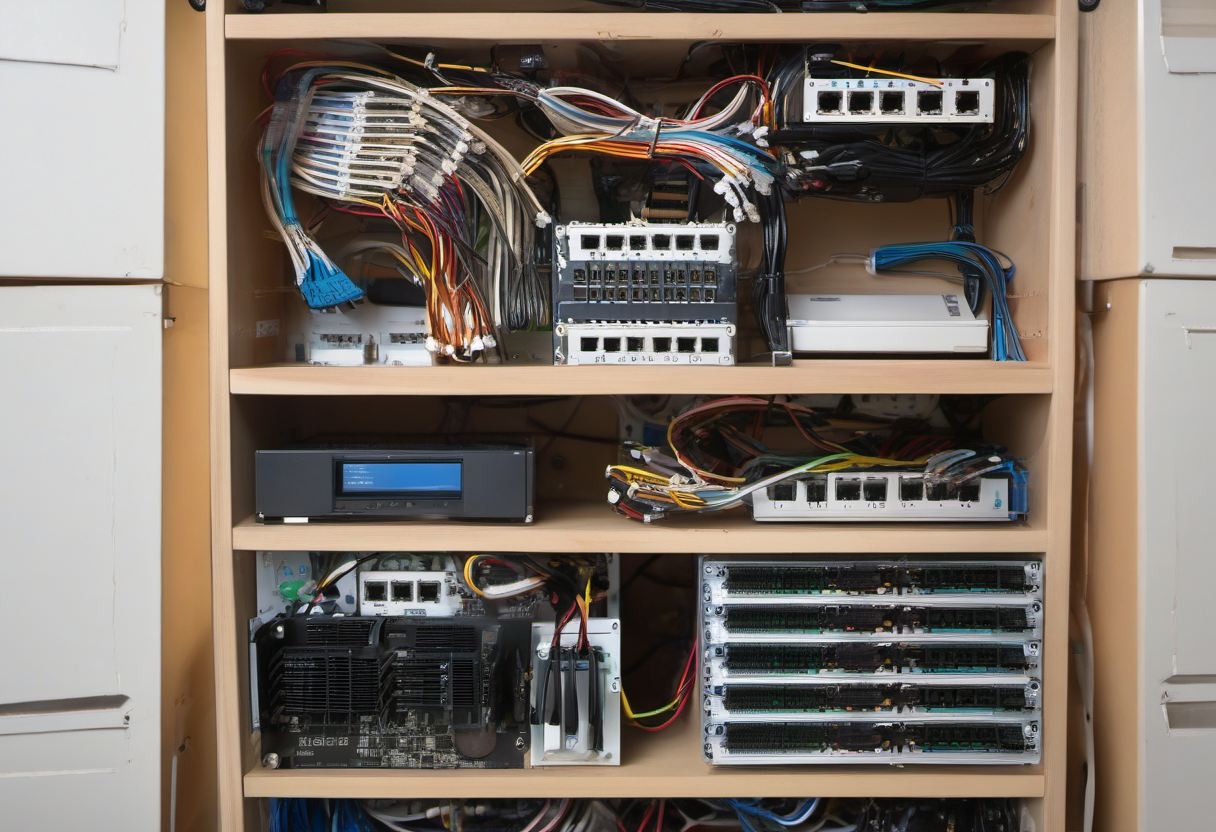
Many restore failures are network failures with a different name. Use DHCP reservations for devices that integrations reach by IP address: NAS, printers, bridges, NVRs, energy meters, and some local APIs. Save router screenshots or export configuration where the router supports it. If you replace a router and every IP address changes, Home Assistant may restore correctly but still lose half the house.
Name devices consistently in the router and in Home Assistant. Avoid entity names tied to temporary rooms or product nicknames. A motion sensor named hallway_motion is easier to recover than aqara_sensor_02. Good names make YAML, automations, dashboards, and voice aliases easier to audit.
Segmenting IoT devices can improve security, but document the firewall rules. Home Assistant often needs to discover or talk to devices across VLANs using mDNS, SSDP, Matter, vendor APIs, or local TCP ports. If you create a smart-home VLAN, store the rule list with the backup plan. Otherwise a router rebuild can silently block discovery even though the backup file is perfect.
Automate Backups, Then Move Copies Off the Box
Home Assistant OS includes backup tools, and many installations can schedule automatic backups. Use them, but do not leave every copy on the same storage device. If the SSD fails, local-only backups fail with it. Keep a recent copy on a NAS, cloud drive, encrypted external drive, or another computer. The backup should be reachable when the Home Assistant host is dead.
Use a simple retention rule: keep several daily or weekly backups, plus one monthly snapshot before major seasonal changes. Create a manual backup before Home Assistant Core updates, add-on updates, radio migrations, integration rewrites, and large automation edits. Name the manual backup with the reason, such as before-zigbee-coordinator-move or before-2026-05-core-update.
Protect secrets. Backups can contain tokens, Wi-Fi names, integration credentials, and network details. Store offsite copies in a place you trust and encrypt where possible. A backup strategy that leaks camera or lock credentials creates a different problem.
Treat Zigbee, Z-Wave, Thread, and Matter as Separate Recovery Areas
Radio networks are where many smart-home backups become incomplete. Zigbee devices pair to a coordinator and network key. Z-Wave devices depend on controller identity. Thread and Matter add fabrics, border routers, commissioners, and platform-specific behavior. A Home Assistant backup may restore the application, but you still need to understand the radio layer.
Document the coordinator brand, firmware, USB path, extension cable, channel, network key handling, and integration name. If the integration supports coordinator backup or migration, export it and store it with the Home Assistant backup. If you use a network-based coordinator, document its IP reservation and update process.
For Matter, list which ecosystem commissioned the device first and which controllers share the fabric. Matter can improve cross-platform control, but recovery still depends on border routers, Thread credentials, and vendor app behavior. If a critical lock, thermostat, or sensor depends on Matter, test whether Home Assistant still controls it when the internet is disconnected and after a hub reboot.
Keep Cloud Devices Out of Critical Paths When Possible
Cloud devices can be convenient, especially cameras, speakers, robot vacuums, and vendor-specific appliances. The resilience problem appears when a cloud API becomes the trigger for a critical routine. A leak sensor that needs a vendor cloud before closing a valve is weaker than a local sensor and local valve. A front-door automation that requires an internet voice assistant is weaker than a local contact sensor and light switch.
Local-first does not mean cloud-free. It means the critical behavior happens locally and cloud features are additive. Use cloud cameras for rich notifications if you like, but do not make exterior lights dependent on cloud image analysis. Use voice assistants for convenience, but keep wall controls and motion routines available when voice services are down.
The same rule applies to subscriptions. If a vendor changes free features, your critical path should not break. Devices chosen for local APIs, Matter, Zigbee, Z-Wave, or documented LAN behavior are easier to recover than devices that only expose cloud automations.
Run a Restore Drill Before You Need It
A backup plan is unproven until restored. You do not need to risk the main system. Restore to a spare SSD, spare microSD card, mini PC, or test virtual machine. Confirm that Home Assistant boots, dashboards load, add-ons appear, integrations are present, and critical automations are still defined. Some radios may not fully operate in a test environment without the real coordinator, but the drill still catches missing passwords, broken backup files, and version mismatches.
After major changes, run a smaller drill: download the backup, confirm its size is plausible, and store a copy outside the device. Then open the critical automation list and verify entity names still match. If a device was replaced, update the automation and the documentation the same day.

A 30-Minute Backup Checklist
First, create a manual Home Assistant backup and download it to another device. Second, record the hub hardware, storage type, ethernet connection, IP address, and power source. Third, list router DHCP reservations and firewall rules that affect smart-home devices. Fourth, document every radio coordinator and export radio backups where supported. Fifth, identify the ten most important automations and test at least three of them locally. Sixth, place the modem, router, switch, and hub on a UPS if they are not already protected. Seventh, schedule recurring backups and calendar a quarterly restore drill.
This is not as exciting as adding a new sensor, but it is the difference between a smart home and a pile of disconnected gadgets. A well-documented restore gives you confidence to update, migrate, and expand without betting the house on memory.
For hub selection tradeoffs, compare the site’s SmartThings, Hubitat, and Home Assistant guide. For protocol planning, pair this checklist with the Matter protocol guide. If devices randomly drop offline, audit the network using the mesh Wi-Fi comparison before blaming automations.