Home Energy Monitoring 2026: Build a Load-Shifting Smart Home Plan
Use smart energy monitors, plugs, thermostats, batteries, and utility rates to reduce peak use without making the house annoying to live in.

A smart home energy plan should not begin with a dashboard full of tiny numbers. It should begin with a household question: which energy use is flexible, which use is essential, and which automation will still feel reasonable after the novelty fades? In 2026, more homes have heat pumps, induction cooking, electric vehicles, smart thermostats, battery systems, and time-of-use utility rates. That creates opportunity, but it also creates failure modes. A careless automation can make bedrooms uncomfortable, turn off the wrong appliance, overload Wi-Fi, or hide a real maintenance problem behind a pretty graph.
The practical goal is not to make every device smart. The goal is to identify the few loads that can move in time, run more efficiently, or alert you before waste becomes expensive. A good plan combines utility data, safe device-level monitoring, thermostat strategy, plug load discipline, and a review routine. It also respects cybersecurity and privacy. Energy data can reveal when people are home, when they cook, when they sleep, and which appliances they own, so the monitoring system deserves the same care as cameras, locks, and alarms.
Start with the bill, the rate plan, and the comfort rules
Before buying sensors, download twelve months of electric bills and any interval data your utility provides. Mark the highest-use months, peak-demand charges if they exist, and time-of-use windows. A home on a flat rate needs a different plan from a home where late afternoon electricity costs far more than overnight electricity. If your utility offers demand response programs, read the terms carefully. Some programs adjust thermostats or appliances during grid events, while others reward manual conservation. The right choice depends on tolerance for temperature drift, household schedule, and whether anyone has health needs that make indoor conditions less flexible.
Write comfort rules in plain language. Bedrooms should be cool enough for sleep. A freezer should never be switched off. Network equipment should stay online during work hours. A heat pump should not be forced into inefficient recovery every evening just because the rate changes at 5 p.m. These rules prevent automation from becoming a household argument. Smart homes fail when they optimize a number but ignore the people living inside the envelope.
Next, create a load inventory. Divide energy use into fixed, flexible, and diagnostic categories. Fixed loads include refrigerators, safety systems, medical equipment, network gear, and anything that should simply remain reliable. Flexible loads include laundry, dishwashers with delay start, EV charging, water heating in some homes, dehumidifiers in some climates, and pre-cooling or pre-heating when comfort allows. Diagnostic loads are devices you do not yet understand: an old freezer in the garage, a space heater, a mystery standby draw, or a heat pump that seems to run constantly. Monitoring should focus on flexible and diagnostic loads first.
Choose monitoring that answers a decision, not a curiosity
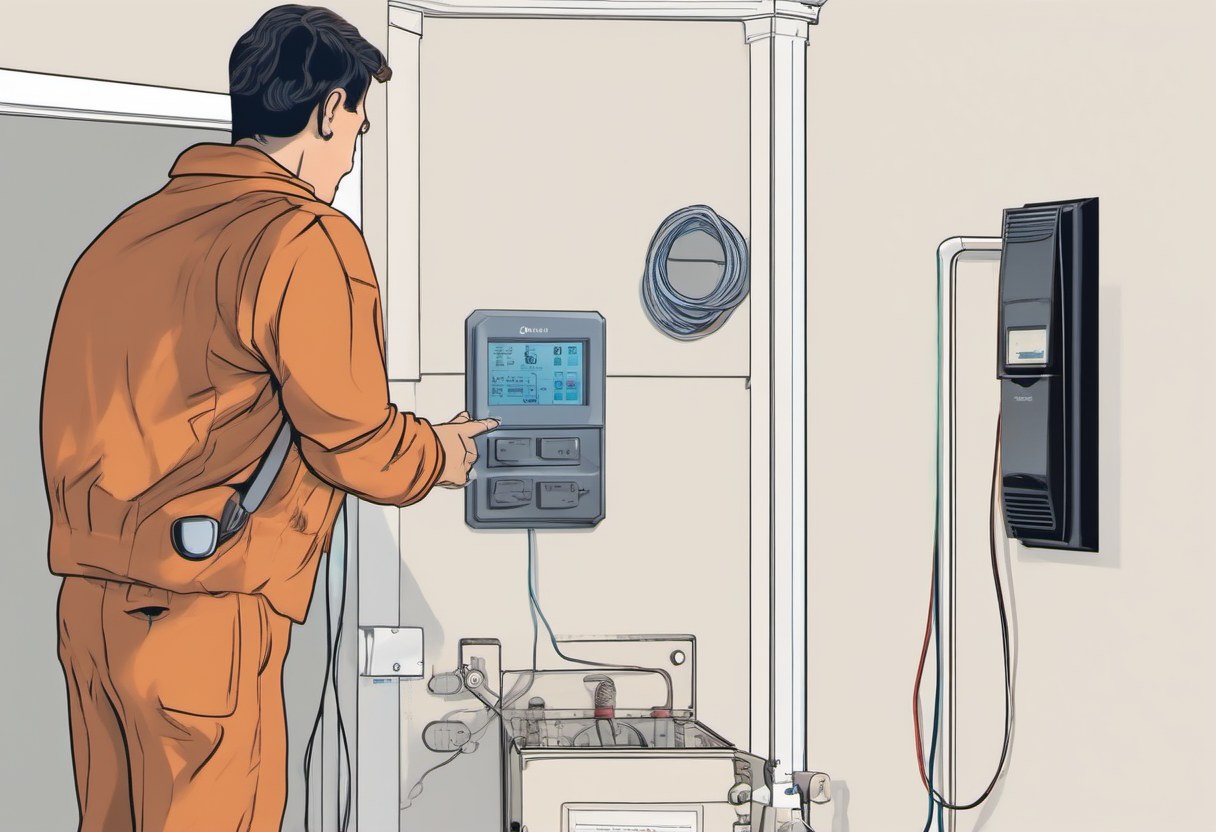
Whole-home panel monitors can be useful, especially when they support current transformers installed by qualified people and provide reliable circuit-level data. They can reveal always-on consumption, heat pump cycles, EV charging peaks, or a water heater that runs at the wrong time. But they are not magic. Device disaggregation can be imperfect, and installation around electrical panels is not a casual weekend experiment for every homeowner. If you are uncomfortable inside a panel, hire a licensed electrician or use safer external data sources.
Smart plugs are better for plug-in devices that are safe to monitor and, sometimes, safe to control. A smart plug can measure a dehumidifier, desk setup, entertainment console, printer, or air purifier. It should not be used on high-current or motor loads unless the plug is rated for the load and the manufacturer allows it. Avoid using cheap plugs as silent safety devices. If an appliance label, plug rating, or local electrical practice makes you uncertain, monitor another load instead.
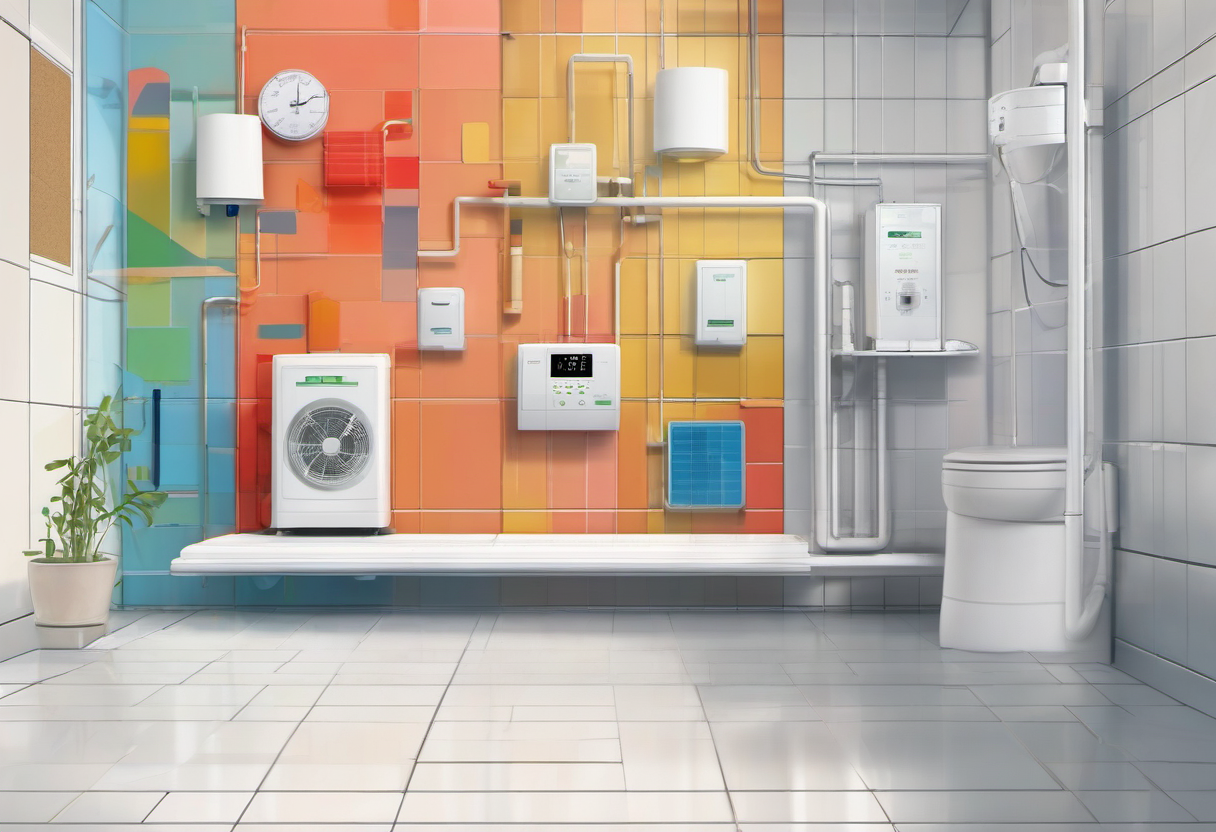
Thermostats, heat pump apps, EV chargers, solar inverters, and home batteries can provide their own reports. Use them before adding another cloud account. The best monitoring stack is often boring: utility interval data for the whole house, thermostat runtime data for heating and cooling, charger data for EV sessions, a few smart plugs for plug-in loads, and a spreadsheet or Home Assistant dashboard that converts data into weekly decisions. If a device produces numbers but no action, remove it from the main view.
Build load-shifting scenes around real routines
Load shifting works when it follows daily rhythm. Start with appliances that already support delay start. A dishwasher can run after the peak window if noise does not disturb sleep. Laundry can move to a cheaper period if wet clothes will not sit all day. EV charging can wait until overnight if the car still reaches the needed range by morning. A smart thermostat can pre-cool slightly before an expensive period in some homes, but only if humidity, insulation, and household comfort cooperate.
Avoid stacking every flexible load at the same instant. If the dishwasher, dryer, EV charger, and water heater all start as soon as the cheap window opens, you may create a new peak. Stagger schedules by priority and duration. Put essential readiness first, such as EV range needed for a commute. Then schedule shorter appliances. If your utility charges demand peaks, the highest fifteen or thirty minutes may matter more than total overnight use.
A useful scene has a name that humans understand: “quiet overnight charging,” “pre-cool before peak,” “laundry after dinner,” or “vacation baseline.” The scene should have guardrails. For example, an EV charging automation can check departure time and desired range. A thermostat routine can include maximum and minimum temperature boundaries. A dehumidifier can respond to humidity rather than rate windows alone. Load shifting should feel like a household assistant, not a hidden script that makes comfort worse.

Treat heating, cooling, and humidity as a system
Heating and cooling often dominate residential energy, so thermostat strategy deserves more attention than novelty plug automations. A heat pump behaves differently from a gas furnace. Aggressive setbacks can force long recovery periods or auxiliary heat, depending on equipment and climate. Rather than copying someone else’s schedule, compare runtime, comfort, and outdoor temperature over several weeks. Small adjustments may save more than dramatic swings that trigger inefficient recovery.
Use sensors carefully. A remote temperature sensor in a bedroom can improve comfort if the thermostat supports it, but too many sensors can confuse decision-making. Place sensors away from sun patches, vents, exterior doors, and electronics that produce heat. If humidity matters, especially in humid climates or tight homes, track it alongside temperature. A home that is technically cool but damp may feel uncomfortable and invite overcooling.
Weatherization and maintenance often beat automation. Dirty filters, blocked returns, leaky ducts, poor attic insulation, and unshaded west windows can make a smart thermostat look busy while the building wastes energy. If the runtime chart looks extreme, investigate the building and equipment before writing more automations. Smart monitoring is most valuable when it tells you where a physical fix is needed.
Protect privacy, security, and resilience
Energy devices sit at the intersection of comfort, cost, and behavior data. Use strong unique passwords, multi-factor authentication where available, timely firmware updates, and a separate guest or IoT network if your router supports it. Avoid giving every energy app access to every other platform just because an integration exists. If a cloud service fails, the home should still be safe and comfortable.
Document what happens during internet outages. Does the thermostat keep its schedule? Does the EV charger continue at a safe rate? Do smart plugs default on or off after power returns? Does the dashboard lose history? These questions matter more than a polished app screenshot. For critical routines, local control through a reliable hub can be valuable, but it still needs backups, exports, and a simple recovery plan.
Review weekly, then simplify
For the first month, review energy data once a week. Do not stare at it every hour. Look for three things: always-on load, peak-window load, and comfort complaints. Always-on load may reveal electronics, old appliances, or devices left in standby. Peak-window load shows what should move or be staggered. Comfort complaints reveal automations that are too aggressive.
Keep a change log. If you change a thermostat schedule, add an EV charging rule, or move laundry, note the date. Without a log, you will not know whether a lower bill came from weather, travel, utility rates, or your new automation. After a month, delete dashboards and scenes that did not change behavior. A smaller system that the household understands is more durable than a complex system maintained by one enthusiastic person.
Finally, decide which upgrades deserve money. If monitoring shows that a garage freezer is the problem, replacing it may beat another smart plug. If peak use comes from EV charging, a charger schedule matters. If heating runtime is high, weatherization or HVAC service may be the next step. The best smart energy plan turns data into maintenance, scheduling, and investment decisions.

Practical checklist
- Download utility bills and interval data before buying devices.
- Write comfort and safety rules that automations cannot violate.
- Inventory fixed, flexible, and diagnostic loads.
- Use existing thermostat, EV charger, inverter, and utility reports first.
- Add smart plugs only to loads that are safe and properly rated.
- Stagger flexible appliances instead of starting everything at once.
- Watch heat pump recovery, humidity, and comfort together.
- Secure accounts and document what happens during outages.
- Review weekly for one month, then simplify the dashboard.
- Spend upgrade money where the data shows a real problem.
Energy monitoring is successful when the house feels normal and the decisions get clearer. You should know which loads matter, which schedules are safe, which upgrades are worth considering, and which numbers can be ignored. That is the difference between a smart home that performs and a smart home that merely reports.