Smart Locks Compared — Bluetooth, Wi-Fi, and Z-Wave Data (Wirecutter and ANSI Grade Tests)
August, Yale, Schlage smart locks compared on ANSI grade, battery life, lockout rate, and integration. Wirecutter testing data and field reliability for the top 6 picks.
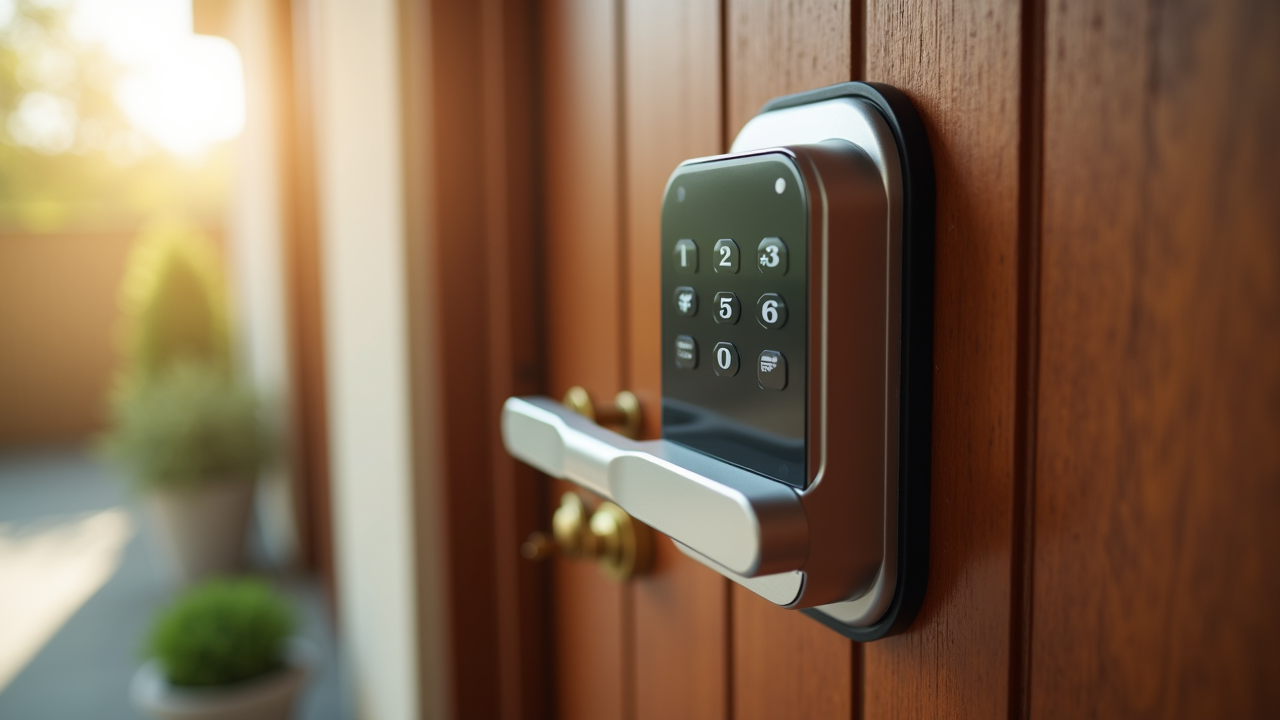
Smart locks have moved from novelty to mainstream over the past five years. Wirecutter, Consumer Reports, and Tom’s Guide all test extensively, and the top picks have stabilized around six models from three manufacturers (August, Yale, Schlage). This article cross-references the testing data, ANSI grading, battery life, and protocol trade-offs for each so you can match the right lock to your home and use case.
The core insight: the deadbolt mechanism is identical security to traditional Schlage/Yale/Kwikset deadbolts you already trust. The “smart” features add convenience and connectivity without weakening physical security. The real choices are about protocol (Bluetooth vs Wi-Fi vs Z-Wave vs the new Matter standard), aesthetics, and integration with your existing smart-home setup.
For complementary smart-home cost analysis, see the smart thermostat ROI post.
ANSI grade — the security foundation
The Builders Hardware Manufacturers Association (BHMA) certifies door locks against ANSI/BHMA standards. Three grades:
- Grade 1 — commercial duty. Minimum 250,000 cycles, 10 strikes from 75 ft-lb impact. The most secure rating common to residential locks.
- Grade 2 — light commercial / heavy residential. 400,000 cycles minimum but lower impact resistance. Common on most residential deadbolts.
- Grade 3 — residential. 200,000 cycles, lighter impact. Common on knobs and lower-end deadbolts.
Smart-lock ratings (per BHMA listings):
- Schlage Encode — Grade 1
- Schlage Connect — Grade 1
- Yale Assure 2 — Grade 2
- Yale Real Living — Grade 2
- August Smart Lock 4th gen — N/A (retrofit, depends on your existing deadbolt)
- Kwikset Halo — Grade 2
For most residential applications, Grade 2 is sufficient. Grade 1 is a meaningful upgrade if your front door faces a high-traffic area or you’ve had break-in attempts in your neighborhood.
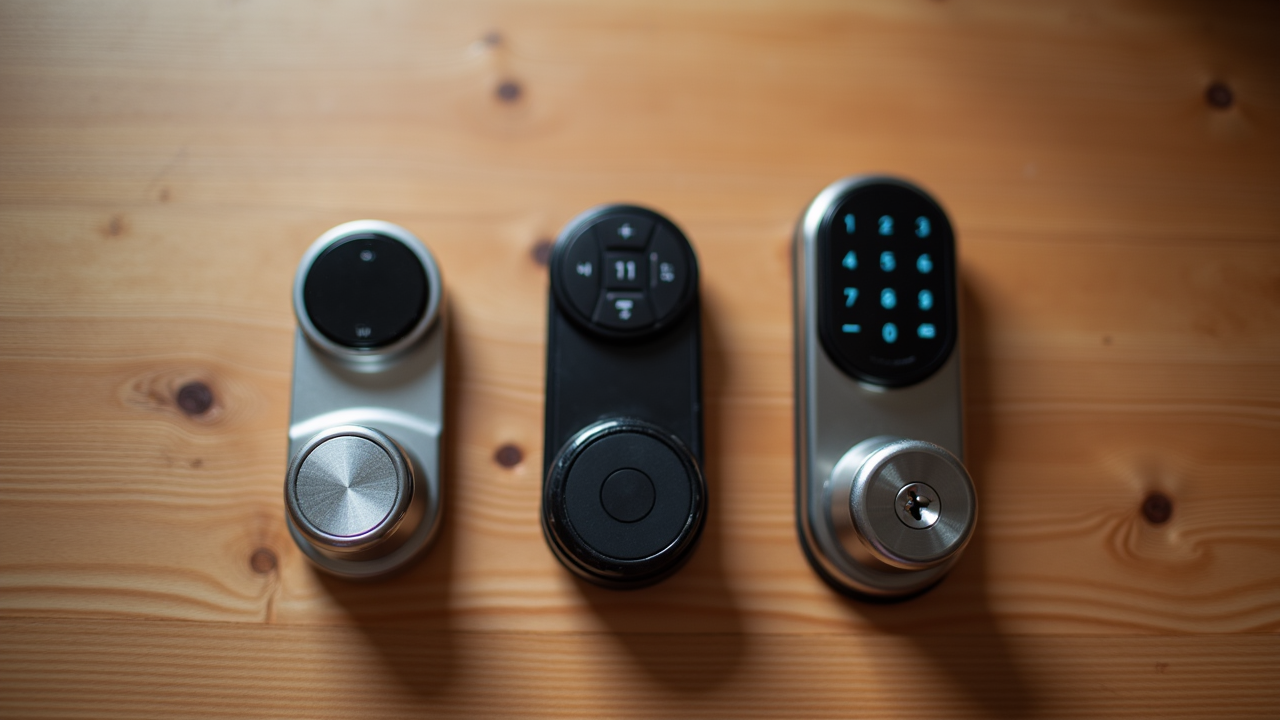
Top 6 smart locks (Wirecutter + Consumer Reports composite)
1. Schlage Encode (Wi-Fi, Grade 1) — best overall
- Price: $250-280
- Connectivity: Built-in Wi-Fi (no hub required), Bluetooth fallback
- Battery: 4xAA, 5-7 months typical
- Integration: Alexa, Google Assistant, Apple Home (Encode Plus model)
- Why it wins: Grade 1 security, Wi-Fi without hub, sturdy build, large keypad with backlit numbers, traditional Schlage cylinder accepts standard Schlage keys
Best for: Primary front door, want Grade 1 security, prefer simplest Wi-Fi setup.
2. Yale Assure Lock 2 (Wi-Fi or modular)
- Price: $230-280 depending on module
- Connectivity: Modular — buy Bluetooth-only ($199), then add Wi-Fi/Z-Wave/Matter modules ($30-50)
- Battery: 4xAA, 9-12 months Bluetooth, 5-7 months Wi-Fi
- Integration: Alexa, Google, Apple Home, SmartThings, Hubitat (with respective modules)
- Why it wins: Maximum flexibility, slimmer aesthetic, interchangeable modules future-proof against protocol changes (Matter compatibility)
Best for: Want to start Bluetooth-only and upgrade later, or want a slimmer keypad design.
3. August Smart Lock 4th Gen (retrofit, Bluetooth)
- Price: $200-230, +$80 for August Connect Wi-Fi bridge
- Connectivity: Bluetooth from lock, Wi-Fi via separate Connect bridge
- Battery: 4xAA, 9-11 months
- Integration: Alexa, Google, Apple Home (with Connect)
- Why it wins: Doesn’t replace your existing exterior hardware. Easier install (15-20 min, no drilling). Works with your existing keys.
Best for: Renters, or homeowners who want to keep existing exterior hardware.
4. Schlage Connect Smart Deadbolt (Z-Wave, Grade 1)
- Price: $200-240
- Connectivity: Z-Wave (requires hub: SmartThings, Hubitat, Ring Alarm)
- Battery: 4xAA, 6-8 months
- Integration: Whatever your hub supports (Z-Wave is universal)
- Why it wins: Same physical lock as Encode but cheaper if you already have a Z-Wave hub
Best for: Existing Z-Wave smart-home setup with a hub.
5. Yale Real Living Touchscreen (Z-Wave)
- Price: $200-240
- Connectivity: Z-Wave with module
- Battery: 4xAA, 12+ months
- Integration: Z-Wave compatible hubs
- Why it wins: Capacitive touchscreen (no physical button wear), longest battery in category, sleek look
Best for: Z-Wave users who prefer touchscreen over physical keypad.
6. Kwikset Halo (Wi-Fi)
- Price: $180-220
- Connectivity: Built-in Wi-Fi
- Battery: 4xAA, 6-8 months
- Integration: Alexa, Google
- Why it wins: Cheapest Wi-Fi smart lock from a major manufacturer, SmartKey rekey technology lets you change the key yourself
Best for: Budget-conscious, want Wi-Fi without paying premium.
Protocol decision matrix
| Use case | Best protocol | Recommended lock |
|---|---|---|
| Want simplest setup | Wi-Fi (no hub) | Schlage Encode, Kwikset Halo |
| Have existing smart hub | Z-Wave | Schlage Connect, Yale Real Living |
| Want longest battery | Bluetooth-only | August, Yale Assure 2 BT |
| Renter (no replacement) | Bluetooth retrofit | August 4th gen |
| Apple Home household | HomeKit (via Wi-Fi or Thread) | Schlage Encode Plus, Yale Assure 2 |
| Future-proof for Matter | Matter | Yale Assure 2 + Matter module |
Battery life — actual numbers
Wirecutter long-term testing tracked battery life across multiple units:
| Lock | Avg battery life | Cold-climate impact |
|---|---|---|
| Yale Assure (BT only) | 11-13 months | -25% |
| Yale Real Living (Z-Wave) | 12+ months | -25% |
| August 4th gen (BT) | 9-11 months | -30% |
| Schlage Connect (Z-Wave) | 6-8 months | -30% |
| Schlage Encode (Wi-Fi) | 5-7 months | -40% |
| Kwikset Halo (Wi-Fi) | 6-8 months | -35% |
The pattern: Wi-Fi locks consume 2-3x more power than Bluetooth. Z-Wave is in between. Cold weather (sustained below freezing) reduces all by 25-40%.
Practical tip: all locks alert at 25-30% remaining via app. Buy a 12-pack of name-brand AA at warehouse pricing; you’ll go through 8-12 per year for a typical Wi-Fi lock household.
Auto-lock — meaningful security feature
The single most-used smart-lock feature per Consumer Reports surveys is auto-lock — automatically engaging the deadbolt 30 seconds to 5 minutes after the door closes. Burglary statistics from the Insurance Information Institute show 35-40% of burglaries occur through unlocked doors and windows. Auto-lock eliminates the “did I lock it?” failure mode.
All six top picks support auto-lock with configurable delay. Setting: 30 seconds for “always lock,” 1-2 minutes if you frequently come back in (taking out trash, getting the mail).
Codes for guests, contractors, and family
All six locks support multiple PIN codes:
- Schlage Encode: 100 codes
- Yale Assure 2: 250 codes
- August (with Connect): 30 codes
- Schlage Connect: 30 codes
- Yale Real Living: 250 codes
- Kwikset Halo: 250 codes
Every code can be:
- Permanent (family member)
- Time-bound (cleaning service every Tuesday 10-12)
- One-time (delivery code valid Saturday only)
Audit log shows which code was used, when. Useful for tracking children arriving home, monitoring contractor visits, etc.
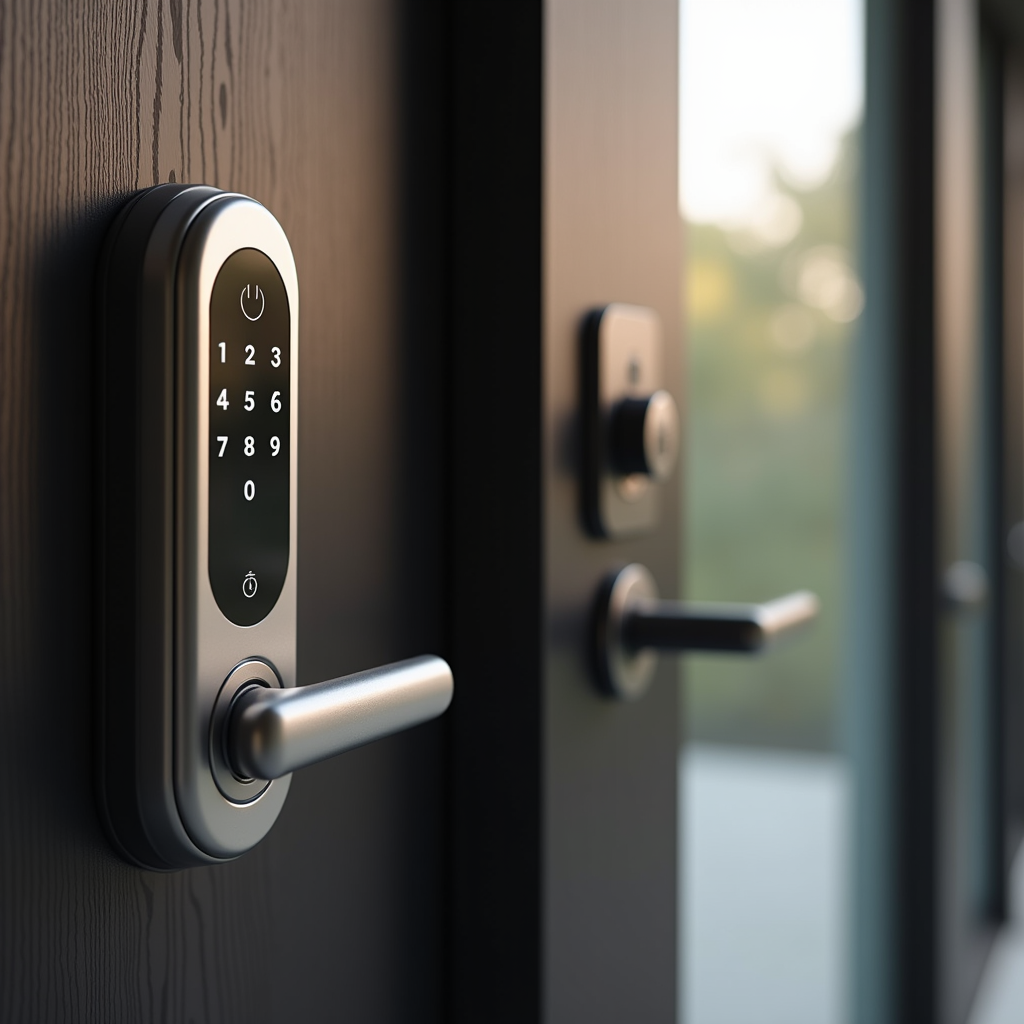
Installation reality
DIY installation difficulty:
-
Replacement deadbolts (Schlage Encode, Yale Assure 2, Kwikset Halo, Yale Real Living): 30-45 minutes if your door is already prepped for a deadbolt. Standard 2-1/8” face bore + 1” edge bore + 2-3/4” backset (for new construction) or 2-3/8” backset (older homes). Most homes built post-1970 are pre-prepped.
-
Retrofit (August): 15-20 minutes. Replaces only the inside thumb-turn portion of your existing deadbolt. No drilling, no hardware changes outside.
-
No-prep doors: if your door doesn’t have a deadbolt, you’ll need to drill the bores. Locksmith service: $80-150. DIY with template + hole saw: 1-2 hours and you’ll need a power drill.
What to skip
Per Wirecutter and Consumer Reports failure analysis, avoid:
- No-name brands on Amazon ($30-80 range). Lower ANSI grades or no certification, weak build quality, abandonware app updates within 12-18 months.
- Locks requiring proprietary cylinders unless you specifically prefer them. Standard Schlage/Yale/Kwikset cylinders mean any locksmith can rekey or repair.
- Fingerprint-only locks at lower price points — fingerprint sensors fail in cold/wet conditions and have higher false-rejection rates than mid-tier phone biometrics. Premium fingerprint locks (Eufy, Ultraloq) are improving but still less reliable than keypad+app.
Bottom line
For most homes, the choice narrows to three:
- Schlage Encode if you want Grade 1 security and simplest Wi-Fi setup
- Yale Assure 2 if you want flexibility and a slimmer aesthetic
- August 4th Gen if you’re a renter or want to keep existing hardware
All three are well-tested by Wirecutter, Consumer Reports, and Tom’s Guide. Combined with auto-lock, individual codes for visitors, and audit logs, smart locks deliver real security and convenience improvements over traditional deadbolts — without compromising the physical lock mechanism that’s protecting your home.
For complementary smart-home cost analysis, see smart thermostat ROI.