Mesh WiFi Systems 2026 — Eero Pro 6E vs Nest WiFi Pro vs Netgear Orbi
Backhaul architecture, WiFi 6E vs WiFi 7, Thread border router support, and ecosystem compatibility compared across Amazon Eero, Google Nest WiFi Pro, and Netgear Orbi mesh systems.
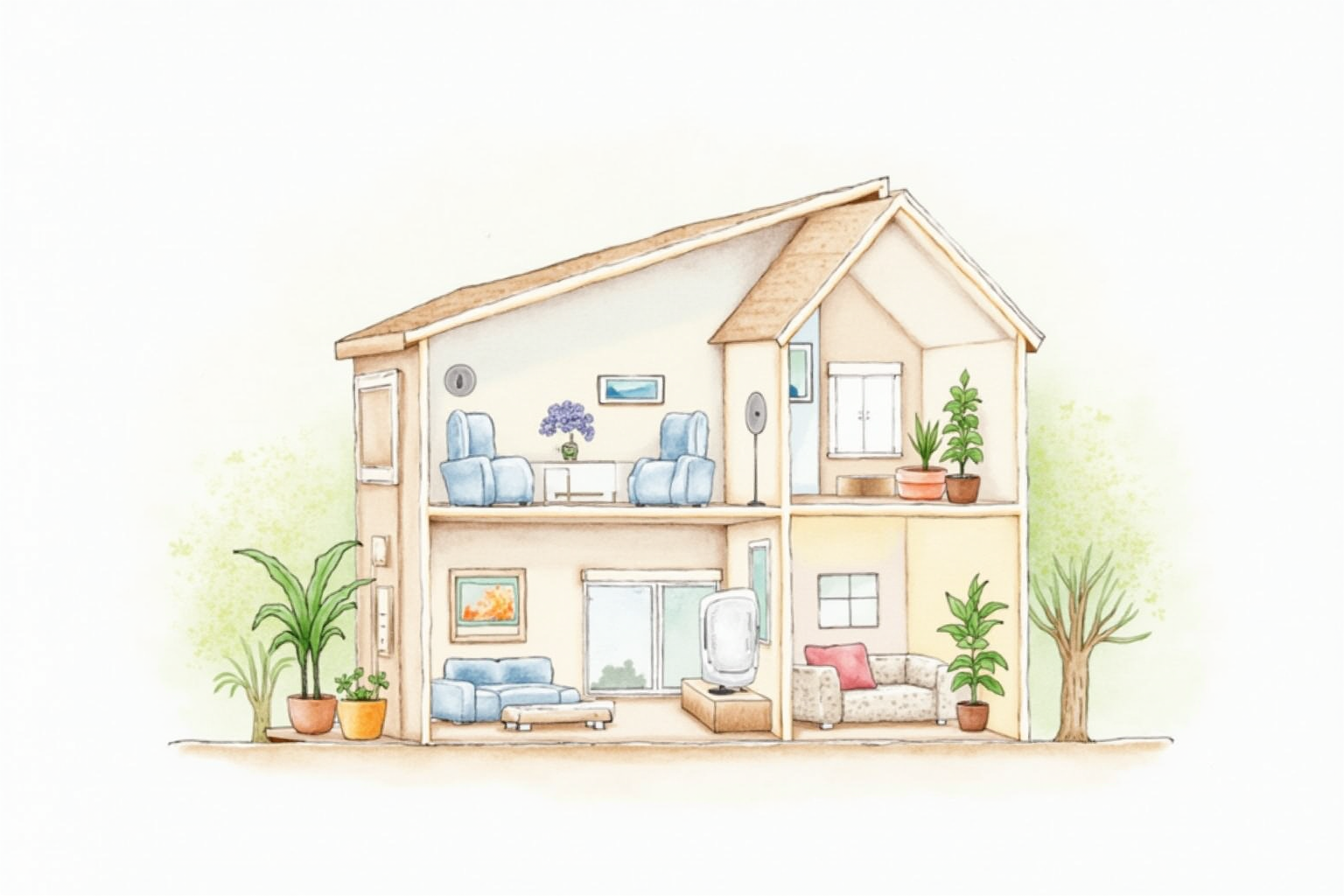
Mesh WiFi has matured from a premium home networking option to the default for most multi-room homes built or remodeled since 2020. The combination of larger living spaces, more connected devices per household, and the demands of streaming and video calls has pushed single-router setups past their practical limits. The question now is not whether to go mesh, but which mesh system makes sense for the layout and ecosystem.
This article compares the three major mesh systems in the U.S. market — Amazon Eero, Google Nest WiFi Pro, and Netgear Orbi — across the criteria that matter for a multi-year purchase: WiFi standards, backhaul architecture, Thread border router presence, and the ecosystem integration that determines smart-home expansion options.
- When mesh WiFi is needed versus when a single router suffices
- WiFi 6 vs 6E vs 7 — what each adds practically
- Dedicated backhaul vs shared backhaul architectures
- Thread border router presence and smart-home value
- Top picks by home size and budget
The single router vs mesh decision
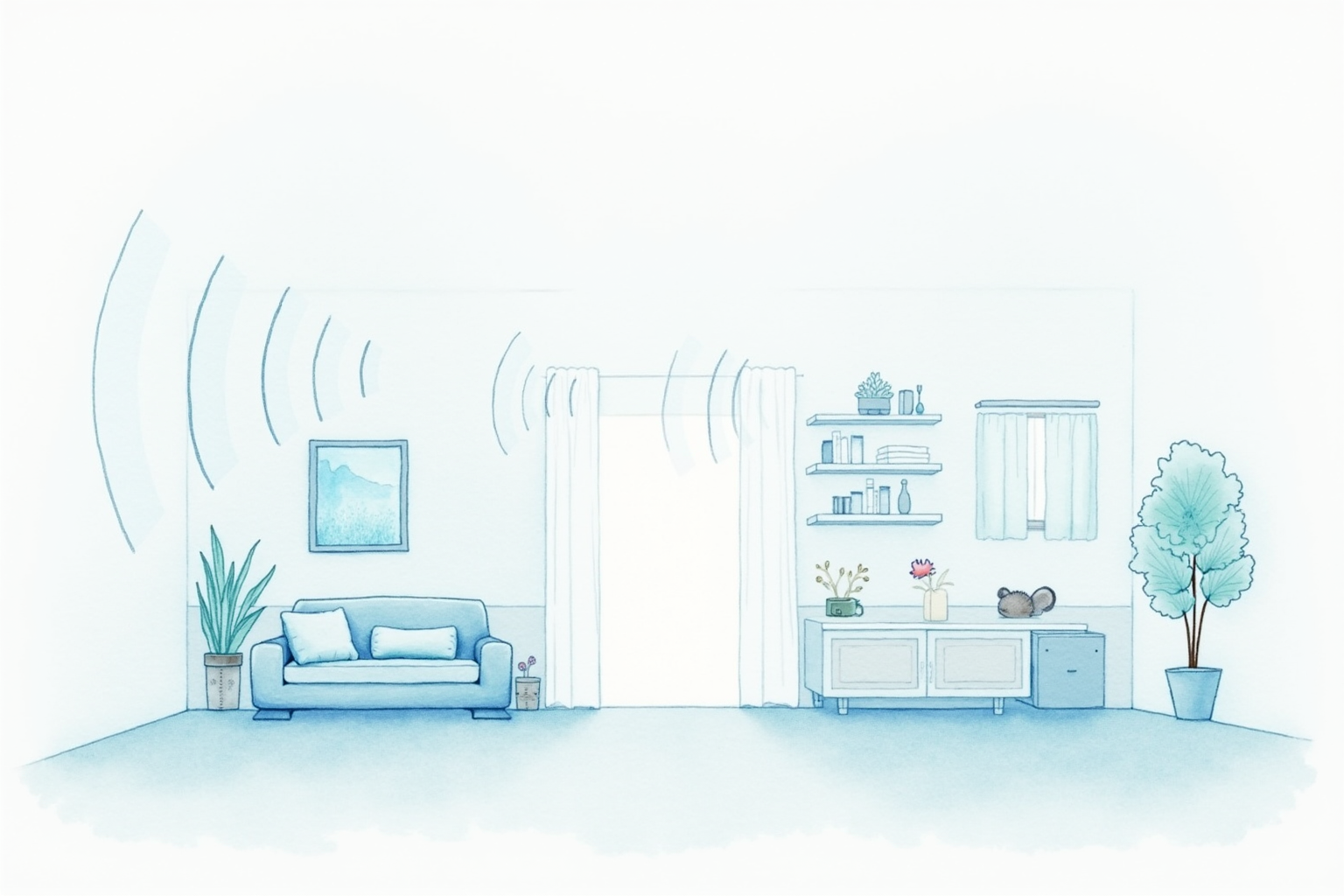
A single high-end WiFi router can cover roughly 1,500-2,000 square feet of typical residential construction with strong signal. Beyond that range, signal strength drops, particularly through interior walls. Concrete, brick, or stucco walls reduce range further; lath-and-plaster construction in older homes can be especially attenuating.
Practical signs you need mesh rather than a single router:
- Streaming video on devices in distant rooms stutters or drops resolution
- Smart-home devices in garages, basements, or upper floors disconnect frequently
- Voice assistant speakers in distant rooms have delayed or failed cloud requests
- Video calls work in one part of the house but struggle elsewhere
For apartments, condos, and smaller single-story homes (under 1,500 sq ft), a single quality router often outperforms an entry-tier mesh system at lower cost. For larger or multi-story homes, mesh is generally the better path.
WiFi 6 vs 6E vs 7

The WiFi standards landscape:
WiFi 6 (802.11ax) uses the existing 2.4 GHz and 5 GHz bands with improved efficiency. OFDMA, MU-MIMO, and other features make WiFi 6 routers handle high-density client counts better than WiFi 5 predecessors. Most current devices (post-2020) support WiFi 6.
WiFi 6E is WiFi 6 with the added 6 GHz band. The FCC opened the 6 GHz band for unlicensed use in 2020 — relatively uncrowded, capable of high-speed connections in optimal conditions. WiFi 6E clients (iPhone 15+, Pixel 6+, recent laptops) benefit; older WiFi 6 clients continue using 5 GHz.
WiFi 7 (802.11be) adds wider channels (320 MHz), 4K-QAM modulation, and Multi-Link Operation that uses multiple bands simultaneously. WiFi 7 routers and access points are shipping, but very few client devices (iPhone 16 Pro, recent flagship Android phones) currently support it. The benefit is mostly future-proofing for devices arriving in 2026-2028.
For 2026 buyers, WiFi 6E is the practical sweet spot. WiFi 7 is reasonable if you plan to keep the router 5+ years, but the current device fleet does not yet benefit.
Backhaul — shared vs dedicated
Mesh nodes communicate with each other in addition to serving client devices. The bandwidth used for inter-node communication is called backhaul. Two architectures:
Shared backhaul. Same band used for both clients and backhaul. Cheaper to build, simpler hardware. The trade-off is that backhaul traffic competes with client traffic; performance degrades when both are heavy.
Dedicated backhaul. A separate radio is allocated to backhaul, often the 5 GHz or 6 GHz band. Client devices get full use of the other bands. This is the premium architecture and consistently performs better in heavy-load testing.
Netgear Orbi has been the dedicated-backhaul leader. Premium Eero Pro 6E and Eero Pro 7 use intelligent band-selection rather than strict dedicated backhaul. Google Nest WiFi Pro shares backhaul. For homes with 50+ connected devices or heavy simultaneous streaming, dedicated backhaul shows measurable advantage.
Thread border router — smart-home value
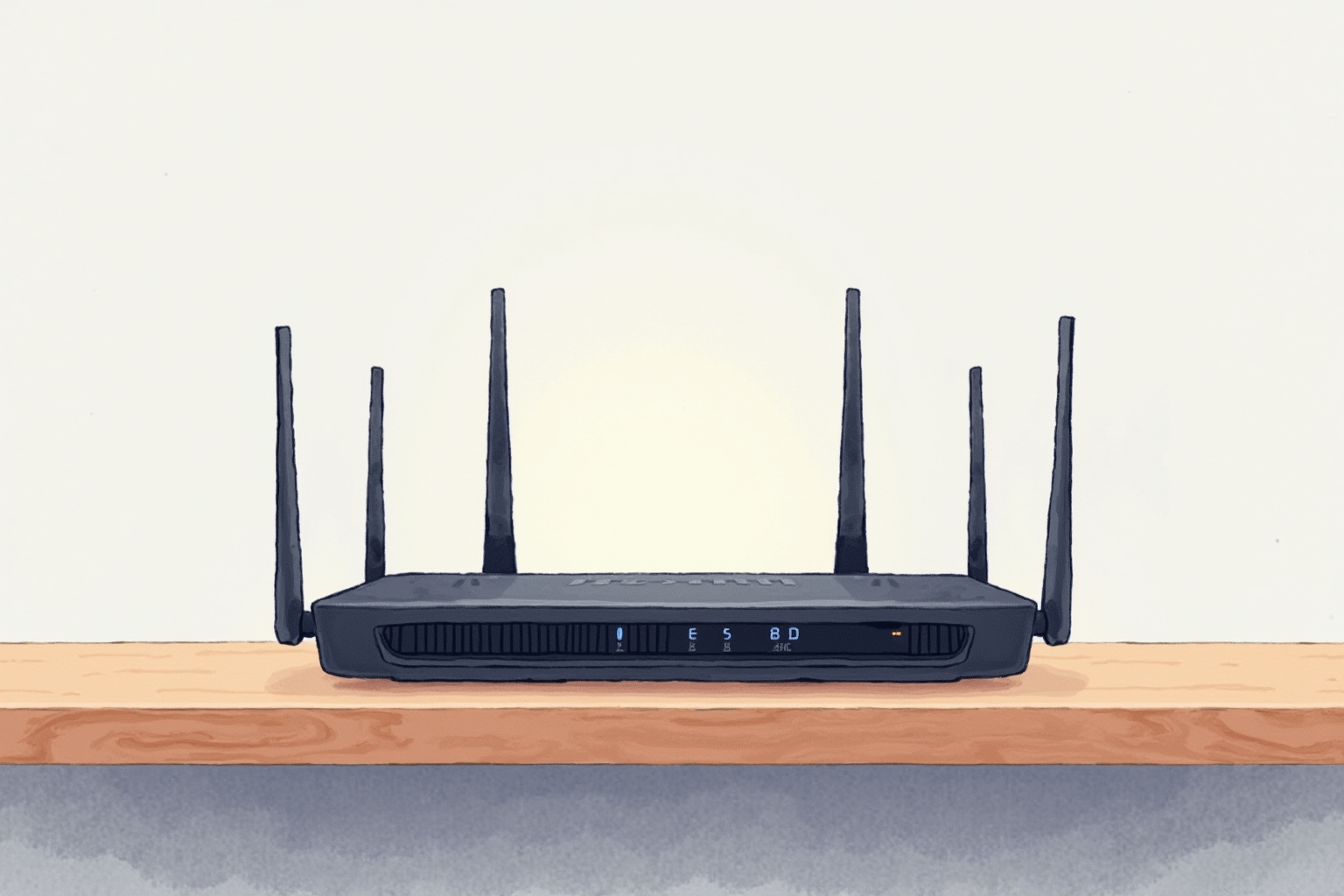
The Thread border router presence in the mesh adds smart-home value:
- Amazon Eero Pro 6E and 6 — includes Thread border router
- Google Nest WiFi Pro — Thread in select 2nd-gen models; verify before purchase
- Netgear Orbi — historically no Thread; recent models may add it
For households building out Matter-over-Thread smart plugs, sensors, and other devices, the Thread radio in the mesh node provides the border router infrastructure without buying a separate device (like a HomePod mini or Nest Hub).
Top picks by household profile
Amazon Eero Pro 6E (3-Pack)
Price · $500-650 — best smart-home integration pick
+ Pros
- · Thread border router built in — Matter-over-Thread ready
- · Tri-band WiFi 6E with 6 GHz band support
- · Polished app, automatic firmware updates, strong long-term support
− Cons
- · Amazon ecosystem — preference depends on overall household setup
- · Eero Secure subscription needed for advanced filtering features
Price, availability, and ratings can change; verify details on the retailer page before buying.
Google Nest WiFi Pro (3-Pack)
Price · $400-500 — best Google ecosystem pick
+ Pros
- · WiFi 6E with 6 GHz band support
- · Strong integration with Google Home and other Google services
- · Thread border router on supported models
− Cons
- · Shared backhaul — may degrade in heavy-load scenarios
- · Google product transitions have created some long-term uncertainty
Price, availability, and ratings can change; verify details on the retailer page before buying.
Netgear Orbi RBKE960 Series (Tri-Band WiFi 6E)
Price · $1,000-1,400 — premium performance pick
+ Pros
- · Dedicated backhaul architecture — strongest under heavy load
- · Premium hardware build and antenna design
- · Wired Ethernet ports for direct device connection on each node
− Cons
- · Premium price — among the most expensive mesh systems
- · Limited Thread border router presence (varies by SKU)
Price, availability, and ratings can change; verify details on the retailer page before buying.
The buying decision tree
For most smart-home households in 2026, the Eero Pro 6E 3-pack hits the right balance — WiFi 6E coverage, Thread border router for Matter expansion, and reasonable price for a typical 2,000-3,000 sq ft home. The Amazon ecosystem integration is a feature for households using Echo / Ring / Alexa.
For Google-ecosystem households (Pixel phones, Google Home, Nest Hub), the Nest WiFi Pro is the natural pick. Trade-off: shared backhaul means performance under heavy load is less robust than Eero or Orbi.
For households where networking is the primary concern (gaming, multi-stream 4K, home offices with heavy video), Netgear Orbi’s dedicated backhaul performs best under load. Pay the premium if heavy networking demand is consistent.
Avoid older WiFi 5 (802.11ac) mesh systems even at discount. The savings are real, but the lack of forward compatibility means you replace within 2-3 years anyway. WiFi 6 minimum, WiFi 6E preferred for any 4-5 year planning horizon.
A correctly-sized mesh system disappears into the household infrastructure within a week — devices connect reliably, family members stop complaining about WiFi, and smart-home device disconnects fade as a recurring issue. The right mesh purchase is the foundation that the rest of the smart-home stack depends on.