Smart Home Power Outage Router Backup Routine for 2026
A practical 2026 guide to keeping essential smart-home networking reliable during short power outages without unsafe wiring, fake uptime promises, or privacy shortcuts.
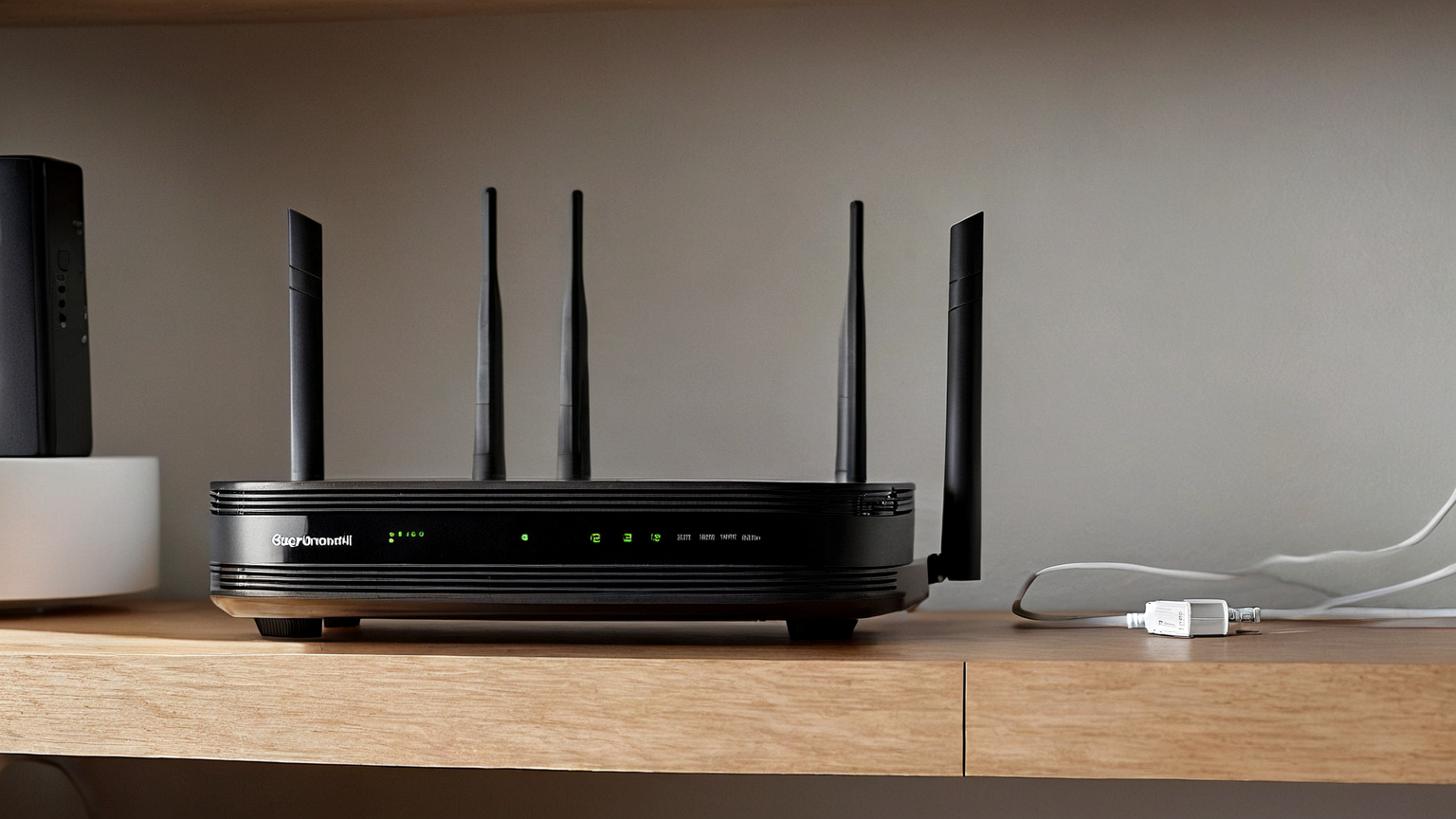
A short power outage can turn a smart home into a confusing mix of offline cameras, unreachable locks, silent sensors, and family members who do not know which devices still work. This June 2026 routine focuses on the narrow goal that matters most: keeping the modem, router, and essential local controls understandable during brief outages while avoiding unsafe wiring and unrealistic uptime promises.
Quick decision table
| Decision point | Better default | Avoid |
|---|---|---|
| Internet modem and router | Small battery backup sized for short outages | Do not connect wet, overloaded, or damaged gear |
| Smart lock or alarm app | Know whether local/manual access still works | Do not rely on cloud status alone |
| Phone charging | One battery bank and one cable location | Do not leave cables across walkways |
| Storm safety | Generator stays outdoors and away from openings | Never run combustion devices indoors |
1. Define what must stay online
List the few functions that actually matter during the first hour: emergency messages, checking official alerts, controlling a lock manually, or confirming whether a sensor is battery powered. A router backup is not a whole-home emergency system. It is a small reliability layer, so keep the promise small and testable.
2. Separate network backup from unsafe power improvisation
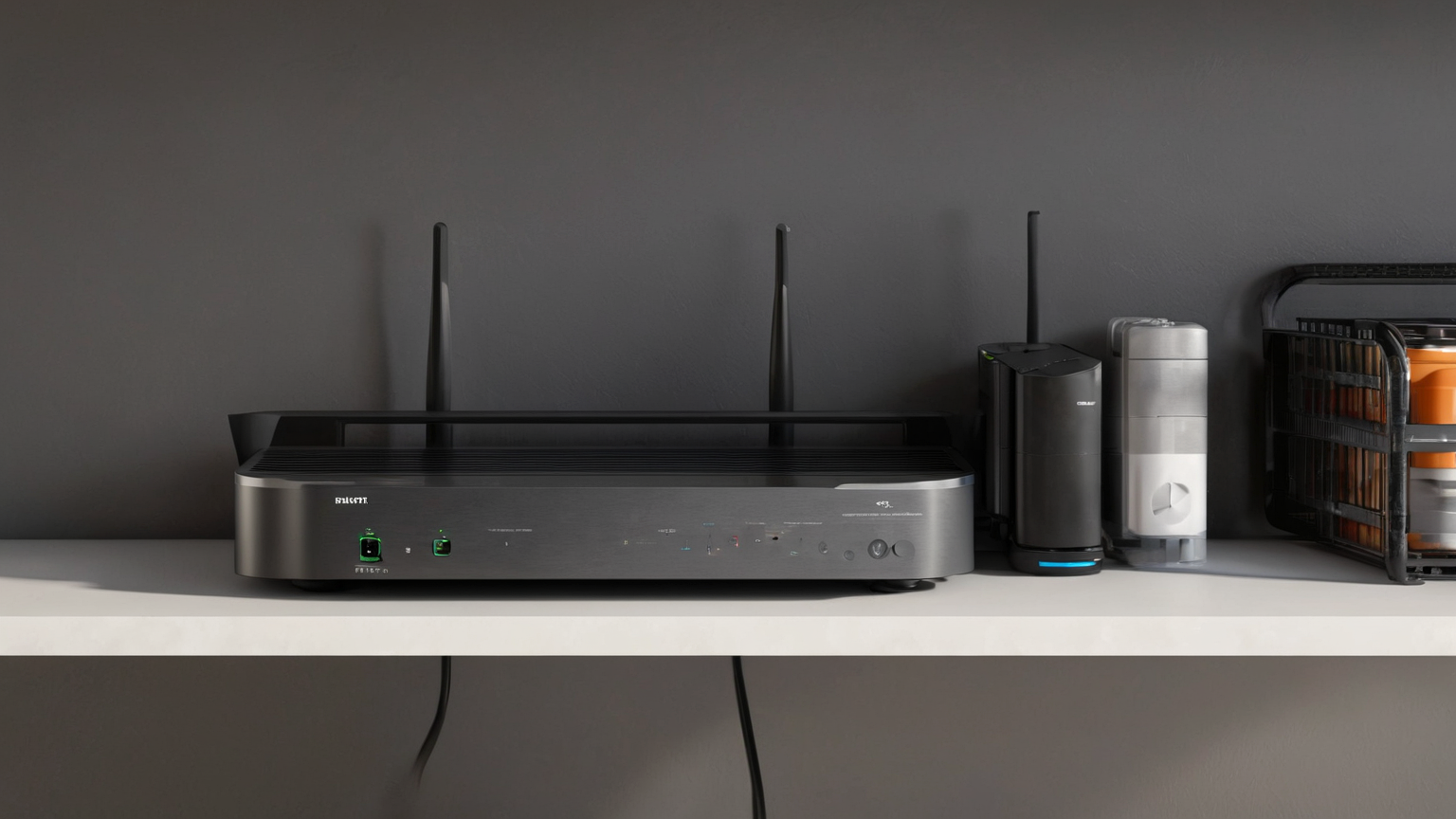
Place the modem, router, and battery unit on a dry, ventilated shelf. Keep power strips off the floor in leak-prone areas, avoid daisy chaining, and leave enough airflow around every device. If storms are active, safety comes before connectivity; damaged cords, wet outlets, or heat smells mean the setup is not safe to use.

3. Protect privacy while the network is unstable
Outage mode can tempt people to share passwords, reuse admin accounts, or leave guest networks open. Keep a printed non-secret instruction card that says where the router backup is, how to check official alerts, and who can change settings. Do not write router admin passwords on a visible entryway card.

4. Run a monthly five-minute drill
Unplug the router from wall power only if it is safe and the battery device is designed for that use. Confirm which lights stay on, which phone can reach the network, which automations fail gracefully, and when the family should stop troubleshooting and switch to mobile emergency alerts.
Practical checklist
- Keep manual access methods for locks and garage doors.
- Store one charged battery bank where everyone can find it.
- Label cables only with private, non-sensitive markers.
- Test after firmware or ISP equipment changes.
- Review generator safety separately from router backup.

Troubleshooting
If the router stays on but the internet is down, the issue may be upstream service rather than your battery. If devices reconnect slowly, avoid resetting everything at once. Record the exact symptom, wait for ISP updates, and preserve manual controls.
Source-backed boundaries
This guide was checked against current public sources from CDC, CISA, Federal Trade Commission, OSHA. It is practical household guidance, not a substitute for emergency services, lease-specific legal advice, institutional policy, or professional inspection where those are needed.
AdSense-readiness note
AdSense readiness: practical emergency, security, and safety framing; no affiliate UPS/router product push; clear limits that battery backup does not replace emergency communication planning.
Summary
The useful version of this plan is small, repeatable, safety-aware, and reviewed before the next stressful day arrives.
Why this works better than a shopping list
A shopping list assumes the right object fixes the problem. The better approach starts with the failure mode: blocked access, damp surfaces, privacy leakage, unverified claims, or a routine nobody repeats. Once the failure mode is visible, the tools stay modest. That keeps the article helpful for readers who rent, share space, have a tight budget, or need a safer first step before buying anything.
Weekly review script
Use a short review question set: What changed this week? What failed or almost failed? What can be simplified? What should be removed? What official instruction or policy needs checking again? Writing those answers in plain language creates more value than adding another device, bin, app, or template.