Smart Freezer Door Alarm and Power-Outage Food Safety Routine for 2026
A safety-first 2026 smart-home routine for freezer door alerts, outage logs, vacation checks, food-safety decisions, and alert fatigue.
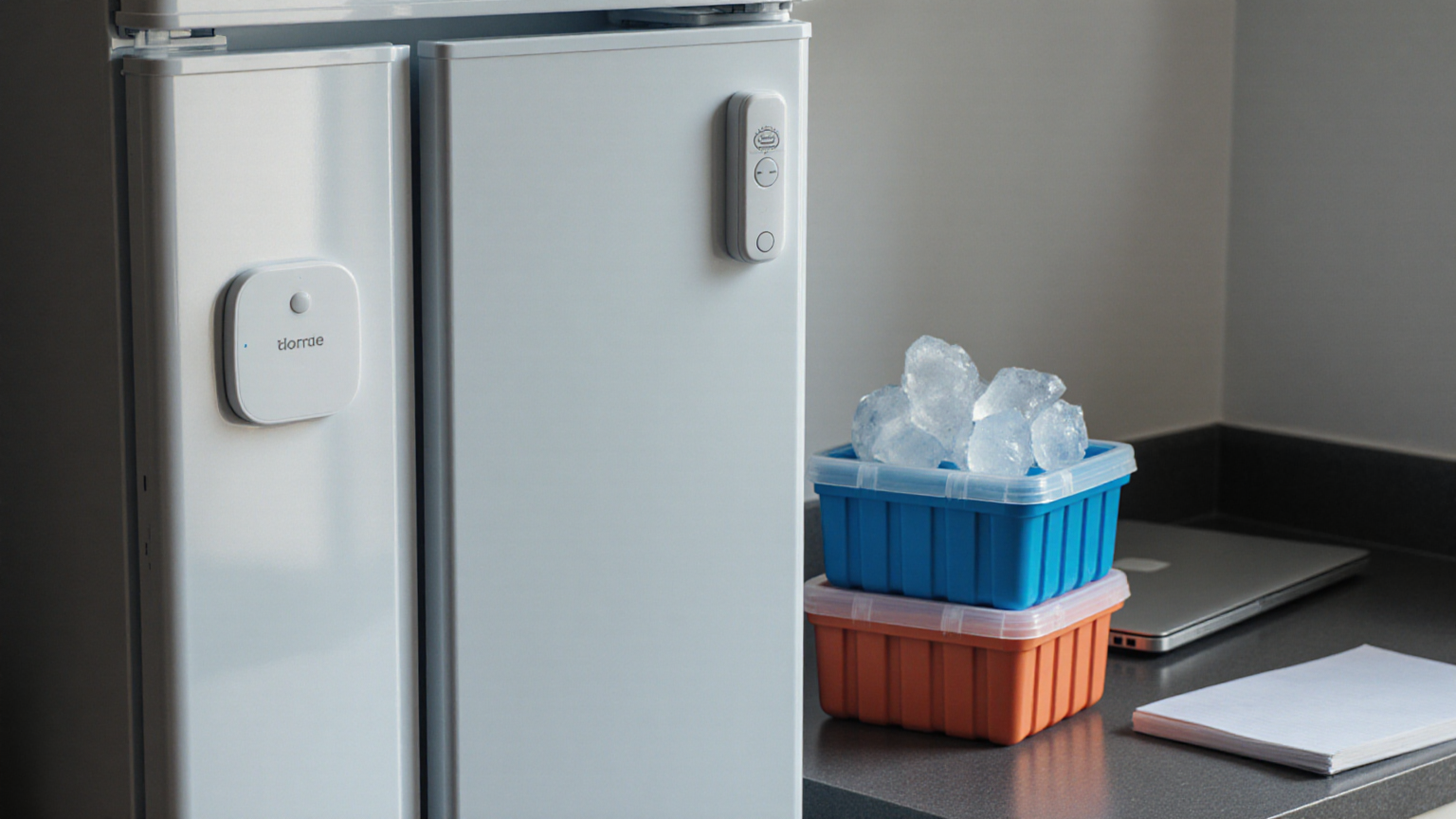
A smart freezer alarm should help a household make calmer decisions during a door-left-open alert or a power outage. It should not encourage anyone to taste questionable food, ignore public food-safety guidance, or run a generator in an unsafe place. This June 2026 routine combines a simple door sensor, a power-outage plan, and food-safety decision rules so the freezer becomes easier to manage before the next storm, breaker trip, or accidental open door.
The decision table before the automation
| Situation | Safer first move | Smart-home help | Do not do |
|---|---|---|---|
| Door-left-open alert | Check the door, gasket, and drawer track | Contact sensor notification | Assume the food is safe because an app alerted you |
| Short power flicker | Keep the door closed and note the time | Power plug or hub outage log | Open the freezer to inspect every item |
| Extended outage | Follow food-safety time and temperature guidance | Reminder to review the plan | Taste food to decide whether it is safe |
| Returning from travel | Check outage history and ice packs before unloading | Vacation mode alert routing | Serve food when the timeline is unknown |
| Generator use | Keep it outdoors and away from openings | None; this is a safety rule | Run a generator indoors, in a garage, or near windows |
A freezer routine works best when everyone knows that the sensor is only a reminder. The official food-safety rule still matters more than the automation. If the outage timeline, freezer temperature, or food condition is unclear, the safer choice may be to discard food rather than stretch the automation into a guarantee.
1. Start with the failure you want to catch
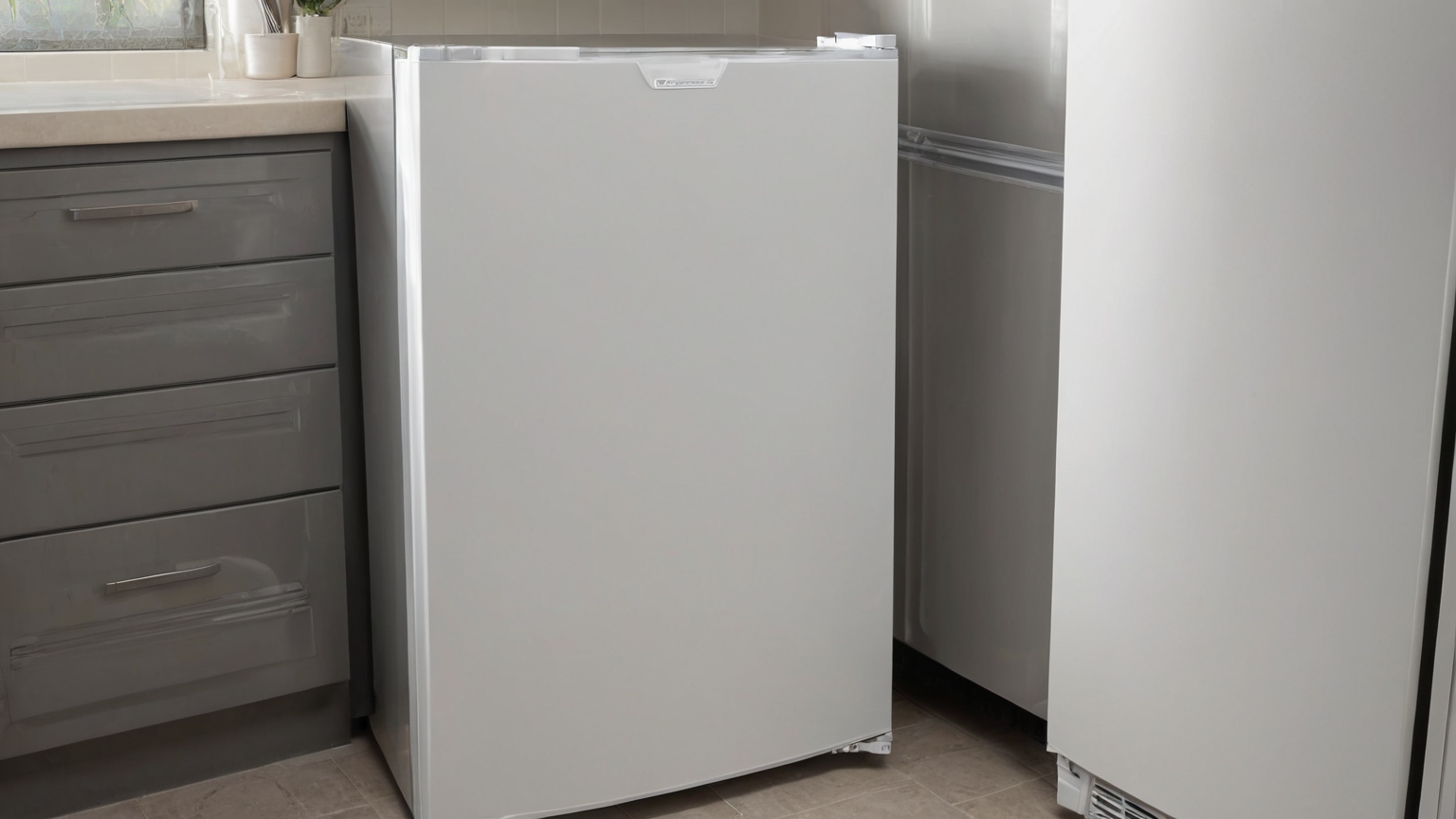
Most families do not need a complicated freezer dashboard. They need to catch a few ordinary failures: a drawer blocked by an overfilled bag, a child not pushing the door closed, a freezer in the garage losing power, or a vacation week when nobody hears the appliance alarm. Write those failures down before buying devices. A contact sensor can help with the door. A temperature sensor can help notice a trend. A smart plug may show power loss if the freezer manual allows that type of monitoring, but it should not be used to switch a freezer off and on casually.
Keep the first automation boring: if the freezer door is open for a set number of minutes, send an alert to the people who can actually check it. If nobody is home, the alert should say what to do next, not just “freezer open.” A useful message is specific: check the door seal, make sure the drawer is not blocked, keep the door closed after fixing it, and write down the time if the alert was missed.
2. Place the sensor where it survives normal use
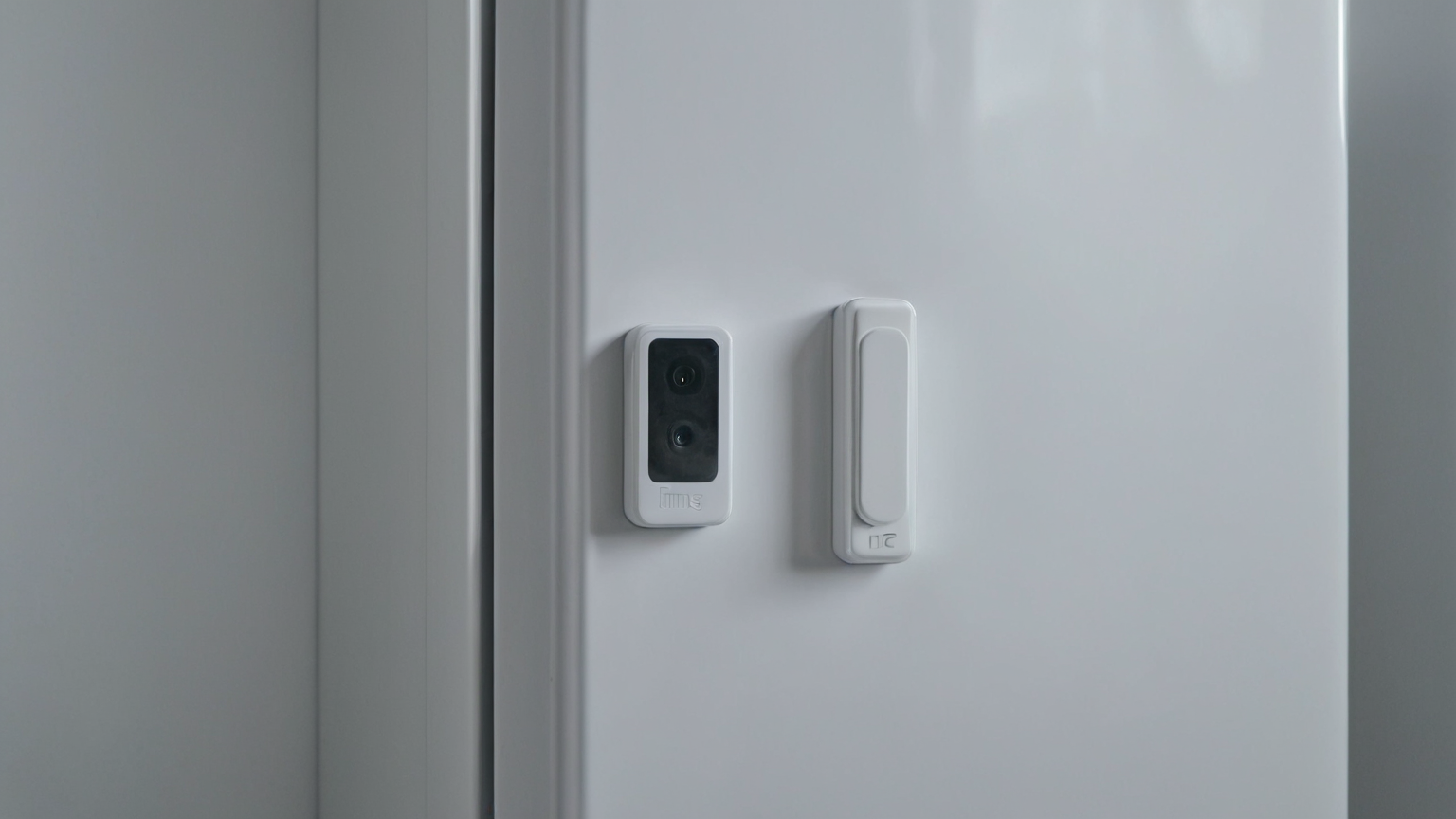
A contact sensor should not sit where baskets scrape it, where frost builds up, or where a gasket needs a clean surface. Test placement with the freezer empty enough to open and close smoothly. Close the door several times and watch whether the sensor shifts. If the freezer is in a garage or utility room, check the sensor’s temperature and humidity limits in the manufacturer’s instructions. Adhesive pads that work on a hallway door may fail on a cold appliance surface.
This is also the moment to label the routine in your smart-home app with plain language. Use a name like “Freezer door open” rather than a cryptic device code. Do not put private travel dates, medical diet details, or expensive food inventories into notification text. A short household phrase protects privacy and is easier for a neighbor or family member to understand if they are asked to help.
3. Build a power-outage rule that keeps the door closed
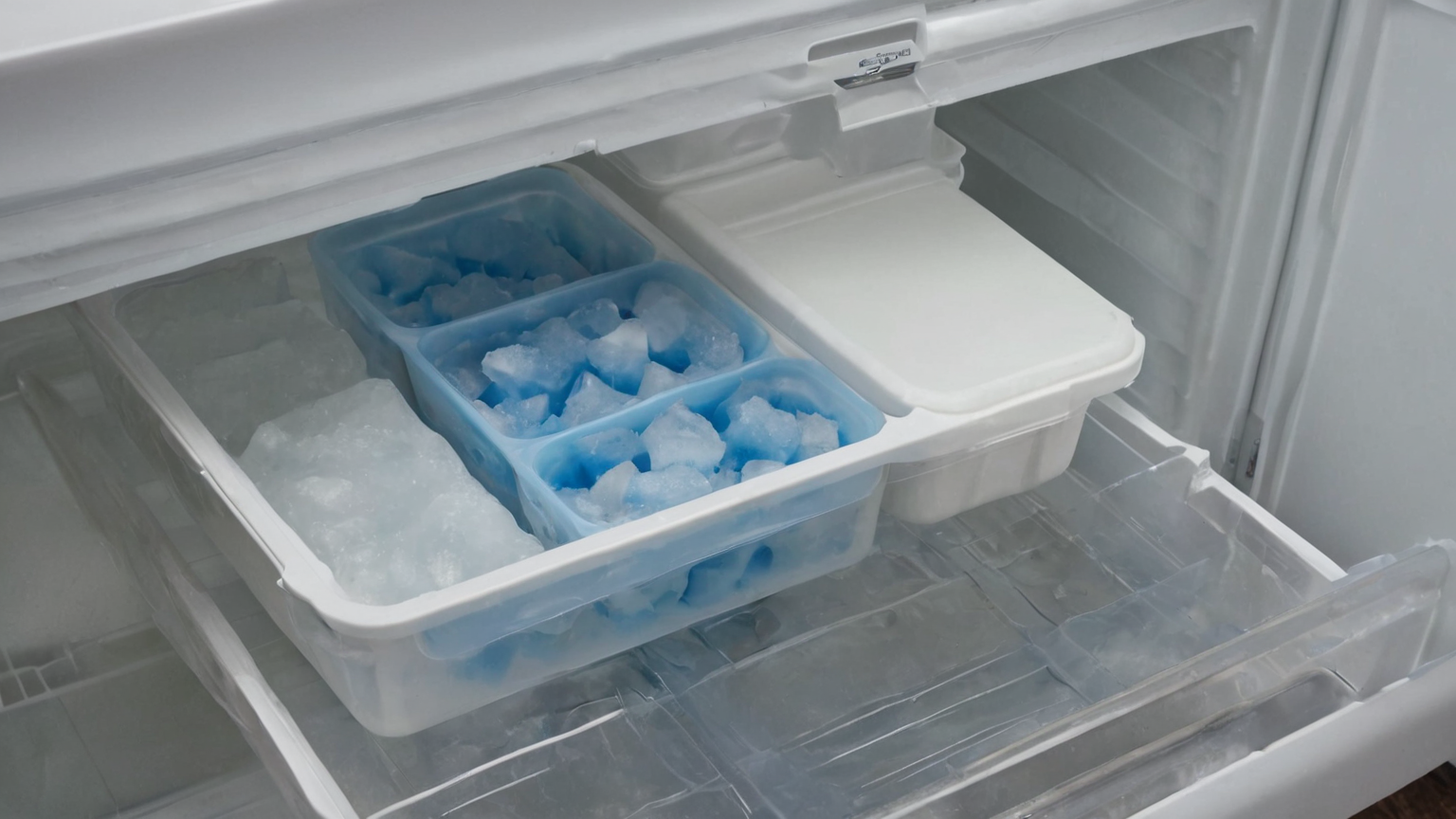
During a power outage, opening the freezer is usually the wrong first move. The better routine is to keep the door closed, record when power was lost if known, and use public food-safety guidance when power returns. Smart-home alerts can support this by logging the outage time, reminding the household not to inspect repeatedly, and routing alerts to someone nearby. They cannot tell you that every package is safe.
Make a small outage card inside a kitchen drawer or shared note. It should include the freezer location, the utility outage link, the food-safety source your household follows, and the rule for discarding questionable food. If you use a battery backup for the router or hub, describe what still works when internet service is down. Some sensors will continue locally; others will not. A routine that only works with cloud service should be treated as convenience, not a safety system.
4. Use ice packs as a visual backup, not a magic test
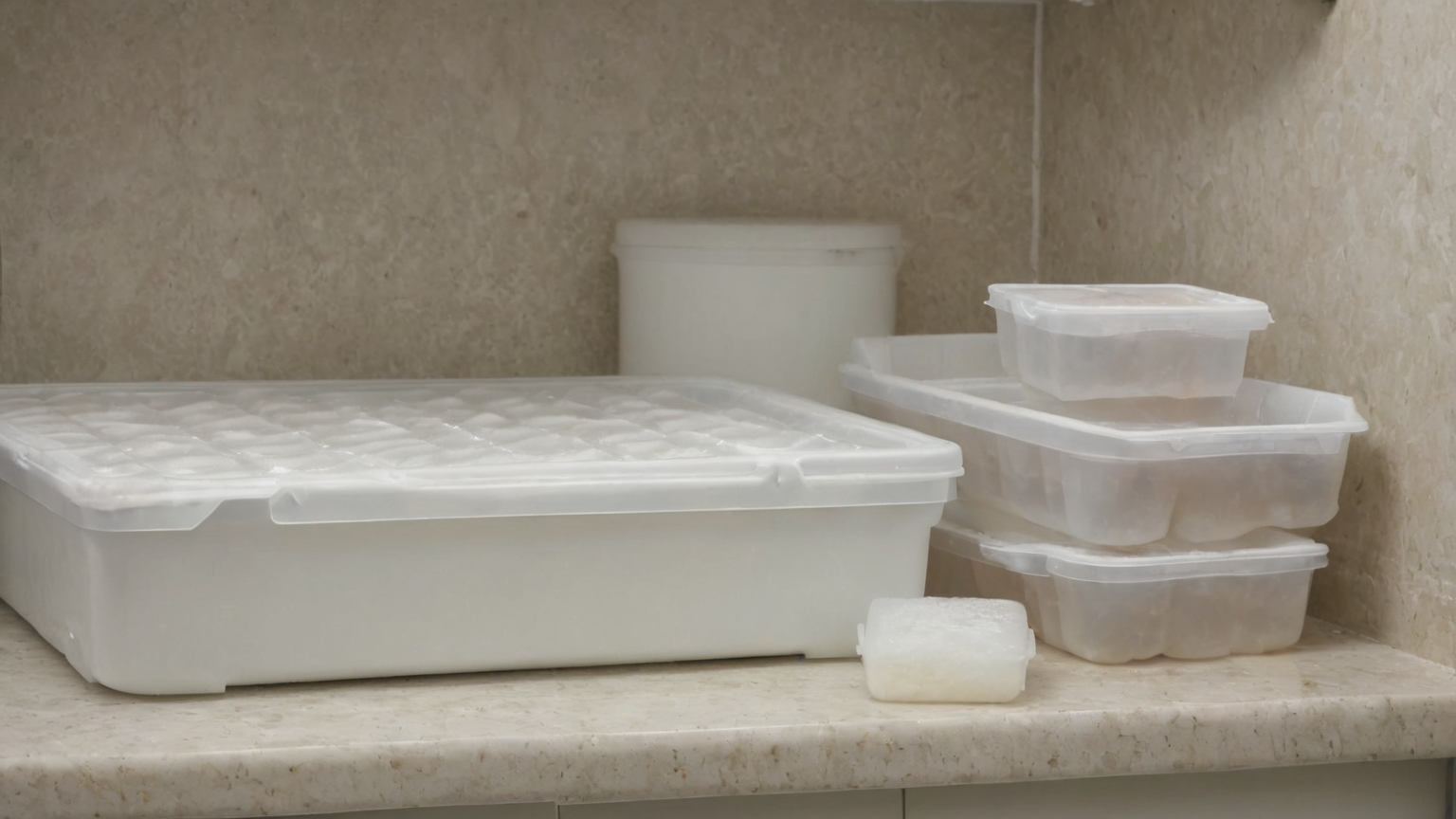
Ice packs and sealed containers help the freezer stay organized and can make an outage review easier, but they are not a substitute for food-safety guidance. Keep a few solid-color ice packs in a consistent place so the freezer has thermal mass and the layout is easy to restore after shopping. Avoid blocking vents, crowding the door, or stacking soft bags so tightly that the door looks closed while a corner remains open.
A simple organization rule helps: heavy sealed items low, frequently used items near the front, and high-value or medically important items documented outside the freezer without putting private details in a public app. If your household stores breast milk, medical nutrition, or specialty diet foods, use the guidance from the relevant health professional or program, not only a general smart-home article.
5. Set alert timing for action, not anxiety
Alert fatigue is real. A freezer door alert that fires every time someone unloads groceries will be muted quickly. Start with a delay that catches real mistakes without punishing normal use. For many homes, the first reminder can wait a few minutes. A second reminder can go to another adult if the door remains open. A travel mode can shorten the delay only when the house is empty and a nearby helper is available.
Do not connect the freezer routine to an automatic action that creates a new hazard. The useful automation is notification, logging, and checklist guidance. The unsafe version is anything that makes people rush, move heavy frozen items in the dark, run cords through wet areas, or use a generator improperly. Keep generator guidance separate and clear: portable generators belong outdoors and away from doors, windows, and vents because carbon monoxide risk can be deadly.
6. Vacation mode should be humble
Before travel, run a five-minute freezer check. Confirm the door closes without rubbing, remove packaging that blocks the gasket, freeze extra ice packs if useful, and make sure the right person receives alerts. If a trusted neighbor or family member is your backup, tell them the simple version: check whether the door is closed, do not inspect food repeatedly, and contact you if power has been out for a long time.
The return-home checklist matters as much as the departure checklist. Look at the outage log, any sensor alerts, and the physical condition of the freezer before restocking. If the freezer was off for an unknown period, do not let the desire to avoid waste override safety. The money saved by keeping questionable food is small compared with the cost of illness.
7. A weekly maintenance pass prevents most false alerts
Pick one weekly moment to check the routine. Open and close the door, confirm the app sees the state change, wipe the gasket if needed, and look for frost patterns or blocked drawers. Replace batteries before they become emergency work. If the sensor uses adhesive, check whether the mount is sliding. If the freezer is older or making unusual sounds, schedule appliance service rather than trying to solve a mechanical issue with more notifications.
Keep the article’s sources and your household plan separate from brand promises. A smart-home vendor may describe features like “peace of mind,” but your safety plan should still include public guidance, manual checks, and a discard rule. That distinction is important for AdSense-readiness too: the page should help readers make safer decisions, not push a gadget as a guaranteed solution.
8. Troubleshooting table
| Problem | Likely cause | Fix to try | Escalate when |
|---|---|---|---|
| Repeated open alerts during shopping | Delay too short | Add a normal-use delay | Alerts continue after the door is closed |
| No alert when door is open | Sensor alignment or battery | Re-pair and test placement | Device cannot report reliably |
| Door looks closed but alarm fires | Drawer or gasket obstruction | Remove blockage and clean gasket | Seal is damaged or frost is heavy |
| Outage alert but freezer seems cold | Power returned before review | Keep door closed and check official guidance | Timeline is unknown or food is questionable |
| Family ignores notifications | Alert wording is vague | Add a short action checklist | Nobody can respond during travel |
Quick setup checklist
- Choose the exact failure to catch: open door, missed travel alert, or outage review.
- Confirm the freezer manual allows your monitoring method and does not warn against your planned placement.
- Mount the sensor where the gasket, drawer, and frost will not disturb it.
- Set a first alert delay for real mistakes, not normal grocery loading.
- Add an outage note that says to keep the door closed and follow food-safety guidance.
- Route vacation alerts only to someone who can take action.
- Test the sensor weekly and after battery changes.
- Keep generator and carbon-monoxide safety rules outside the automation so they are not missed.
FAQ
Can a smart freezer sensor tell me food is safe?
No. It can report a door or temperature condition, depending on the device, but food-safety decisions still depend on outage duration, temperature, food type, and official guidance. When in doubt, do not taste food to decide.
Should I put a smart plug on a freezer?
Only if the freezer manufacturer and electrical setup allow safe monitoring. Do not use an automation that casually cuts power to a freezer. If you only need outage awareness, choose a monitoring approach that cannot accidentally switch the appliance off.
What is the most useful vacation setting?
Route alerts to a nearby person who can check the door, and keep the message simple. A vacation alert is useful only when someone can act on it.
What AdSense-readiness improvement does this post add?
It keeps the smart-home recommendation safety-first: official food-safety sources, clear limits, no exaggerated device claims, no affiliate push, and practical household checks. That preserves trust while adding a topic-specific routine readers can use.