Smart Doorbell Privacy Settings: A Visitor Routine That Protects Neighbors and Guests
A practical 2026 guide to smart doorbell privacy zones, notifications, retention, visitor expectations, and safer household routines.
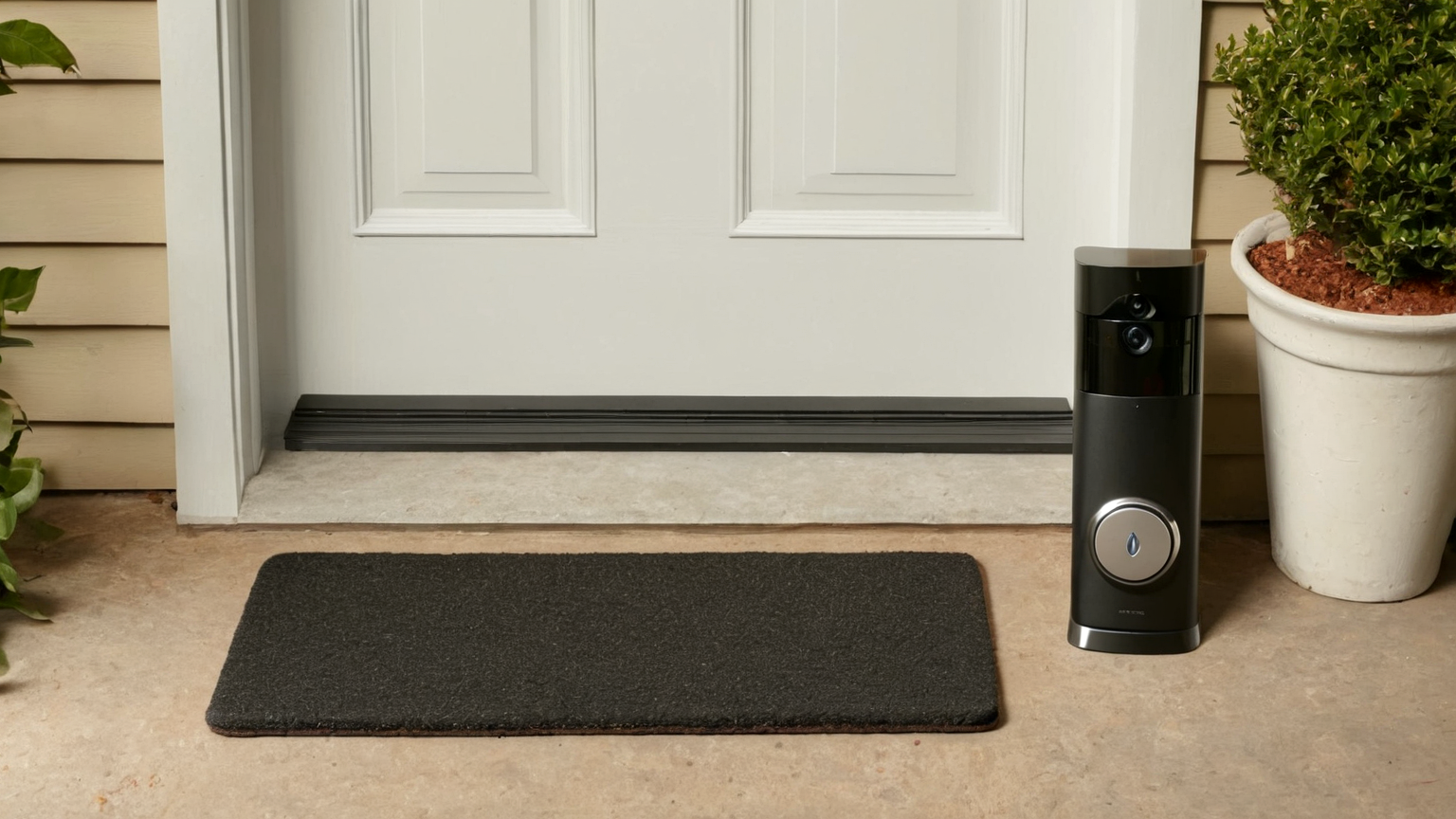
A smart doorbell is both a convenience device and a camera at the edge of private space. The most useful setup is not the one that records the most clips; it captures needed doorstep activity, protects neighbors and guests, and gives the household a clear routine for alerts, retention, and sharing. This June 2026 guide turns privacy settings into a monthly smart-home habit.
Privacy decision table
| Setting | Helpful target | Risk if ignored | Practical routine |
|---|---|---|---|
| Camera angle | Own doorway and package zone | Neighbor windows or sidewalks dominate clips | Recheck after mounting changes |
| Motion zones | Actionable doorstep motion | Constant alerts and overcollection | Narrow zones monthly |
| Clip retention | Enough for real incidents | Unneeded long-term storage | Delete old clips on schedule |
| Sharing | Household safety or verified need | Casual forwarding of guests | Ask before sharing non-urgent clips |
| Account security | Strong login and updates | Camera takeover or leaked footage | MFA and firmware checks |
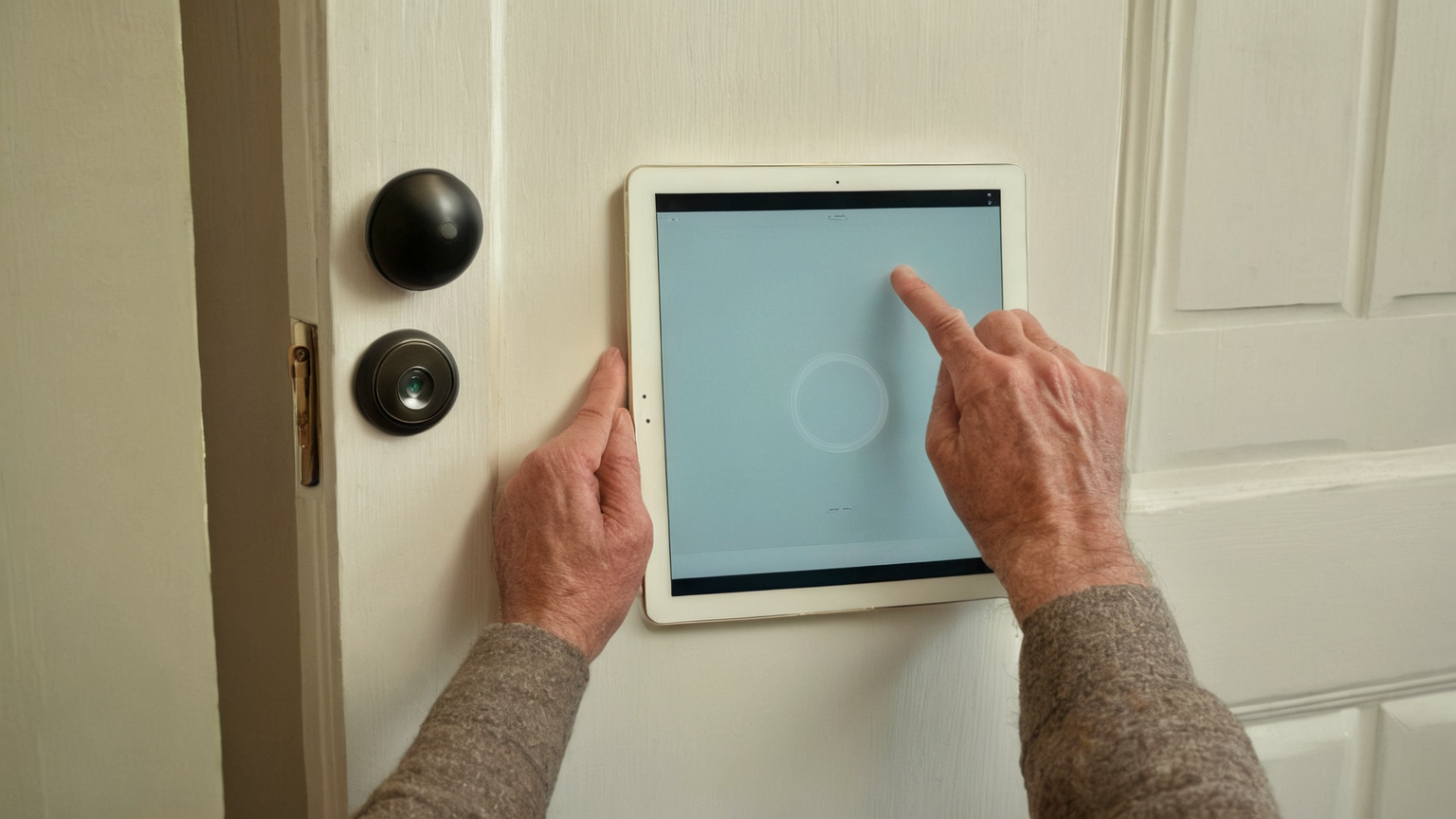
Start with the physical angle
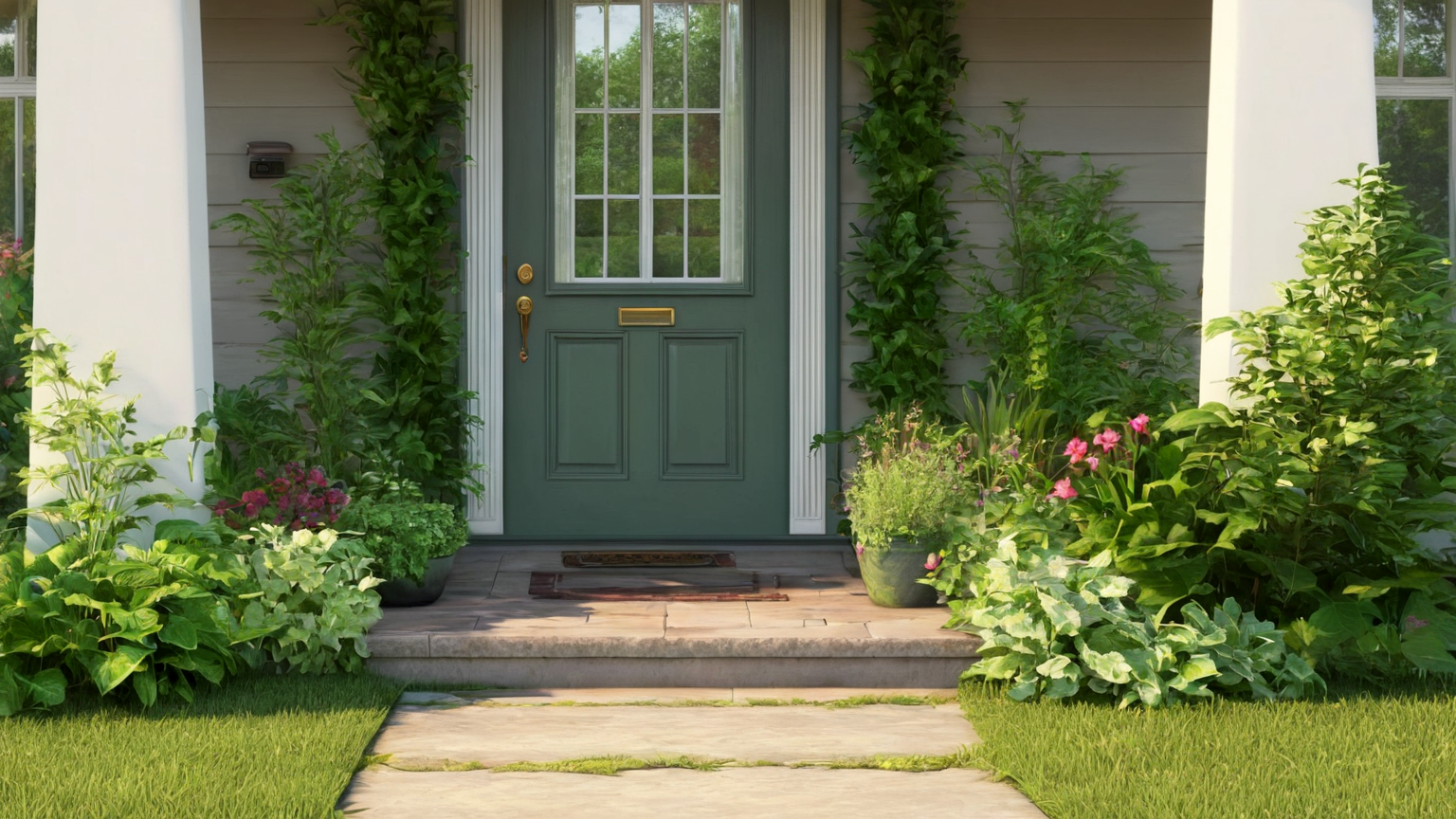
Before opening the app, stand where a visitor stands. The doorbell should see the package zone, faces only when needed for household safety, and as little of neighboring homes as practical. If the camera mostly watches the public sidewalk, a shared hallway, or a neighbor’s window, software privacy zones are a patch, not the first fix. A small wedge mount or different height can reduce overcollection.
Make notifications narrower
Too many alerts train people to ignore real events. Use motion zones, person/package filters if available, and quiet hours that match the home’s actual risk. Keep emergency expectations realistic: a doorbell is not a monitored alarm service unless you pay for and configure one. If a visitor needs help, household members should know who answers and when not to engage through the speaker.
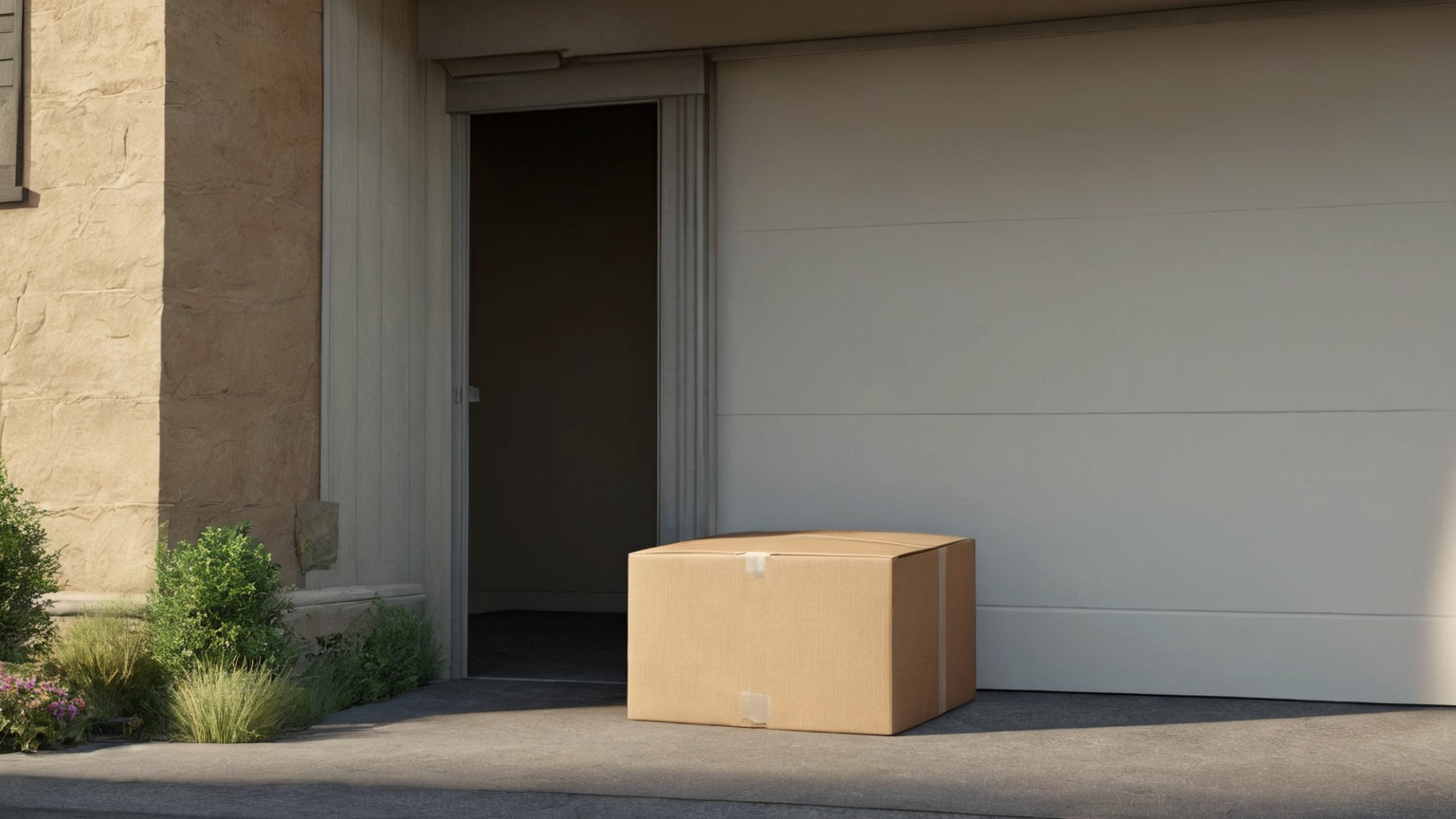
Treat guests and workers fairly
Delivery drivers, cleaners, neighbors, children, and invited guests may not expect every casual moment to be saved and shared. Post a visible camera only where appropriate, avoid recording private indoor conversations through an open door, and do not forward clips for entertainment. The better routine is simple: review clips for safety or delivery issues, delete unnecessary footage, and do not publish people’s faces without a strong reason.
Monthly visitor-routine checklist
- Check the lens angle after weather or mounting changes.
- Review motion zones and cut unnecessary coverage.
- Confirm account users and multifactor authentication.
- Delete clips you no longer need.
- Write a household rule for sharing footage.
- Revisit local lease, HOA, or shared-building expectations before adding cameras.
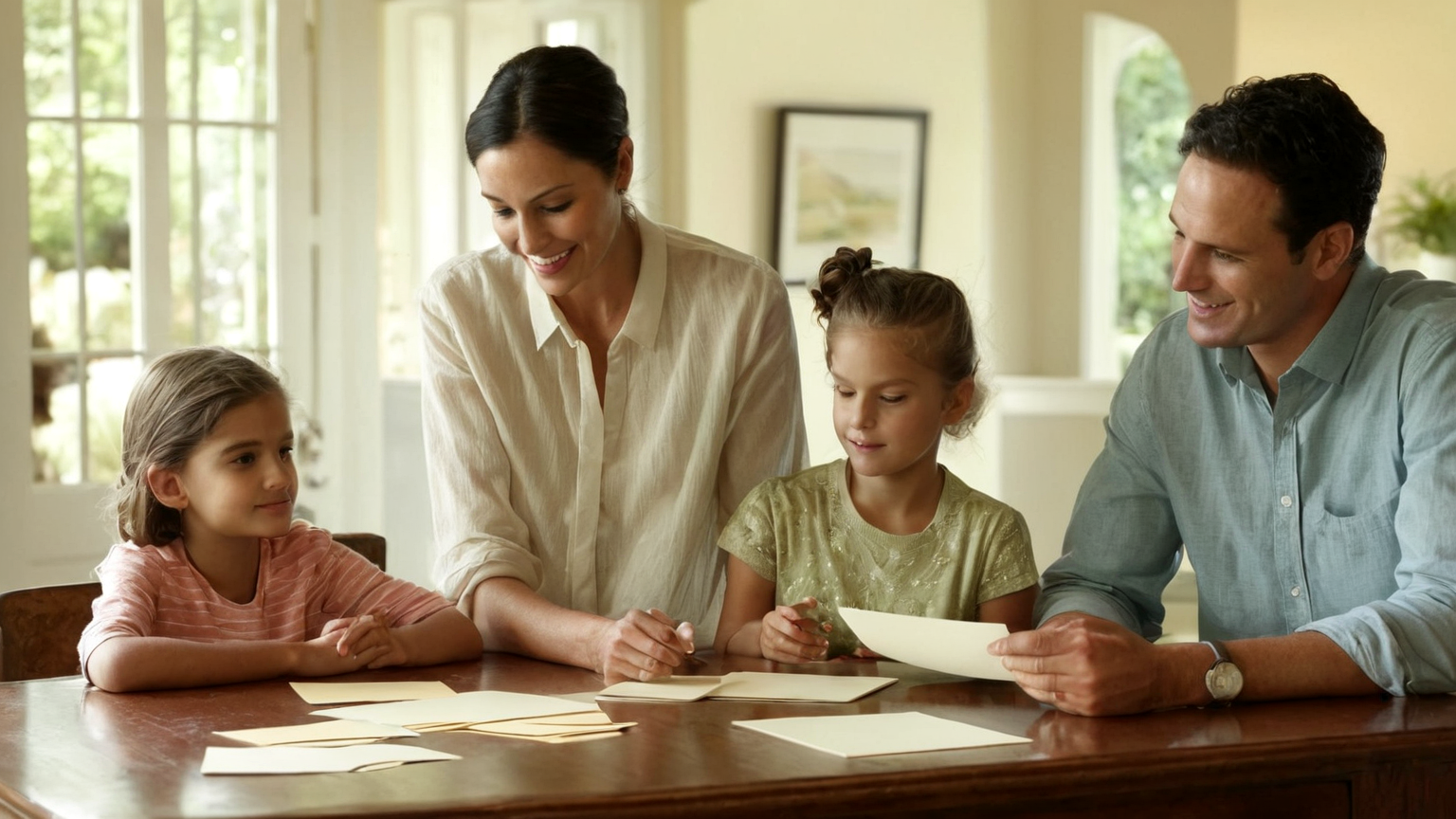
Check the shared-space edge
A good privacy routine also looks at what sits just outside the package zone. If a camera sees a shared path, garden edge, hallway, or another door more than the visitor area, tighten the zone again. Keep the default review question practical: “Would this clip help solve a delivery or safety issue, or is it just collecting people who did not choose to be part of the scene?”
Keep the network side boring
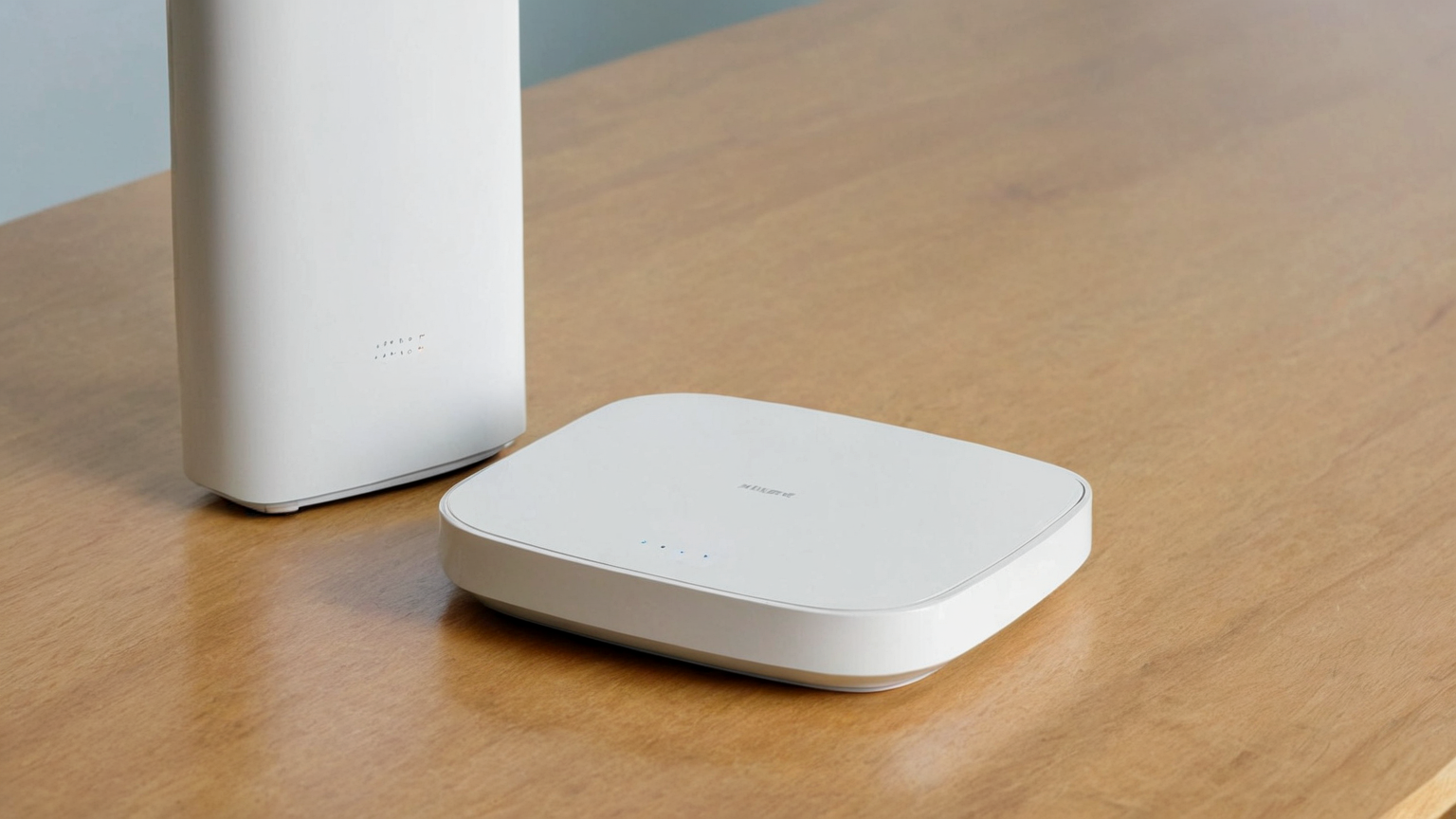
Doorbell privacy is not only camera angle. The router, hub, and account settings should be boring: updated firmware, a strong unique password, multifactor authentication, and no unnecessary shared users. Review these settings on the same monthly schedule as lens cleaning and clip deletion so the routine stays small enough to repeat.
AdSense-quality trust note
This guide does not rank cameras or push subscriptions. It helps readers make a connected device more respectful, safer, and easier to maintain, which preserves trust and avoids thin affiliate-style advice.