Smart Irrigation Weather Controller Plan: Water Less Without Guessing
A practical 2026 plan for smart irrigation controllers, leak checks, watering zones, weather delays, and responsible outdoor water use.
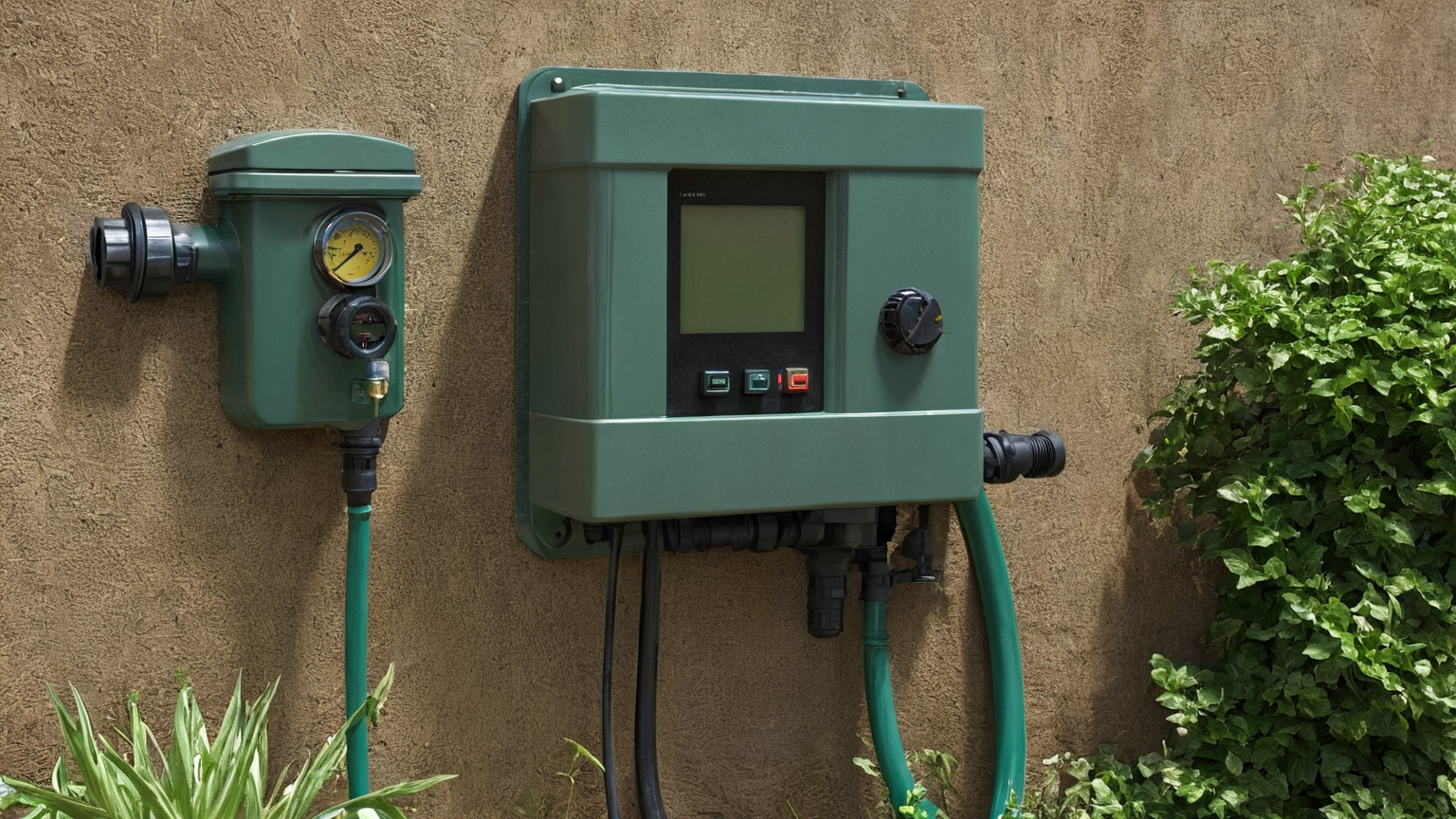
As of June 2026, the smartest irrigation upgrade is not a more complicated app. It is a repeatable water plan: map zones, check leaks, use weather-aware scheduling, and keep local drought or watering rules ahead of automation. A smart controller can help reduce waste, but only if the valves, heads, soil, plants, and household responsibilities are understood first.
The five-zone audit before you automate
Walk the yard early in the morning and divide it into practical zones: full-sun lawn, shaded lawn, containers, foundation beds, and any sloped or compacted area. Note overspray onto pavement, puddles, dry corners, broken spray patterns, and places where runoff reaches a sidewalk. The point is to avoid one app schedule that treats every area as identical.

| Zone question | What to look for | Safer adjustment | Evidence to keep |
|---|---|---|---|
| Does water reach pavement? | Wet driveway or sidewalk | Reduce arc or run time | Before and after photo |
| Is runoff visible? | Water moving before soil absorbs it | Split into shorter cycles | Start and stop time |
| Is a head broken? | Mist, geyser, dead corner | Repair before scheduling | Part replaced |
| Are rules local? | Drought or time-of-day limits | Put rule in controller notes | Source and date checked |
Choose weather delay rules that a person understands
Weather-aware controllers can pause watering after rain or adjust seasonal timing, but the household still needs a simple rule. Write it in plain language: if meaningful rain occurred, inspect soil before overriding; if heat arrives, increase only the zones that actually wilt; if a local restriction applies, the local rule wins. Do not use automation to work around public watering limits.
Build a leak and valve check into the schedule
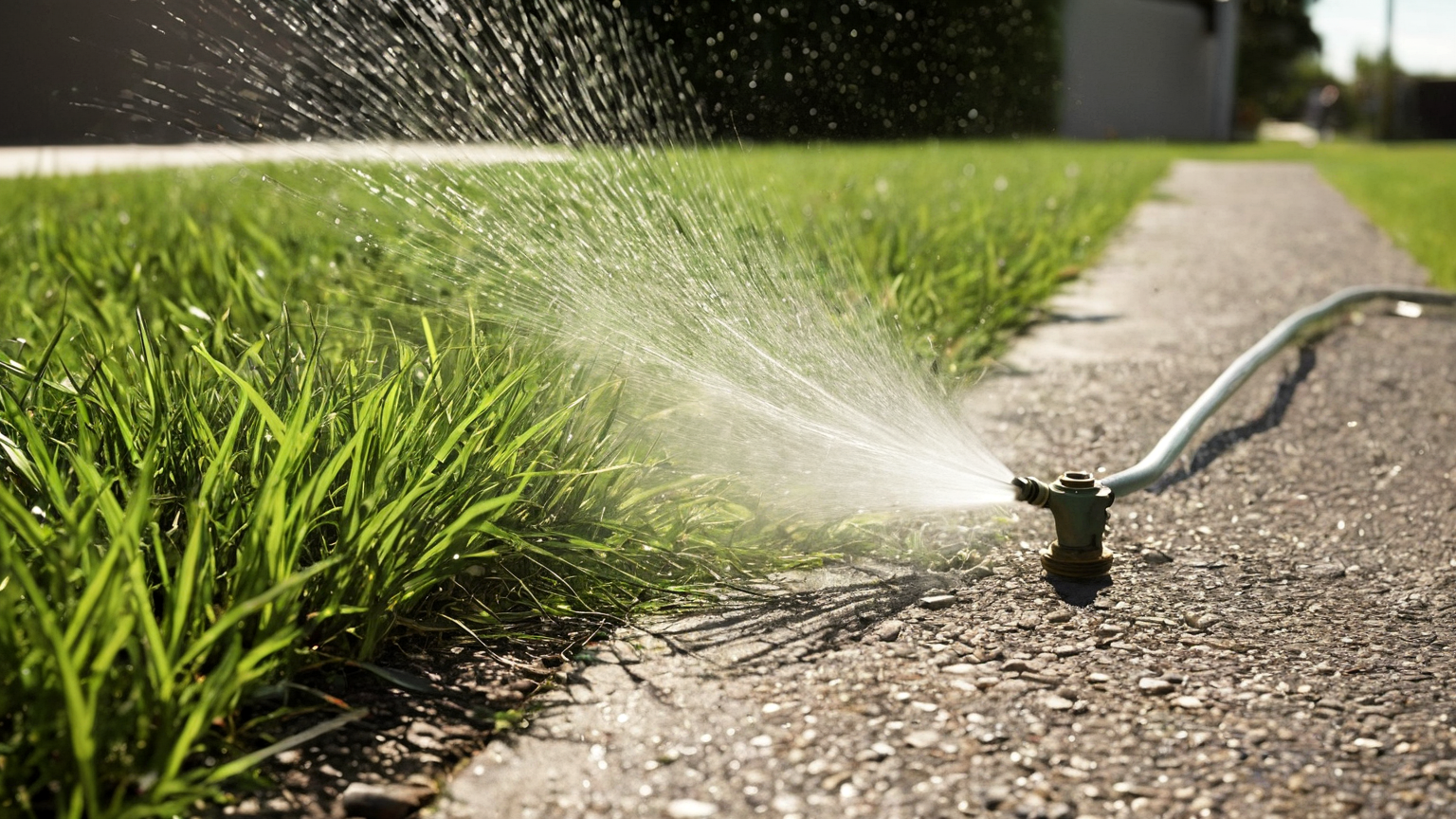
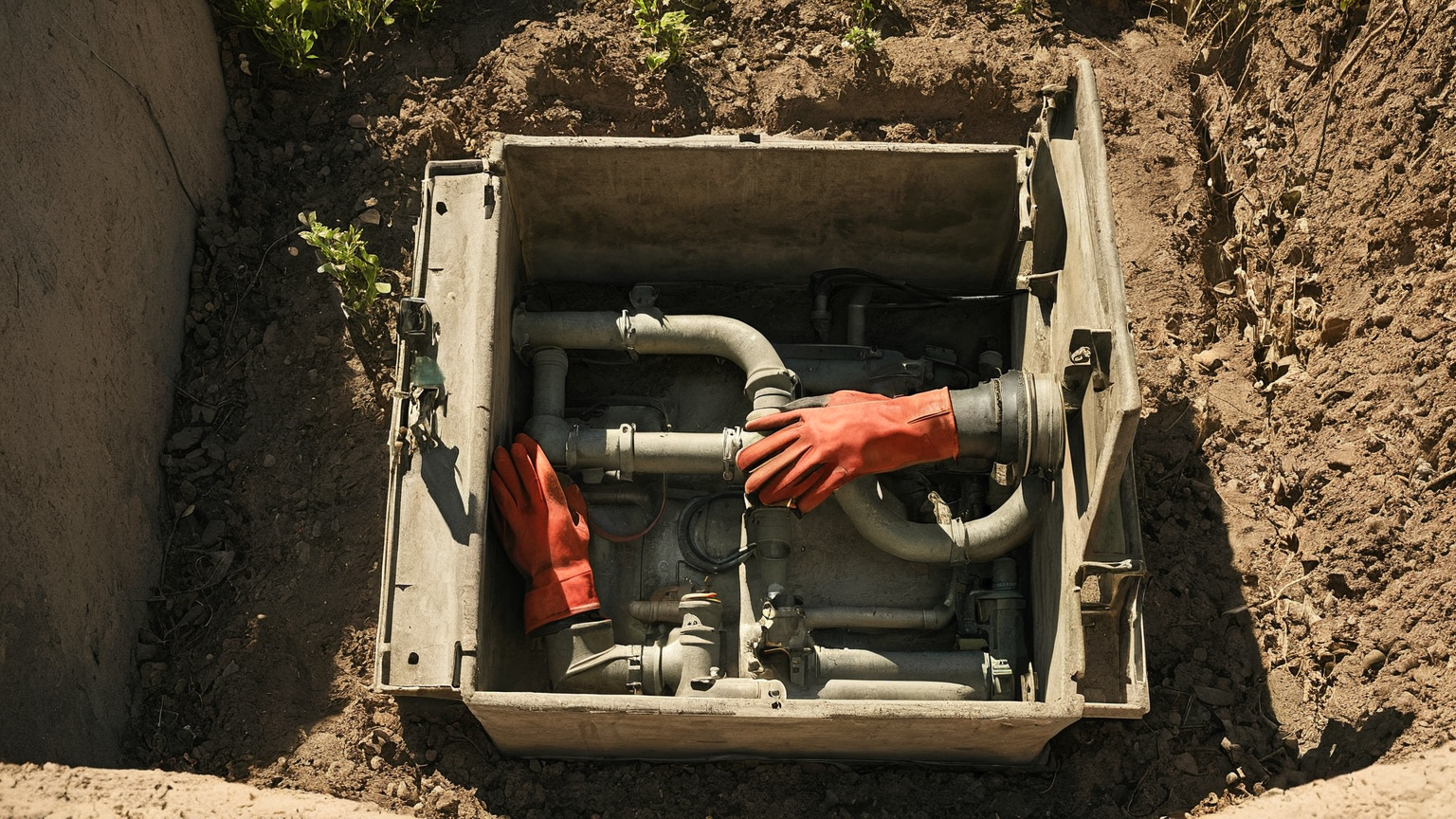
A controller cannot save water if a valve sticks open or a drip line is hidden under mulch. Once a month, run each zone briefly while someone watches the farthest head or emitter. Listen for hammering, look for soggy spots, and compare the water meter when everything should be off. If a leak, electrical hazard, or buried-line repair is possible, pause the automation and use a qualified repair route.
Match plant risk to watering frequency
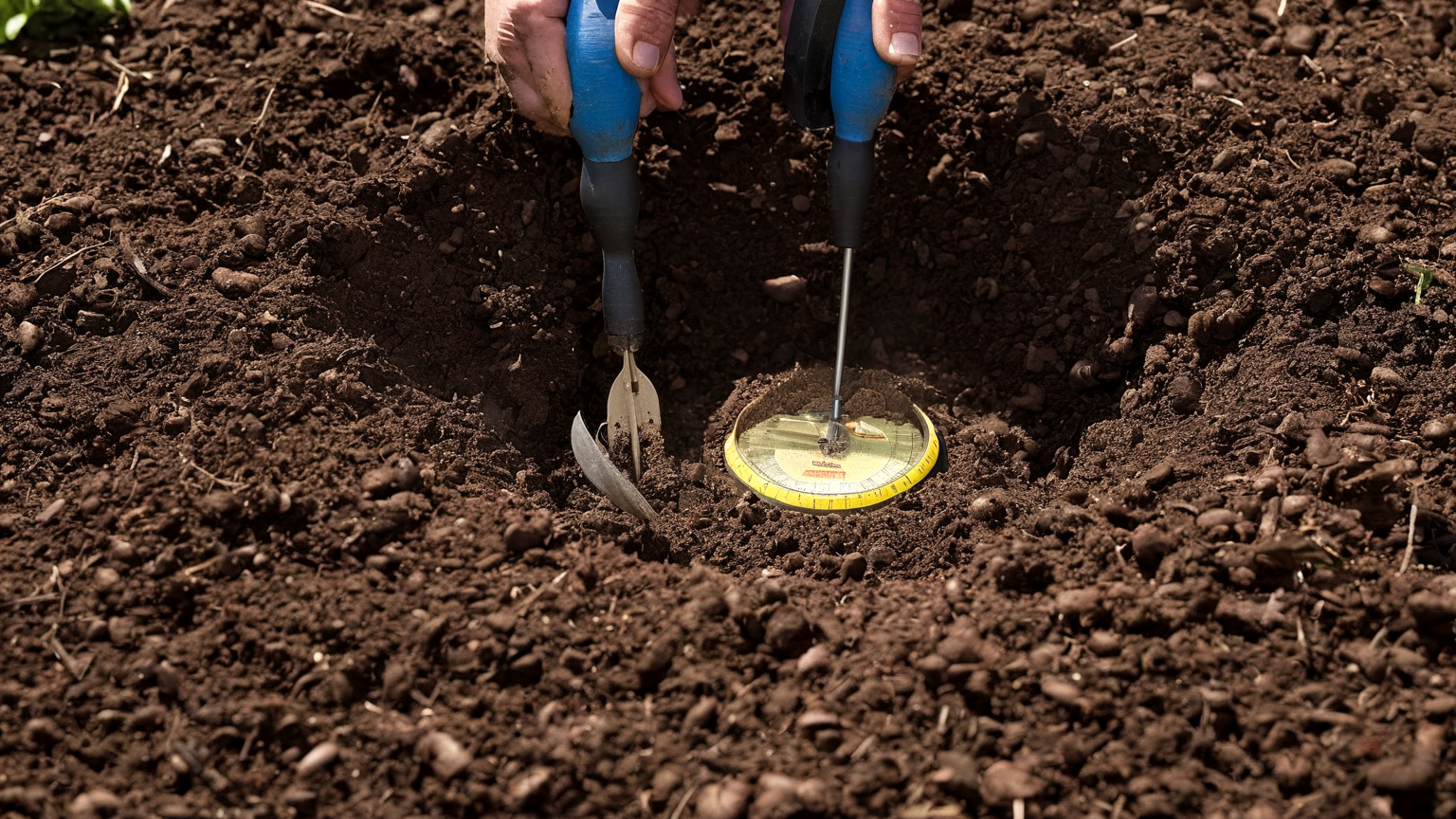
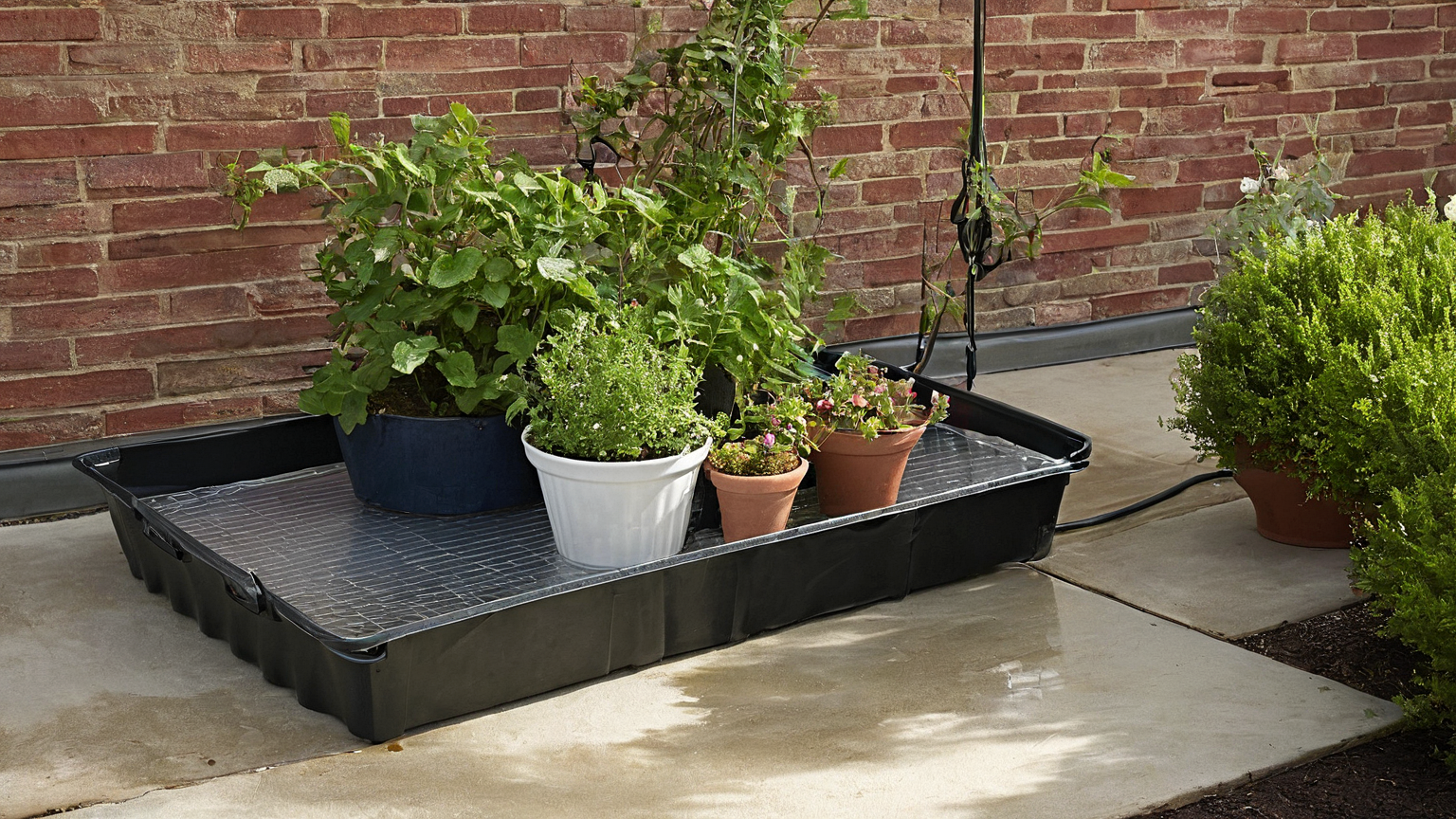
Containers, new plantings, slopes, and shallow-rooted areas fail differently from established turf. Put high-risk areas in their own schedule if possible. Established lawns often need less frequent, deeper watering than anxious daily sprinkles, while containers may need hands-on checking. The controller should reflect plant and soil reality, not the default wizard.
Keep renter, HOA, and electrical boundaries clear
Renters should avoid modifying irrigation wiring, backflow devices, or exterior fixtures without permission. Homeowners should keep outdoor outlets, cords, and controller boxes dry and accessible. If an HOA or municipality has watering windows, save the rule source in the app notes or a shared household checklist.
Seven-day setup sequence
- Photograph each zone while it runs for two minutes.
- Repair obvious broken heads or emitters before changing the schedule.
- Enter local watering limits and weather delay rules.
- Start with conservative run times rather than maximum comfort.
- Recheck soil and plant stress after three hot days.
- Label the manual shutoff and controller owner.
- Review the water bill trend rather than judging one day.
Troubleshooting table
| Symptom | Likely cause | Better next step |
|---|---|---|
| Brown edge near pavement | Overspray misses roots or heat load is higher | Adjust head and test soil before adding minutes |
| Mushy patch after watering | Leak, compaction, or too-long cycle | Stop zone and inspect valve/head |
| Controller waters after rain | Rain threshold or local forecast mismatch | Use a manual pause and revise the rule |
| App says efficient but bill rises | Leak or outdoor use not in the app | Meter check with all fixtures off |
A 20-minute audit before you change schedules
Do this once before you trust any smart controller recommendation. First, run each irrigation zone for two minutes while you watch where the water lands. Mark overspray on pavement, misting heads, blocked spray patterns, and low-pressure corners. Second, compare the controller’s zone names with the real yard. Many homes have “front” or “zone 3” labels that no longer match the landscape after a repair, patio project, or plant replacement. Third, take one photo of the controller screen, one of the valve box, and one of each problem zone. These photos turn a vague water bill problem into a repair list.
The audit also protects plant health. A weather-based controller can skip watering after rain, but it cannot know that one head is tilted toward the driveway or that a shrub now blocks a spray pattern. Fix hardware problems before lowering the seasonal percentage; otherwise dry patches and runoff can happen at the same time.
Controller settings that deserve a note
Keep a short note beside the controller or in your phone with these fields: watering days allowed by local rules, each zone’s plant type, sprinkler type, slope or shade notes, and the date you last checked backup battery or Wi-Fi connectivity. If your utility offers rebates, keep the model number and WaterSense label evidence in the same note so you are not hunting for it later.
For mixed landscapes, do not use one global runtime as a shortcut. Turf, drip beds, containers, and newly planted areas dry at different speeds. A better starting point is to group zones by water need, then adjust after observing soil moisture and plant stress. If a zone always needs a very different schedule, that may point to a nozzle, pressure, or design problem rather than a software problem.
Troubleshooting symptoms
| Symptom | Likely cause | First check |
|---|---|---|
| Controller skips after dry weather | Weather station, rain sensor, or seasonal adjustment is too conservative | Compare local rain data and sensor status |
| Runoff appears quickly | Runtime too long for soil intake rate or slope | Split into shorter cycle-and-soak sessions |
| One corner stays brown | Blocked/tilted head or pressure imbalance | Watch that zone during a test run |
| Water bill rises after setup | Manual overrides or hidden leak | Review controller history and inspect valve boxes |
| App says offline | Wi-Fi or power interruption | Confirm local schedule still runs without cloud access |
Reader trust and scope note
This guide intentionally avoids naming one “best” controller because rebates, climate, soil, and existing wiring change the right answer. Use official WaterSense and extension guidance first, then treat product reviews as a secondary filter. That keeps the article useful for readers and safer for future monetization review because recommendations are tied to maintenance decisions rather than affiliate pressure.
FAQ
Should I buy a smart controller first?
No. First confirm that the current system is not leaking, overspraying, or violating local watering rules. Then a controller can automate a good plan.
Can I rely on weather data alone?
No. Weather adjustment is useful, but soil, shade, slope, and plant type still need observation.
Does this guarantee lower bills?
No. It reduces avoidable waste and makes decisions auditable, but bills also depend on rates, leaks, landscape size, and weather.