Smart Air Purifier Filter Reminder Routine for Wildfire Smoke Season
A practical 2026 smart-home routine for air purifier placement, filter reminders, AQI checks, wildfire-smoke days, and safe maintenance without fake app certainty.
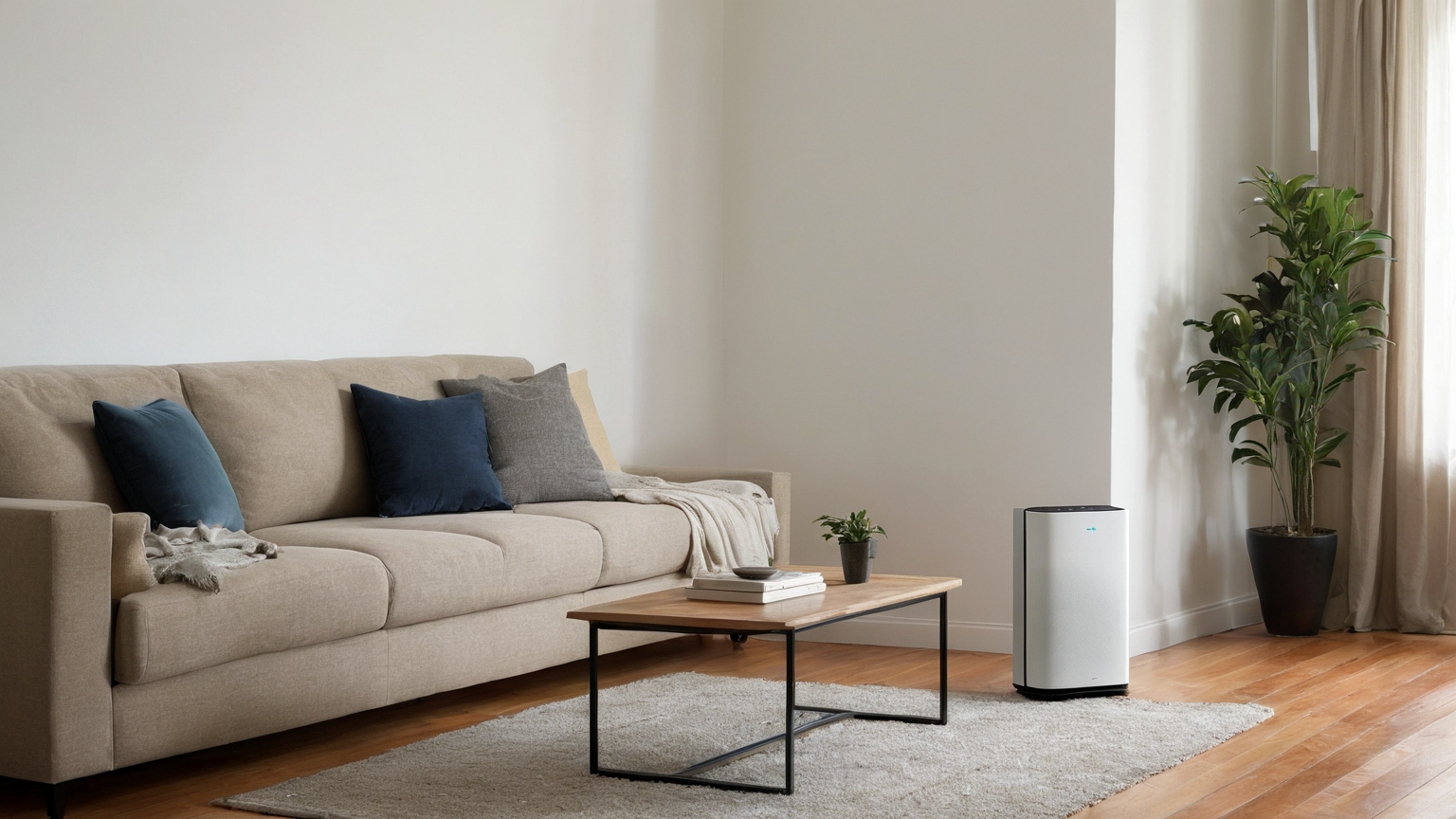
Wildfire-smoke season turns a smart air purifier into a household reliability tool, not a gadget contest. The useful routine is simple: know which room becomes the cleaner-air room, keep doors and windows closed when smoke is present, place the purifier where air can circulate, inspect filters after smoke events, and make reminders visible to people who do not manage the app. This guide is written as of June 2026 and uses official public-health and indoor-air guidance rather than brand claims.
The one-room priority
A whole home may not be equally controllable during a smoke event. Choose one room where a person can sleep, work, or recover with fewer openings and fewer dust sources. The best room is not always the prettiest room; it is the room with a closeable door, safe outlet, low clutter, and enough space around the purifier intake and outlet. Put the purifier on a stable surface or floor location recommended by the maker, and keep fabric, paper, toys, and cords away from vents.
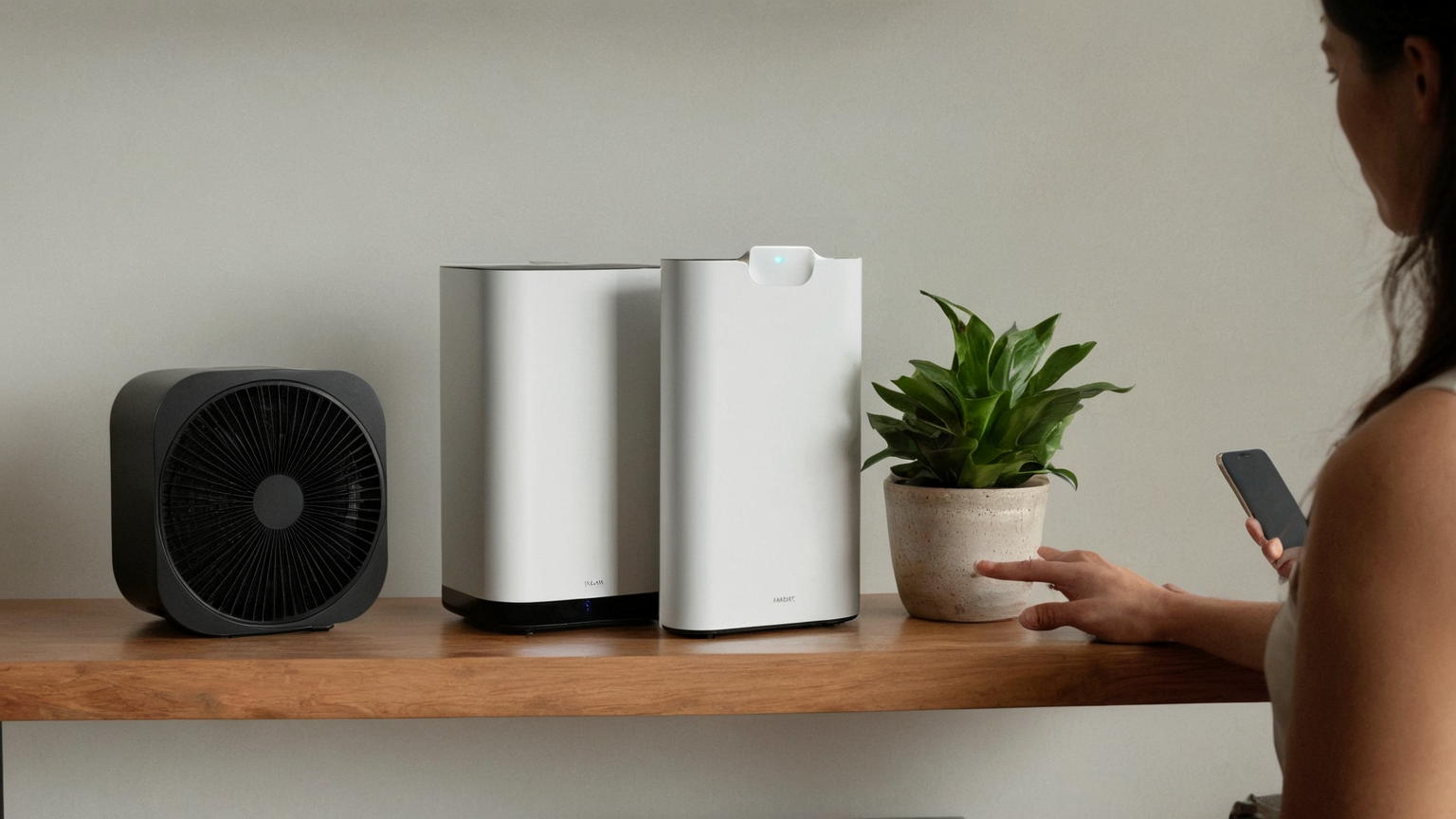
Reminder table
| Trigger | Smart reminder | Human check | Action |
|---|---|---|---|
| Outdoor smoke forecast | Review clean-room setup | Close windows before smell arrives | Put purifier in ready position |
| AQI rising | Start purifier earlier | Confirm indoor odor/dust | Use higher fan setting if tolerable |
| Long smoke day | Filter status review | Look for gray dust or airflow drop | Inspect prefilter or main filter |
| After smoke clears | Maintenance reminder | Wipe nearby surfaces | Replace or clean according to instructions |
| Guest/caregiver visit | Plain-language note | Can they find switch and outlet? | Show manual override |
Do not automate false confidence
A phone alert can say a device is on, but it cannot prove the room is safe for every person. Smoke sensitivity varies, outdoor readings may not match a specific apartment, and some devices report only estimated filter life. Keep a visible household note: which room to use, which windows stay shut, where spare filters are, and when to seek cleaner public indoor air or medical advice for symptoms. This preserves trust because the article does not overpromise what consumer sensors can do.
Filter reminders that actually help
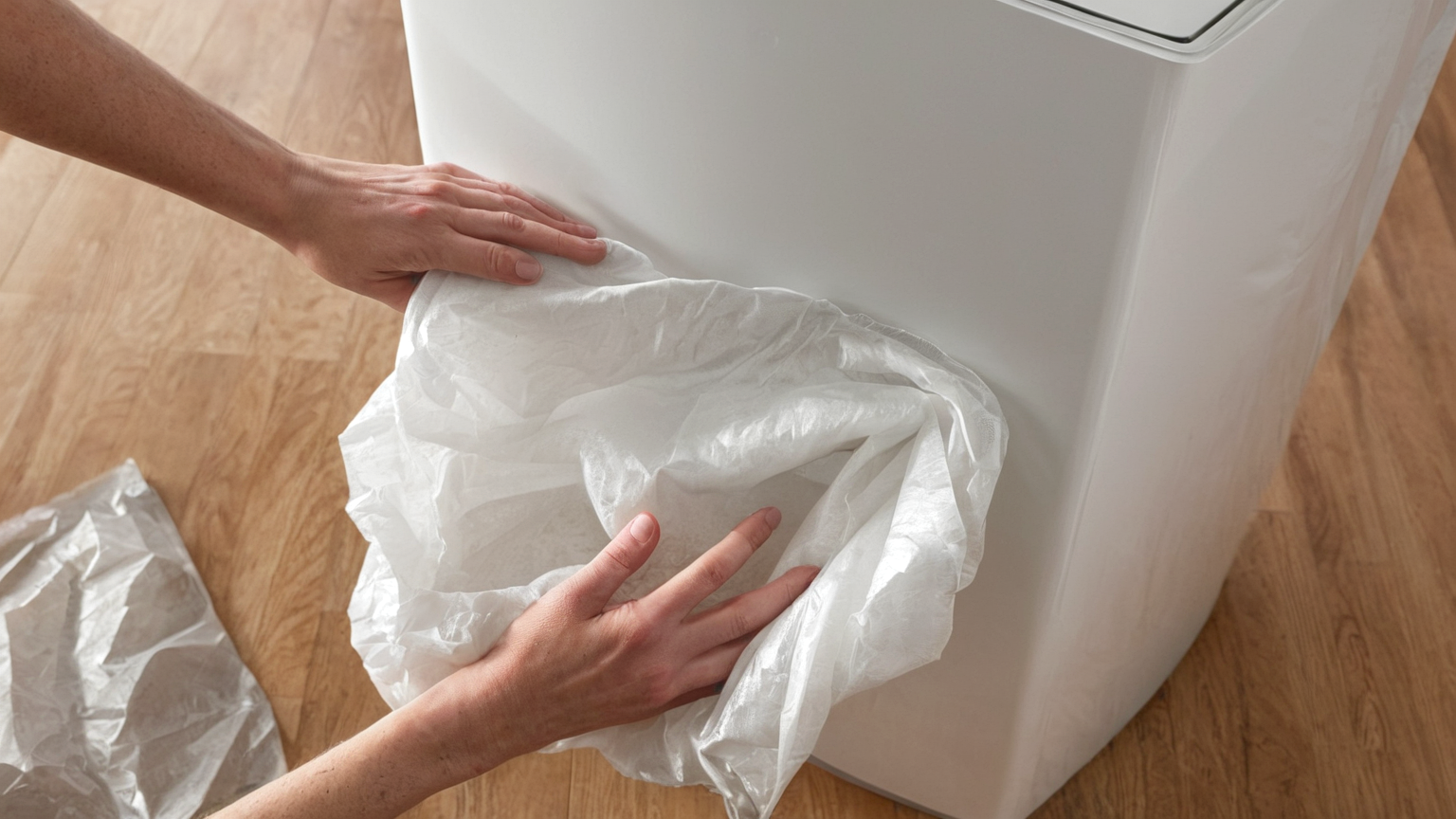
Calendar reminders are better when they separate routine replacement from event-based inspection. A filter used through several smoky days may deserve attention before the normal month count. Record the date installed, major smoke days, and visible dust changes. If a filter smells smoky, looks loaded, or airflow drops, inspect it even if the app says remaining life is high. Follow the product manual and avoid vacuuming or washing filters unless the manufacturer specifically allows it.
Placement and cord safety
The purifier should not create a trip hazard or share an overloaded outlet path with heaters, cooking appliances, or wet areas. Avoid extension-cord tangles. Keep the intake open, do not wedge the unit behind a sofa, and avoid blowing directly into bedding or loose curtains. If the device becomes hot, noisy, wet, or damaged, stop using it and follow the manufacturer or a qualified professional.
Privacy and smart-home resilience
A smoke routine should still work when Wi‑Fi fails. Test the physical power button, fan button, and any child lock. If the app has location or occupancy automation, do not require sensitive tracking just to turn on cleaner air. A simple schedule and manual control are often more resilient than a complicated scene tied to many cloud services.
Seven-step setup checklist
- Pick the cleaner-air room and remove unnecessary dust sources.
- Confirm purifier size and filter type from official product documentation.
- Place the unit with clear intake and outlet space.
- Save an app reminder plus a visible paper or shared-household note.
- Store one spare filter where caregivers can find it.
- Test manual controls without the app.
- Review after each smoke event and update the note.
AdSense-readiness note
This is not a thin product roundup. It gives readers a safety-first routine, names limits, and avoids medical guarantees. Internal links point to related smart-home reliability topics, while the sources are official indoor-air and fire-safety references. The next readiness gap is adding a small site-wide explainer on how HomeSmartly evaluates safety-sensitive smart devices without affiliate pressure.
FAQ
Is a HEPA label enough?
No. Look at room fit, clean-air guidance, filter availability, noise tolerance, and whether the unit avoids ozone-producing claims.
Should the purifier be hidden?
No. A hidden purifier is often blocked. It should be visible enough that household members can inspect airflow and operate it manually.
What if smoke symptoms continue indoors?
Follow public-health guidance, consider a cleaner indoor location, and seek medical advice for severe or persistent symptoms.