Home Energy Monitoring Plan 2026: Find Standby Loads Without Bad Data
A practical smart-home plan for measuring standby loads, HVAC patterns, and appliance habits without unsafe setups or misleading savings claims.
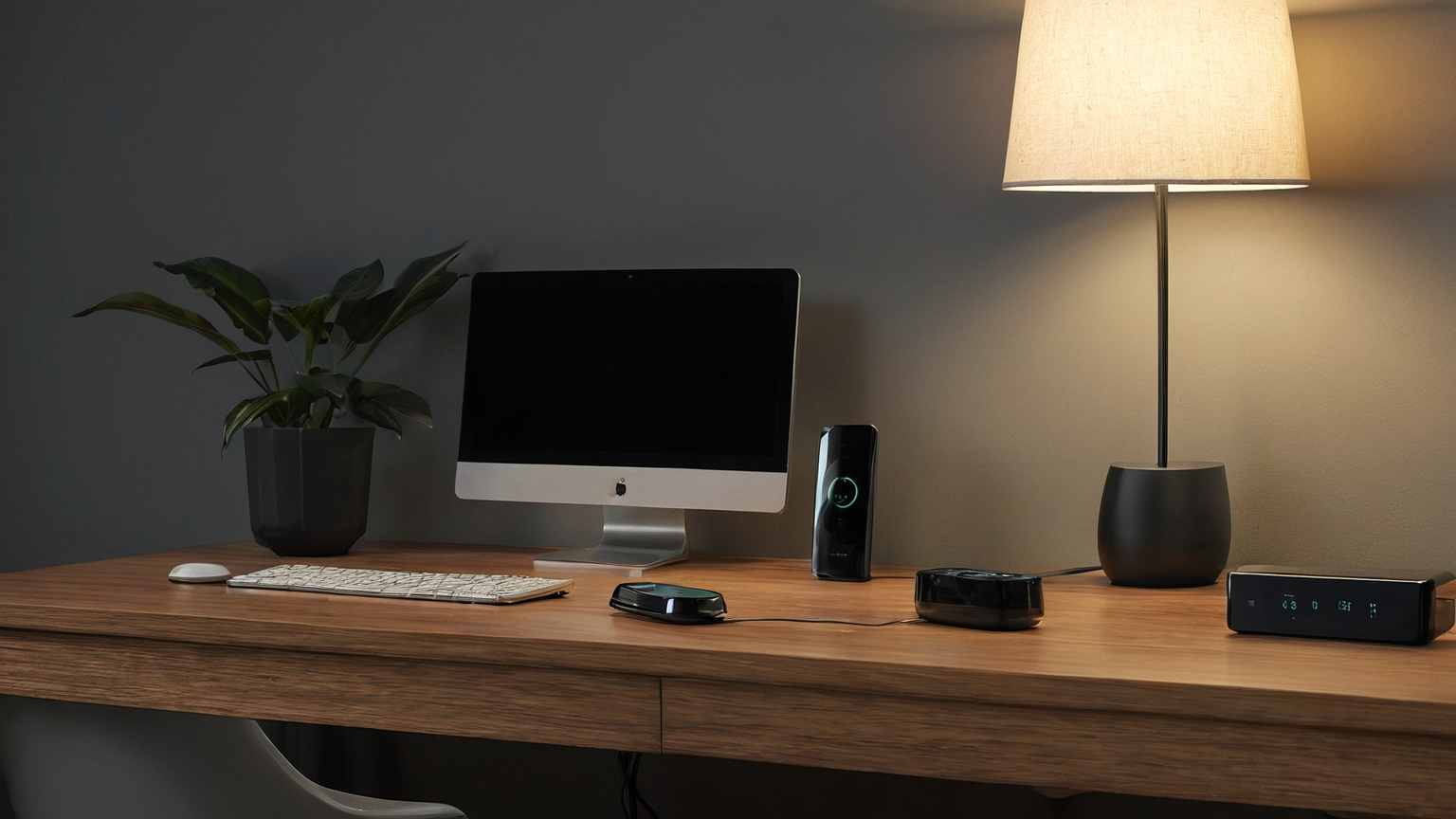
A useful energy-monitoring plan starts with questions, not dashboards. As of May 2026, official energy guidance still points readers toward appliance wattage, operating hours, thermostat behavior, and safe electrical practices rather than one universal savings number. This article turns that into a no-hype measurement workflow for renters and homeowners who want better data before changing routines or buying more smart-home gear.
Quick decision map
| Situation | Better first move | Avoid | Evidence to collect |
|---|---|---|---|
| Situation | Better first move | Avoid | Evidence to collect |
| You do not know which devices use power at night | Measure plug-loads for a normal weekday and weekend | Guessing from one utility bill | Smart-plug log, breaker label, device list |
| A heater, fridge, pump, router, or medical device is involved | Mark as “do not automate” unless the manual allows it | Cutting power for convenience | Manual, safety note, owner approval |
| Standby use is small but constant | Batch chargers and entertainment devices on one safe switched strip | Daisy-chaining strips or overloading outlets | Watt reading, outlet location, response owner |
| Alerts create noise | Keep only alerts tied to a named action | Phone spam nobody answers | Alert rule, threshold, next step, review date |
Define the question before plugging in
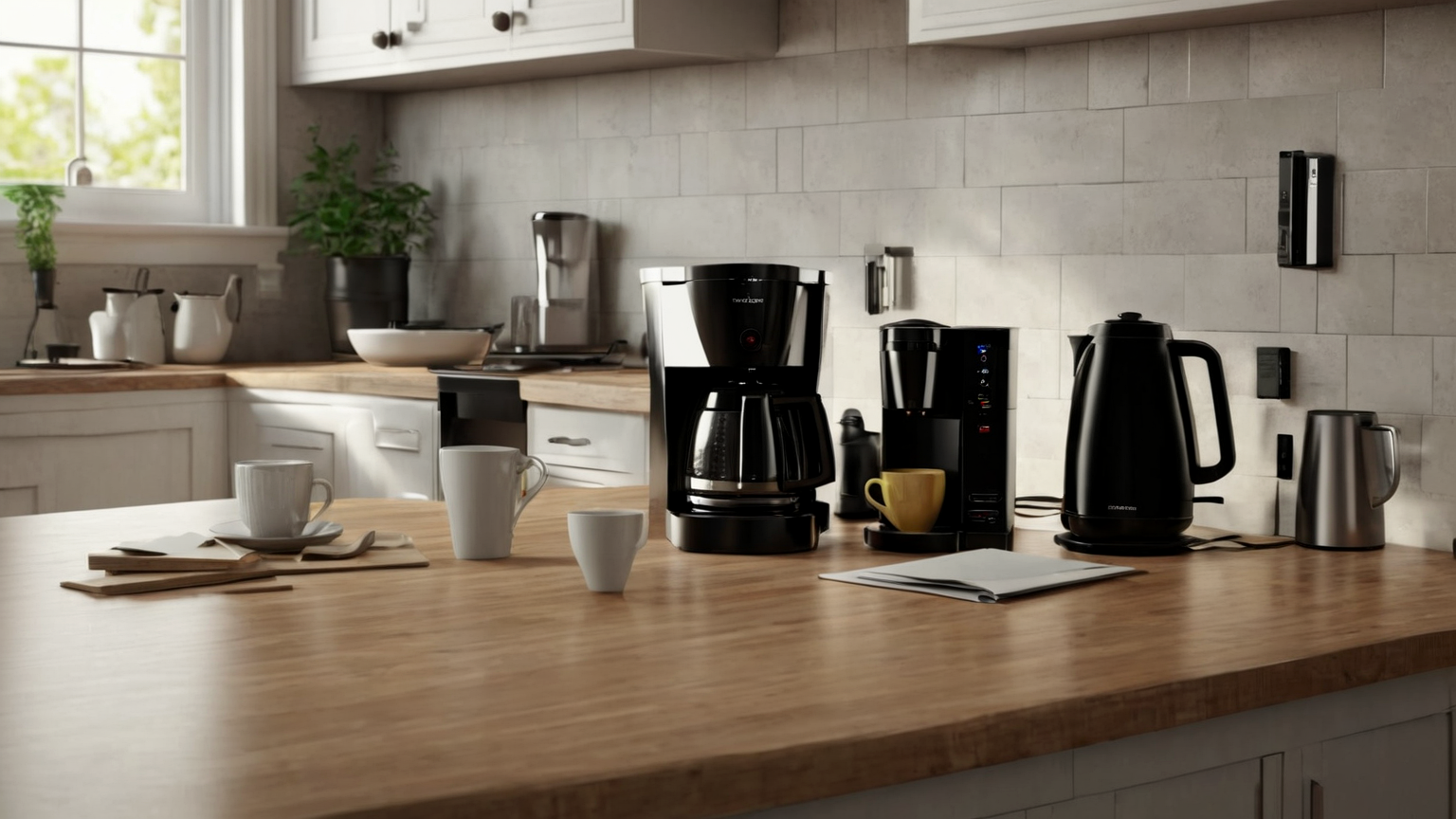
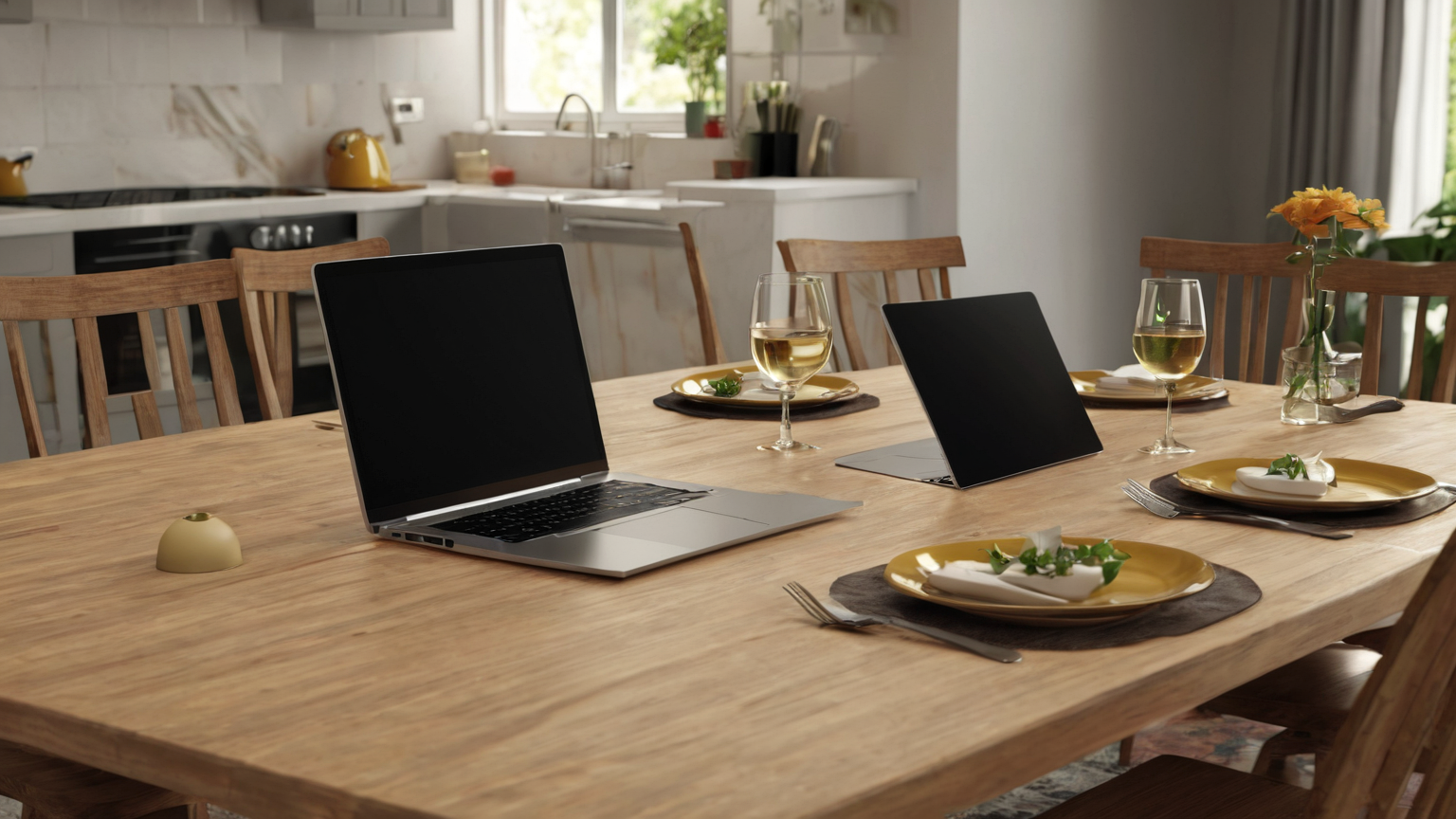
Measure one appliance group at a time: entertainment, office, kitchen counter, laundry, or comfort equipment. Write down what decision the measurement will support. If the answer will not change a habit, schedule, or replacement priority, skip that measurement. Never put a smart plug where a manufacturer forbids it, where heat builds up, or where the load exceeds the rating.
Separate standby, active use, and comfort loads
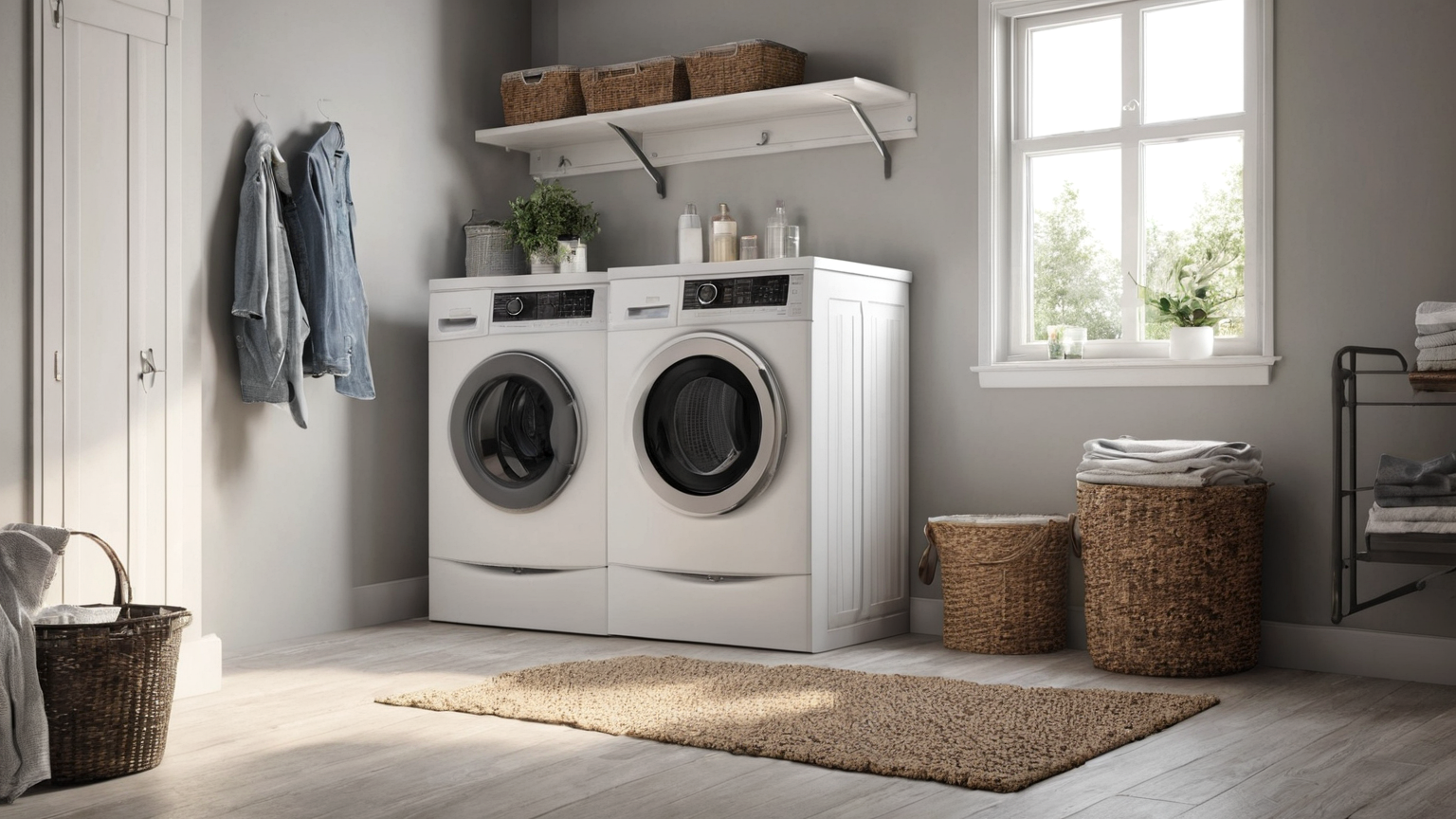
Standby loads are different from a refrigerator cycle, washer cycle, or heat-pump response to weather. Track each category separately. Use a simple table with date, room, device, observed behavior, and next action. For thermostats, comfort and health matter; do not chase a lower bill by creating damp, overheated, or unsafe rooms.
Build a weekly noise map
A noise map is a list of readings that are not useful: a one-time spike, a guest visit, a cleaning cycle, or a device someone unplugged halfway through. Mark these as noise instead of averaging them into a false conclusion. The most useful smart-home automation is often a reminder to investigate, not an automatic shutoff.
Turn measurements into small actions
After a week, choose one reversible action: unplug an unused charger station, change an entertainment power strip routine, compare a dehumidifier setting, or adjust a schedule. Keep before-and-after notes. If savings are small but convenience drops, revert. If a device feels warm, trips a breaker, smells unusual, or involves high current, stop and follow qualified electrical guidance.
Review without fake savings claims
Do not publish a household savings number to yourself unless you know your rate, duty cycle, season, and baseline. A better review asks whether the action reduced waste without making the home less safe or comfortable. Keep the dashboard simple: what changed, what stayed, what needs a manual or professional check.
Practical checklist before you call it done
- Every monitored device is named in plain language: “living-room TV strip,” not “plug 3.”
- Safety-critical loads, refrigerators, sump pumps, routers needed for emergency calling, and medical equipment are excluded from automated shutoff.
- Extension cords and power strips are used only as rated by the manufacturer; no hidden, pinched, daisy-chained, or heat-producing loads.
- Alerts have one owner, one threshold, and one action: unplug, inspect, schedule, or ignore until the monthly review.
- Current official energy and electrical-safety sources were checked in May 2026; product manuals and local electrical rules override this general workflow.
FAQ
Is this a buying guide?
No. It is a planning guide. Products can help only after the failure mode is clear.
What should I update later?
Recheck official guidance, manuals, lease rules, course policies, and local safety instructions whenever the situation changes.
What is the safest default?
Use reversible changes, document what you did, and escalate safety, building, health, or academic-integrity questions to the responsible professional.